Administrator Settings
Touch the icon with the pen nib to activate an icon in Administrator Settings.
• Certain settings for using a network, settings for authentication cannot be configured from
Administrator Settings on the machine. To configure such settings, use the Administrator Settings
Web page. For details about how to access the Administrator Settings Web page, see page 107
"Opening Administrator Settings".
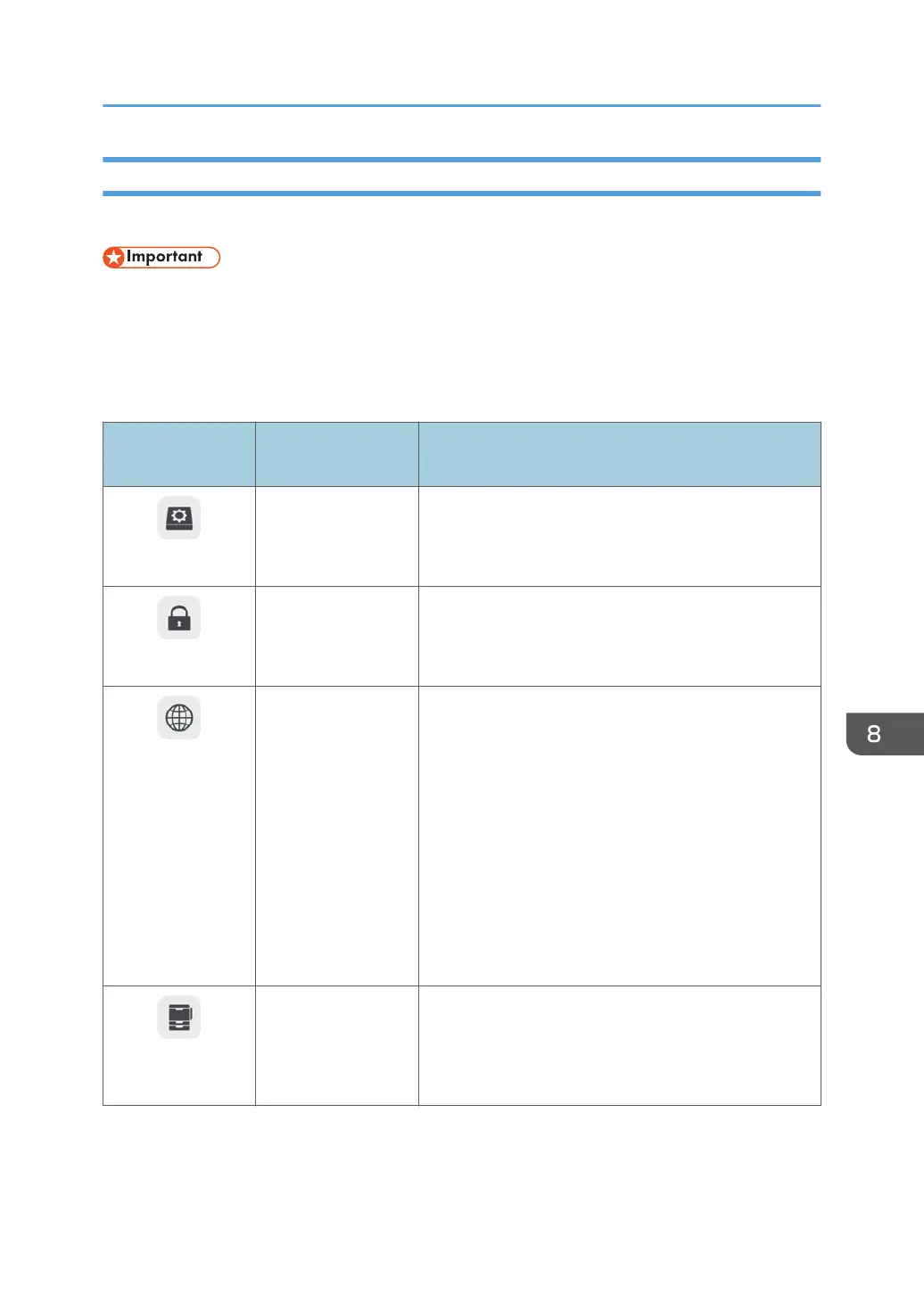
The operations performed with the activated icons are as follows:
Icons displayed on
this machine
Items on the Web
page
Behavior
System Settings
System Settings Changes the System Settings.
For details about how to configure the settings, see
page 182 "Changing the System Settings".
Security Settings
Security Settings Configures the security settings.
For details about configuring the settings, see
page 187 "Changing the Security Settings".
Network Settings
Network Settings Configures the IP Address and Default Gateway
settings. These settings are necessary to use the
following functions:
• Remote whiteboard
• Send by e-mail
• Print pages
• Web page
• IWB Remote Desktop Software
For details about how to configure the settings, see
page 149 "Configuring Network Settings".
Print Settings
Print Settings Configures the Printer Address and Print Authentication
settings. These settings are necessary to print pages.
For details about how to configure the settings, see
page 190 "Changing the Print Settings".
Opening Administrator Settings
143



 To Next Page