4. Connecting to a Video Conference
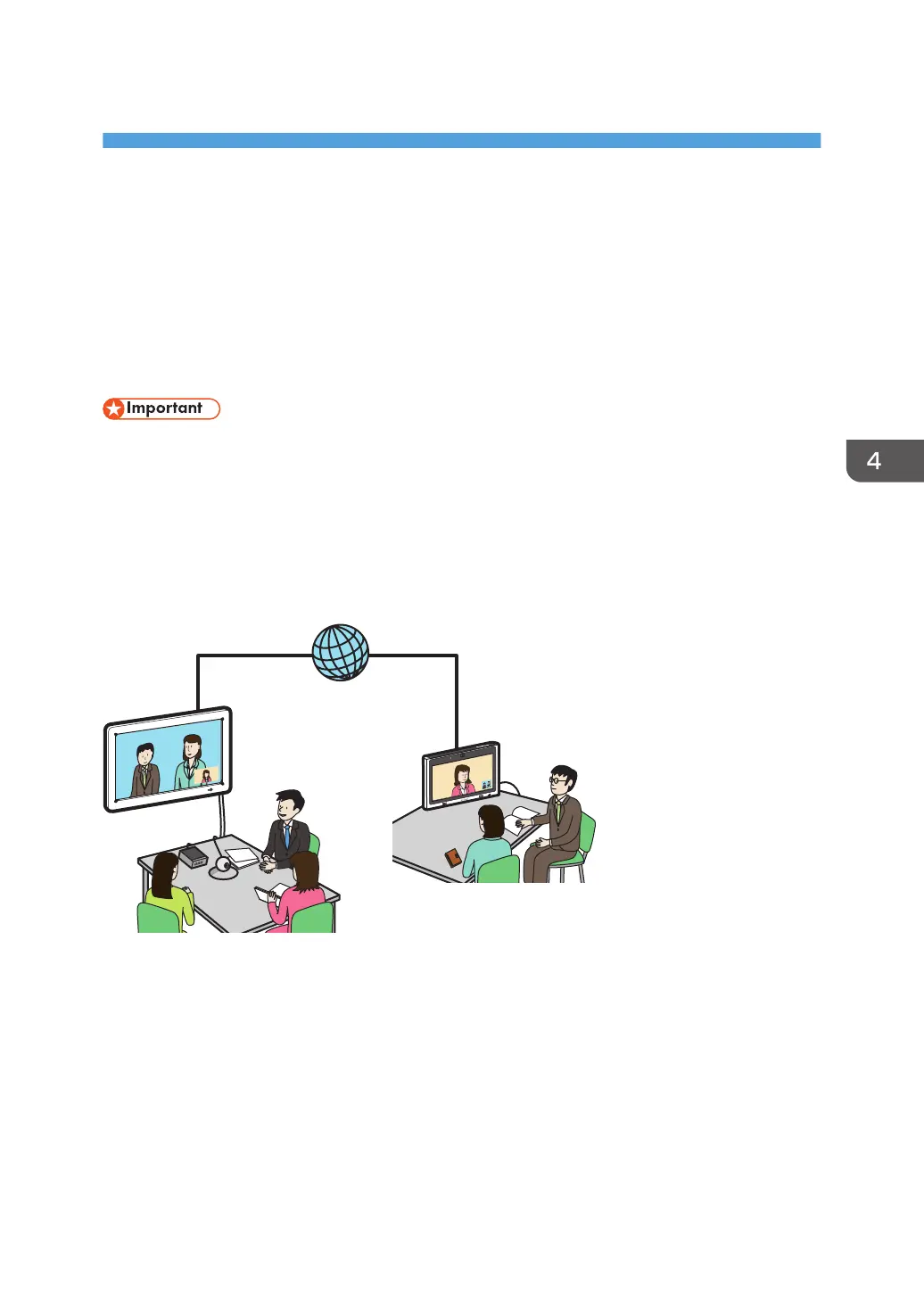
This section explains how to use this machine as a video conferencing device in order to connect to a
video conference.
Using the RICOH UCS Function
You can use this machine for RICOH Unified Communication System (RICOH UCS)-based video
conferencing.
• The RICOH UCS function is only available to RICOH UCS service users. For details about RICOH
UCS, consult the distributor where you purchased the machine or your sales representative.
• To use the RICOH UCS function, you will need to configure the Video Conference Settings. For
details, see page 192 "Changing the Video Conference Settings".
• Video Conference Settings cannot be configured from Administrator Settings on the machine. To do
so, use the Administrator Settings Web page.
What you can do with this machine
• Hold a meeting
You can use the machine to connect or reply to a remote contact to start a meeting.
• Share a screen
You can share the whiteboard screen or the screen of a computer connected to the machine
with the other parties connected to the meeting.
• Approve a registration request
89



 To Next Page