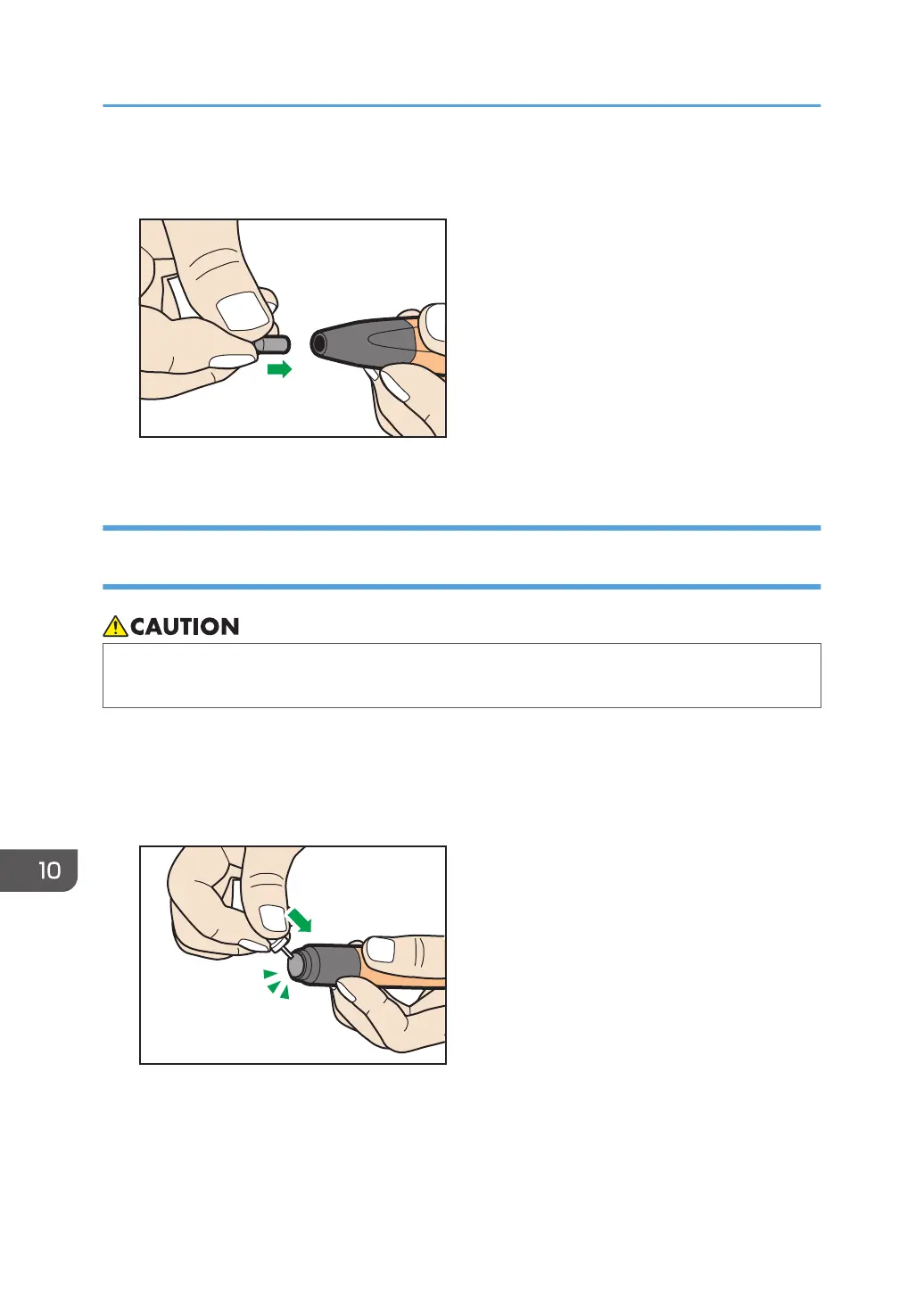
3. When the pen nib is removed from the interactive pen body, insert and press the new pen
nib straight onto the pen body.
Do not twist when pressing the pen nib. This might cause the pen nib to break.
Replacing the Pen Bottom of the Interactive Pen for RICOH Interactive
Whiteboard D5510
• Use a pushpin or similar solid pointed tool to replace the pen bottom. Be careful not to injure
yourself.
If the pen bottom becomes damaged, replace it with a replacement pen bottom. Contact your service
representative to obtain a replacement pen bottom.
This example describes how to replace the pen bottom using a pushpin.
1. Insert a pushpin at an appropriate angle into the edge of the pen bottom.
Fully insert the pushpin into the other end of the pen bottom.
10. Appendix
256



 To Next Page