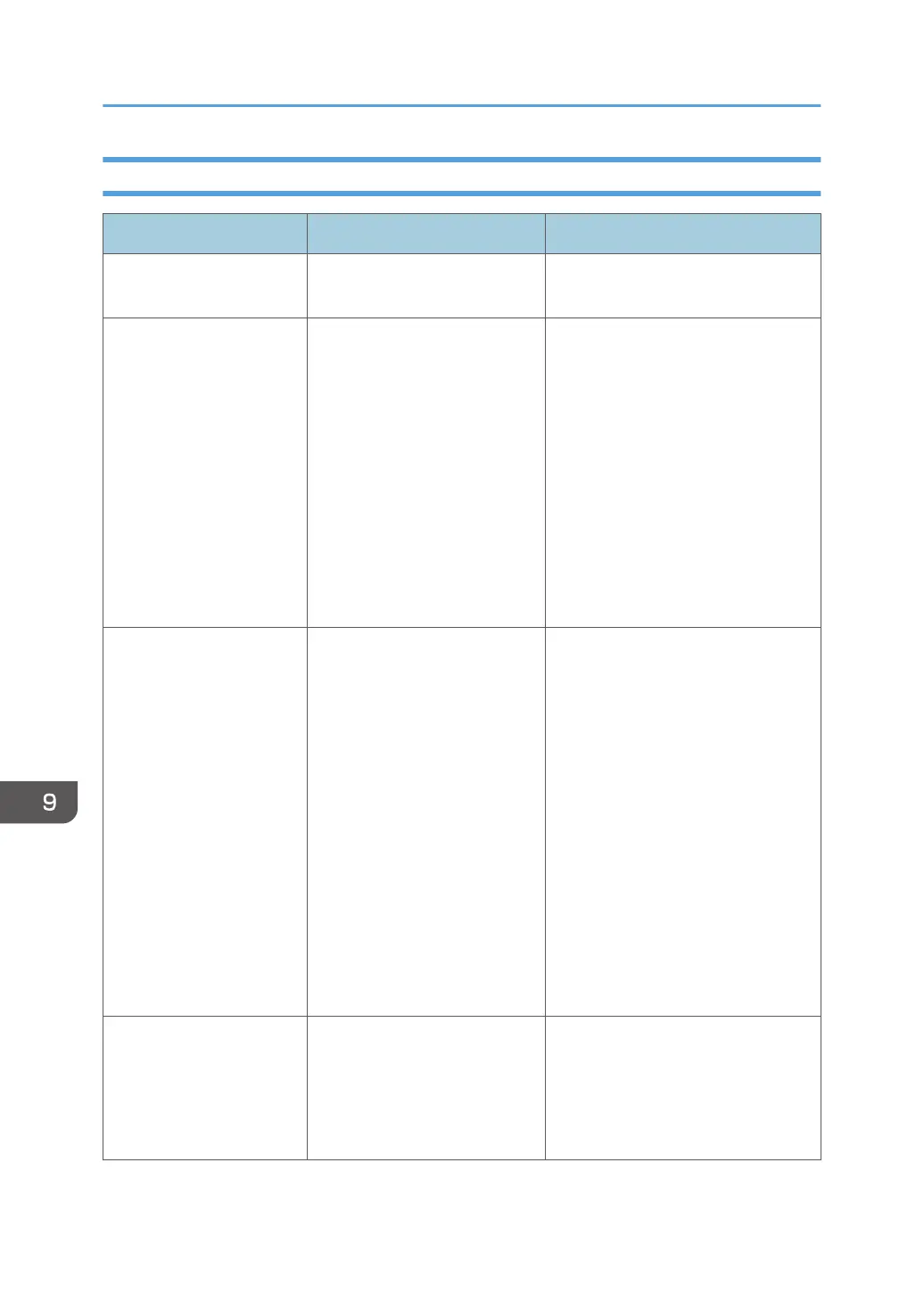
Error Messages Related to Configuration Settings
Message Causes Solutions
Cannot import. The import has failed due to an
unknown reason.
Contact your service representative.
Cannot import because the
email address format is
incorrect.
Use the correct email
address format.
The format of the e-mail address
is invalid.
Check whether any of the following
apply:
• The e-mail address is left blank.
• More than 64 characters are
used for the local block of the e-
mail address.
• More than 255 characters are
used for the domain of the e-
mail address.
• More than 256 characters are
used for the e-mail address.
Cannot import because the
IP address format is
incorrect.
Use the correct IP address
format.
The file to be imported contains
an IP address with an invalid
format.
Check whether any of the following
apply:
• The IP address is left blank.
• The IP address is not composed
of four parts, each separated by
a period, which contain three or
fewer single-byte digits.
• The four parts of the IP address,
each separated by a period,
contain three or fewer single-
byte digits with an invalid value.
• More than 256 digits are used.
• Uses a 2-digit or 3-digit number
that starts with 0.
Cannot import because the
IP address format is
incompatible.
Check the IP address and
reset it.
The file to be imported contains
an IP address with an invalid
value.
Check whether the file contains an IP
address (such as 0.0.0.0 or
127.0.0.1) configured for a specific
purpose.
9. Troubleshooting
220



 To Next Page