Operating a Page
This section explains the operation of a page such as adding or deleting a page.
Adding a Page
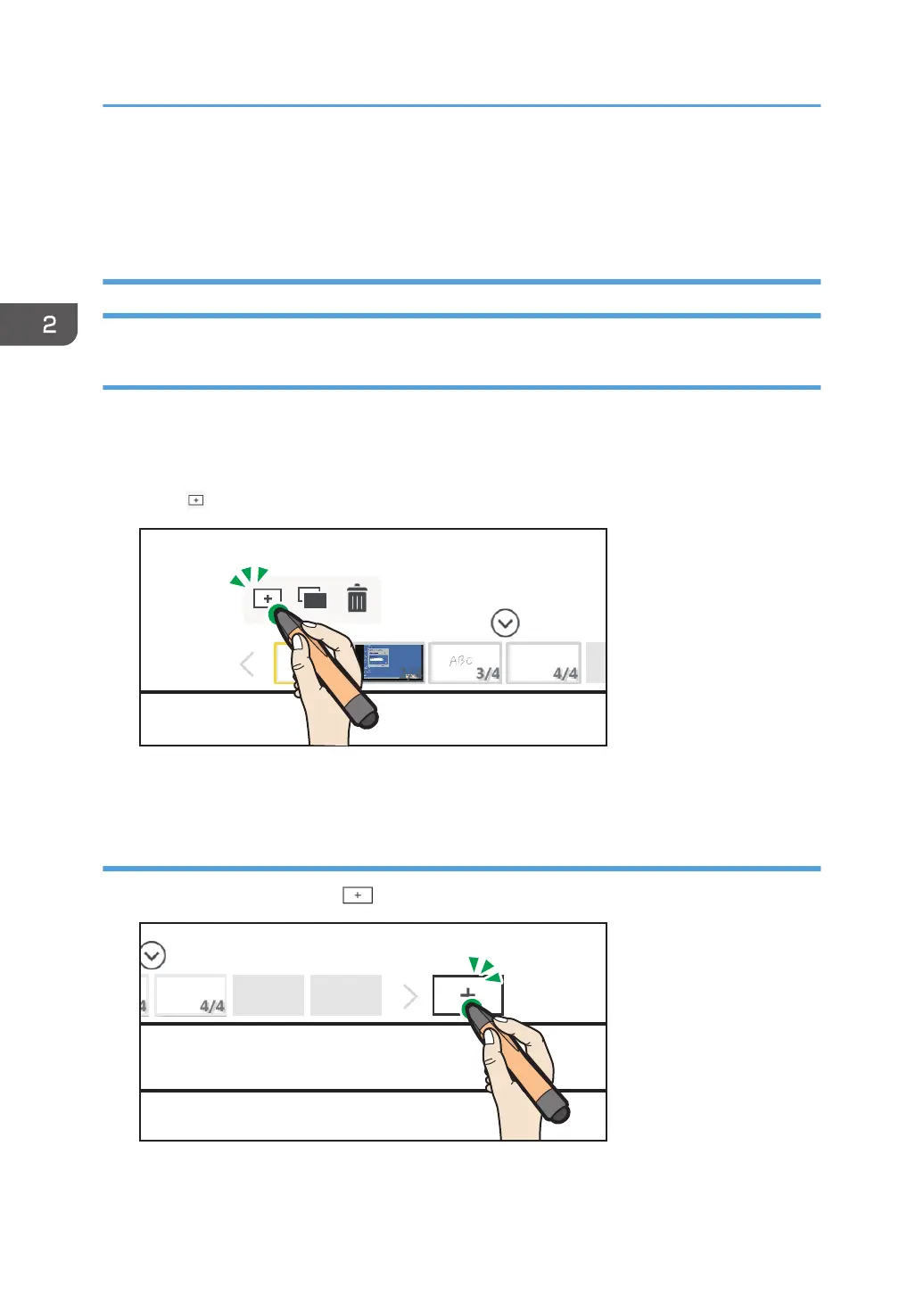
Adding a new page
1. On the page list, touch the thumbnail of the page that is right before the location where
you want to add a page.
The captured page operation panel appears.
2. Touch , the New Page icon.
A new blank page is created behind the selected page, and the newly created page is displayed.
Adding a new page at the end of the page list
1. To add a new page, touch , the Create New Page icon.
2. Using a Whiteboard
48



 To Next Page