Displaying the Desktop
You can open General Settings or Administrator Settings from the desktop.
The procedure for displaying the desktop is as follows:
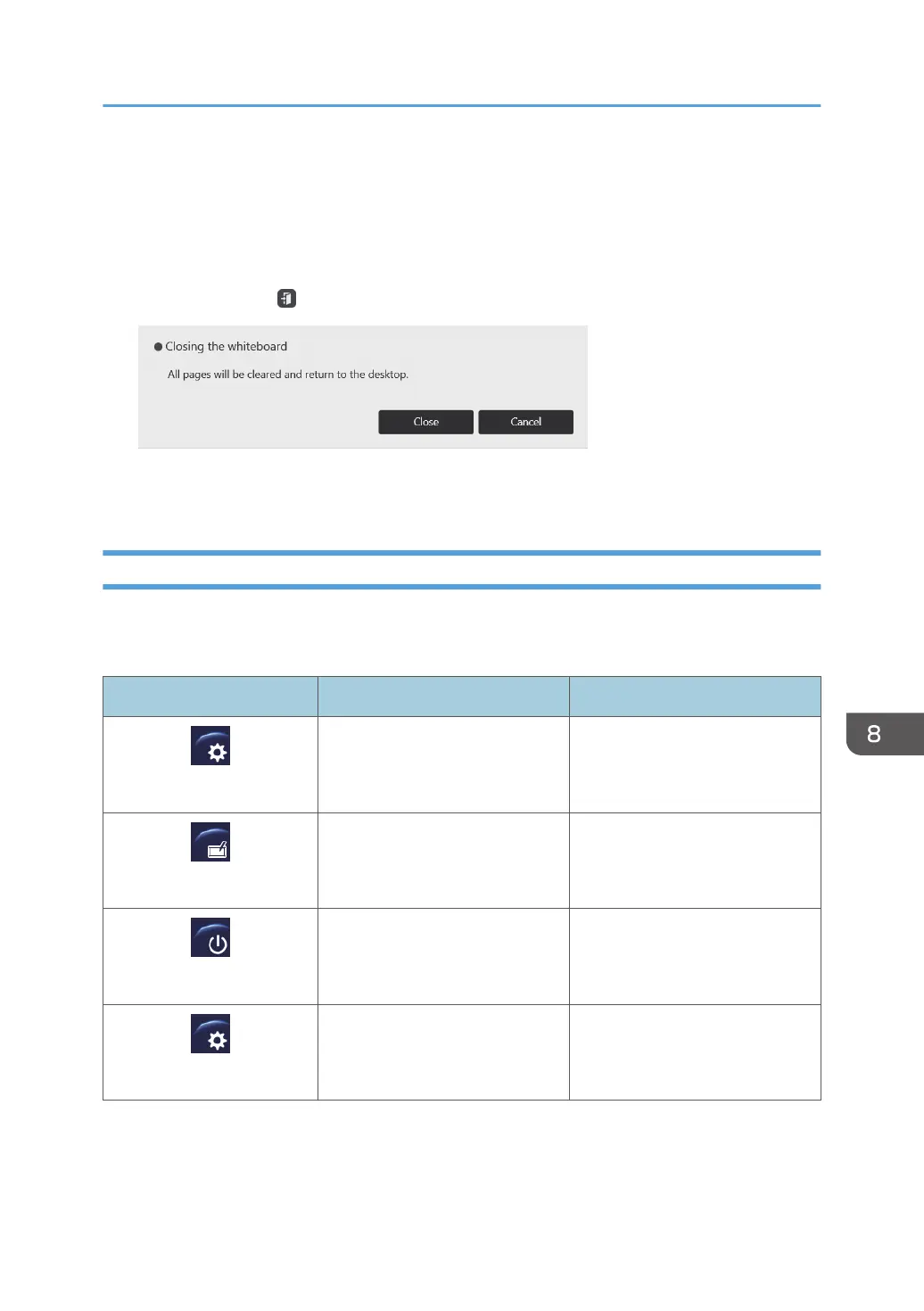
1. Press and hold on , the close icon, with the pen nib until a message appears.
2. Touch [Close].
The displayed page closes and the desktop is displayed.
Icons on the Desktop
Touch an icon twice in quick succession with the pen nib to activate an icon on the desktop.
The operations performed with the activated icons are as follows:
Icon Behavior Reference
AdminSettings
Opens Administrator Settings. See page 142 "Opening
Administrator Settings".
Interactive Whiteboard
Displays the main screen of the
machine.
See page 16 "Screen
Configuration".
PowerOFF
Turns the power off. -
Settings
Opens General Settings. See page 141 "Opening
General Settings".
Displaying the Desktop
139



 To Next Page