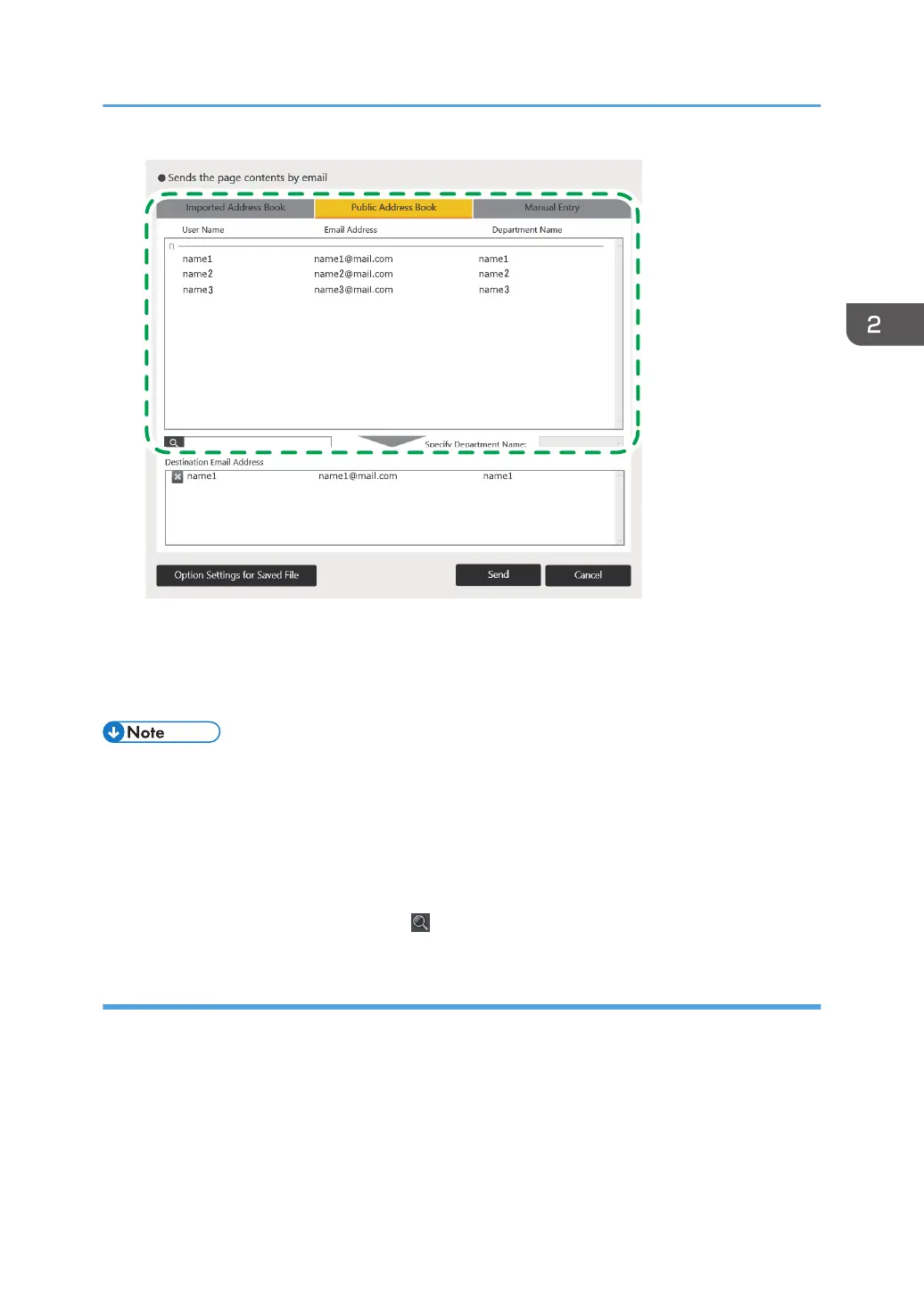
The selected e-mail address is added to the "Destination Email Address" list.
When you delete the selected e-mail address, touch the e-mail address you want to delete on the
list.
• The [Public Address Book] tab appears only when the settings to use a public address book are
configured.
• Even when the necessary settings are specified, the [Public Address Book] tab does not appear if
no public address book exists.
• Even when the setting to use the public address book is selected, the destination address is not
displayed if [Download Public Address Book and Search] in the Network Settings is not selected.
Enter a keyword in the input box next to , the Search icon, to search for the destination.
Entering e-mail addresses manually
1. Enter the name of the destination in "Display Name" in [Manual Entry] tab.
2. Enter the e-mail address of the destination in "Email Address".
The touch keyboard appears when you touch the input field.
It may take approximately 2 seconds until the touch keyboard is displayed.
Operating a File
69



 To Next Page