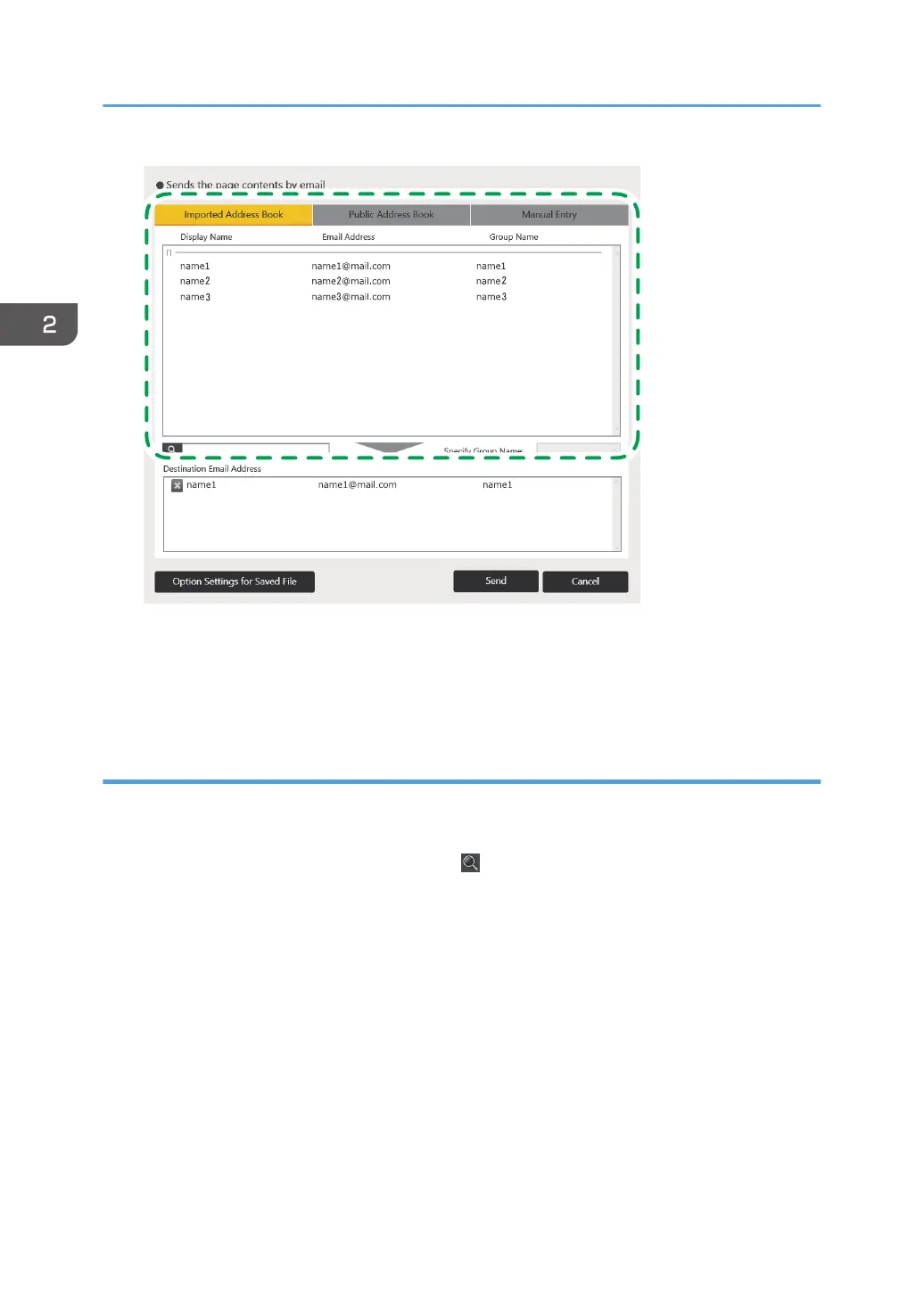
The selected e-mail address is added to the "Destination Email Address" list.
When you delete the selected e-mail address, touch the e-mail address you want to delete on the
list.
Select from public address book
1. Select the e-mail address of the destination to which you want to send the pages from
[Public Address Book] tab.
• Touch keyboard appears when you touch
, the Search icon or the input box.
An incremental search of a destination is performed as you enter characters in the input box.
Also, you can perform AND search by entering multiple words separated by a space.
• When you select a group name in [Specify Group Name], you can display only the
destinations of the selected group names.
2. Using a Whiteboard
68



 To Next Page