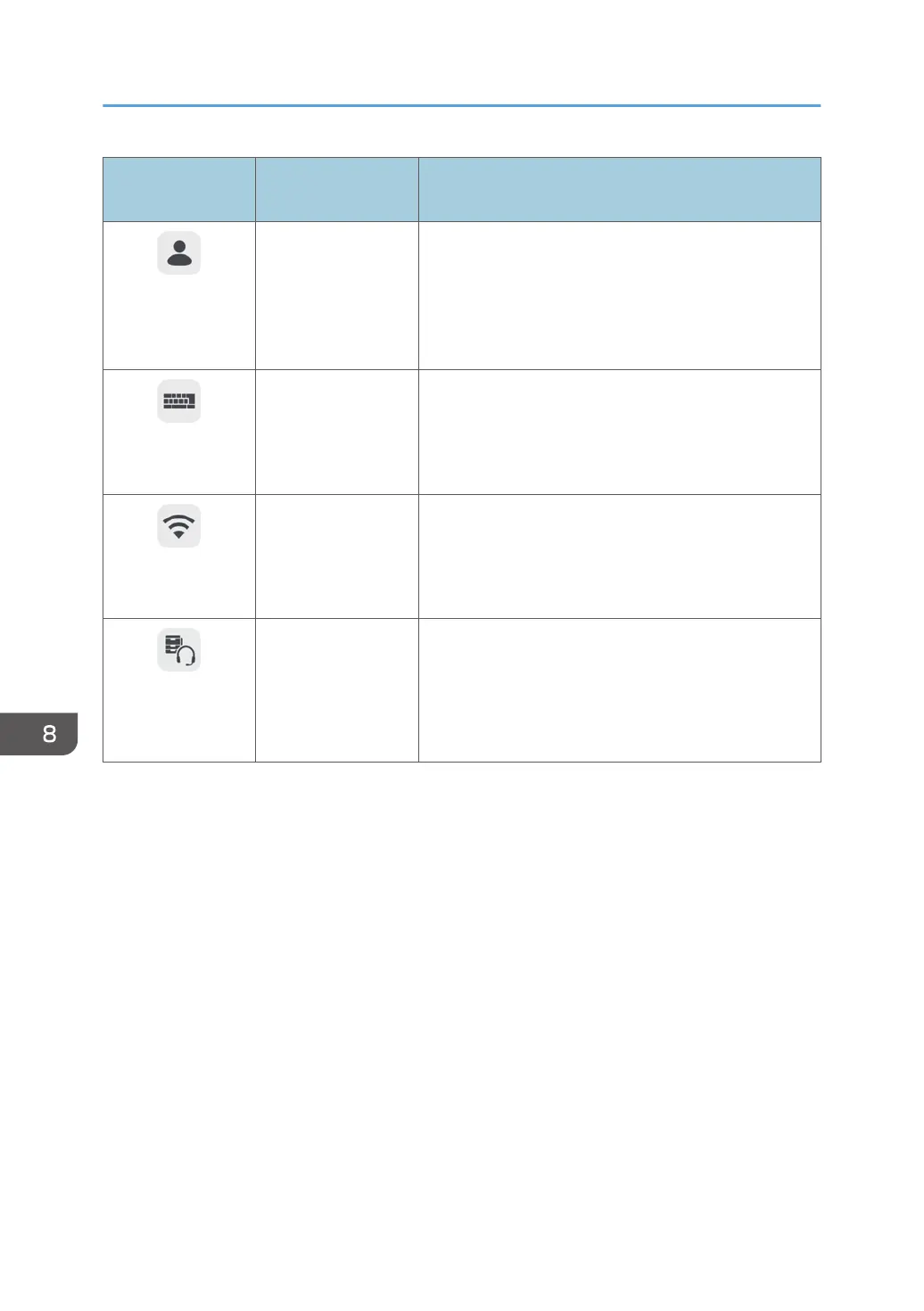
Icons displayed on
this machine
Items on the Web
page
Behavior
Change
Administrator
Password
Change
Administrator
Password
*2
You can change the administrator password.
Enter the current password together with the new
password to change the password.
Display Touch
Keyboard
-
*1
Displays the touch keyboard.
This keyboard is used to enter text, such as an e-mail
address or password.
Wireless Network
Settings
-
*1 *3
Configures the wireless network. It also displays the
MAC address of the device.
For details about how to configure the settings, see
page 151 "Configuring Wireless Network Settings".
Device
Management
-
*1 *3
Adds or deletes a device connected via Bluetooth. This
icon is displayed only when [Enable Bluetooth Device
Connection] on the System Settings screen is selected.
For details about how to add a device, see page 193
"Managing Devices Connected via Bluetooth".
*1
This item cannot be displayed from the machine's Web page.
*2
The initial password (“admin”) cannot be specified from the Web page of the machine. The new password
becomes valid after the machine is restarted.
*3
This item is only displayed on some models.
8. Changing the Interactive Whiteboard Settings
146



 To Next Page