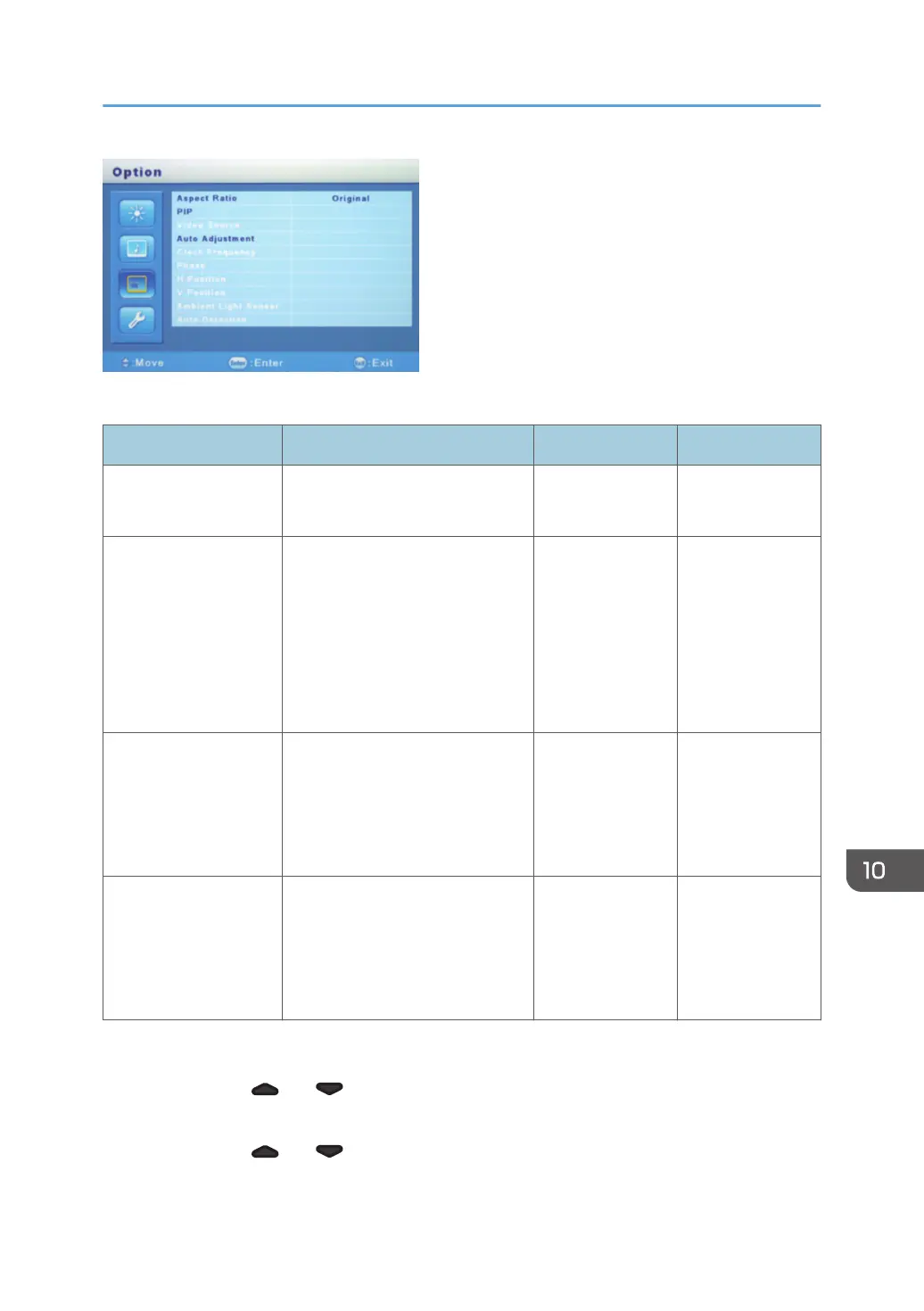
The "Option" menu has the following items that can be adjusted:
Item Setting Initial value Value range
Aspect Ratio When it is set to "Full", the image
is expanded to full screen.
Original • Full
• Original
PIP-PIP Size Selects the sub-window size
displayed when the [PIP] button is
pressed.
Middle • Small
(384 × 288)
• Middle
(480 × 360)
• Large
(576 × 432)
PIP-PIP Position Adjusts the position of sub-
windows displayed when the
[PIP] button is pressed.
This item only works when the
sub-windows are displayed.
Upper right
corner
-
Auto Adjustment Automatically adjusts the position
of the screen switched to with the
[Enter/Input] button.
This item only works when screens
are switched.
- -
Adjusting the aspect ratio
1. Press the [ ] or [ ] button, and then select "Aspect Ratio".
2. Press the [Enter/Input] button.
3. Press the [ ] or [ ] button, and then select the item you want to set.
4. Press the [Enter/Input] button.
Adjusting the Display
263



 To Next Page