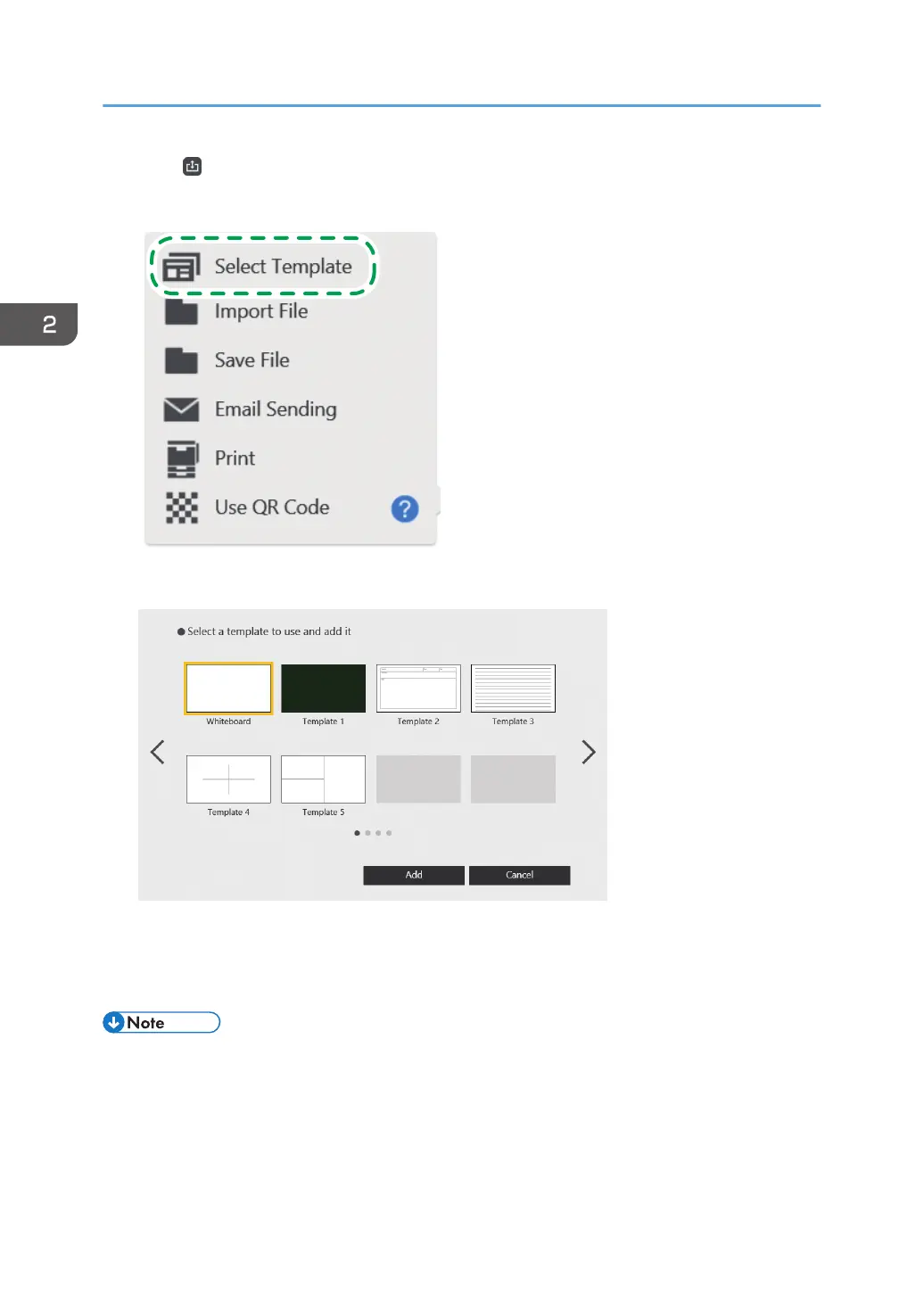
1. Touch , the Import and Save icon.
2. Touch [Select Template].
3. From the list of template images, select the template that you want to add.
5 template screens have been imported in advance.
4. Touch [Add].
A template is added as a new blank page at the end of the page list.
• You can add a white page by selecting the one in the template selection window.
2. Using a Whiteboard
50



 To Next Page