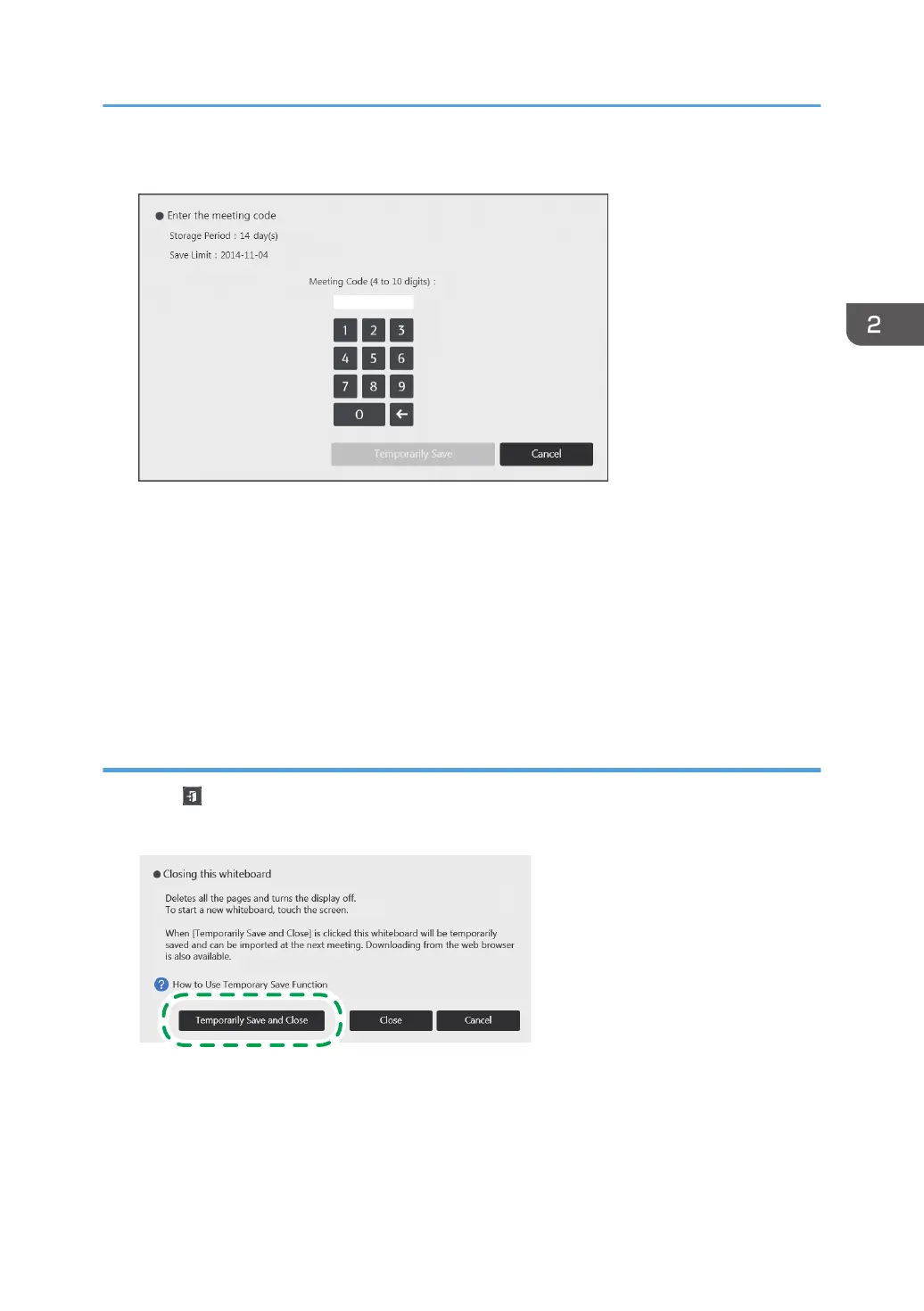
4. Enter the meeting code.
Any number can be specified for the meeting code.
The meeting code is used to do the following:
• Import a temporarily saved file and resume from the last item of information you wrote
• Download a temporarily saved file from the Web page
5. Touch [Temporarily Save].
Temporary saved files can be stored for up to 30 days. You can change the storage period. For
details about how to change the storage period, see page 182 "Changing the System Settings".
Save temporarily and close
1. Touch , the Close icon.
2. Touch [Temporarily Save and Close].
Operating a File
57



 To Next Page