PDF file
Item Condition
File size 100 MB or less
PDF version PDF 1.3–1.7 (including PDF/A)
Page size Postcards–A0
Document security No security setting
*1
*1
A password-protected PDF file cannot be read. Also, a print-prohibited PDF file cannot be read so as to
prevent the file from being printed.
PowerPoint files
• Microsoft PowerPoint 97 or later
1. To save pages in a USB flash memory device, insert the flash memory device into the USB
port.
Insert only one USB flash memory device.
For details about how to connect a USB flash memory device, see page 27 "Inserting a USB Flash
Memory Device".
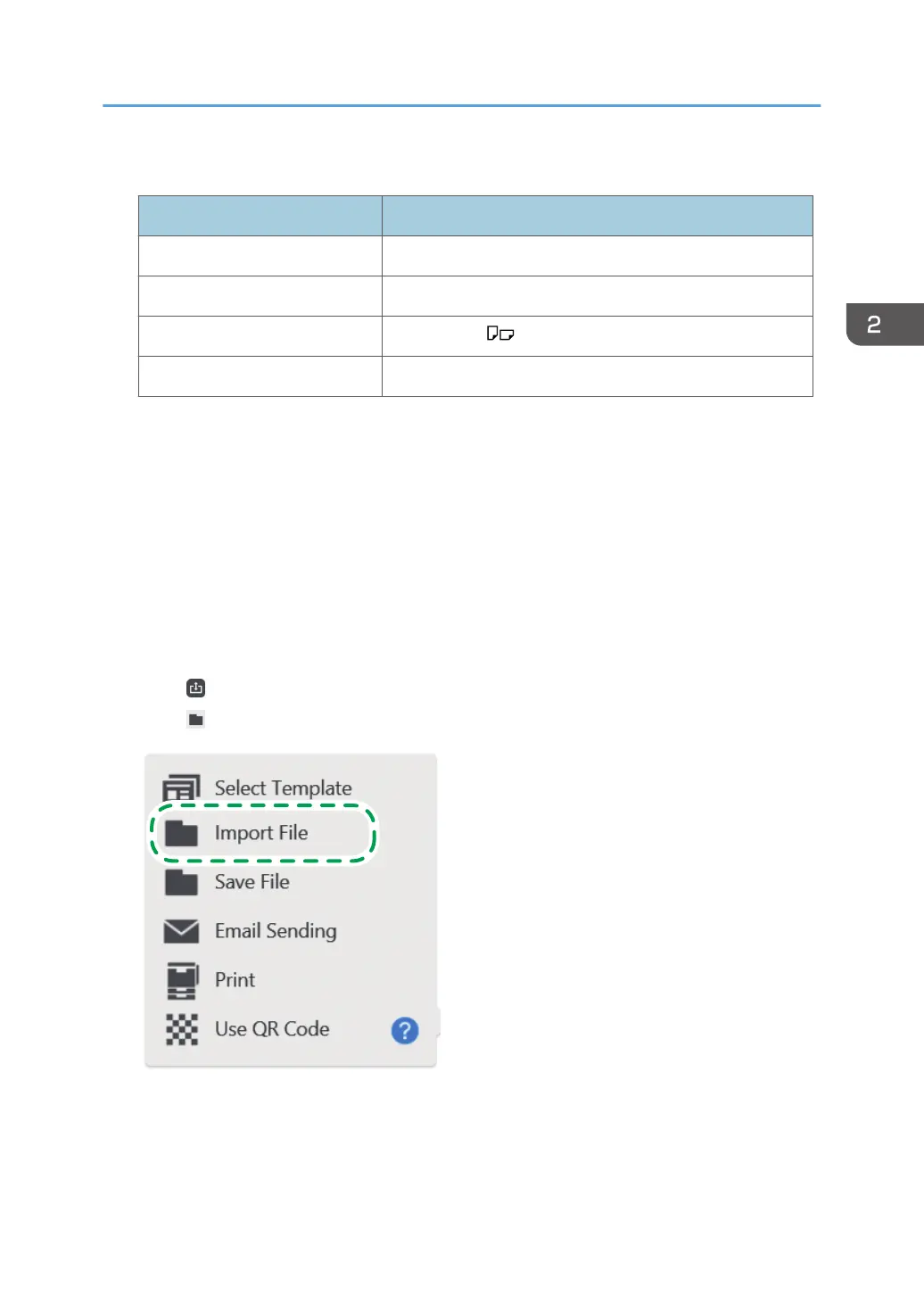
2. Touch , the Import and Save icon.
3. Touch [Import File].
Operating a File
59



 To Next Page