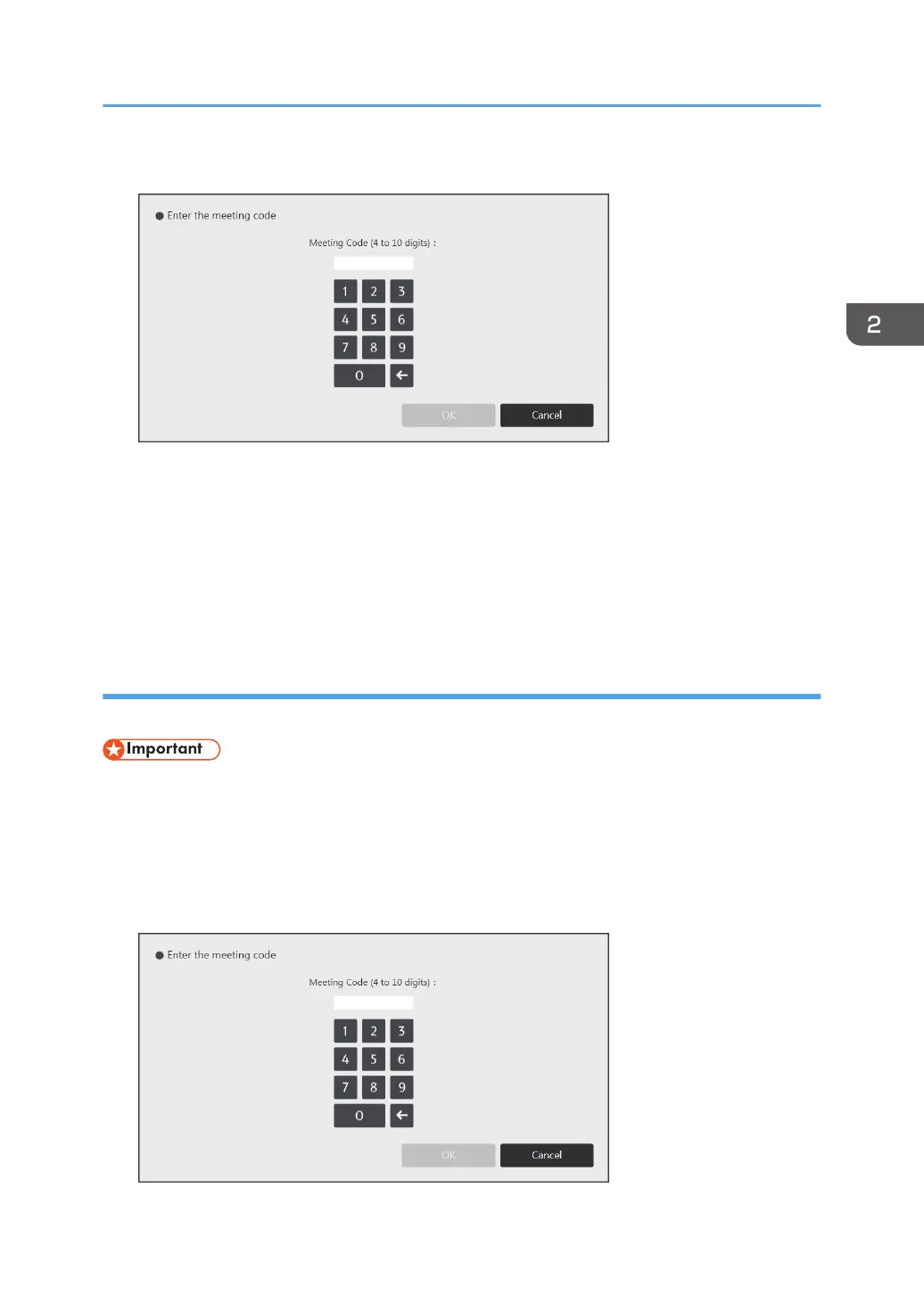
4. Enter the meeting code.
5. Touch [OK].
The saved files which correspond to the entered meeting code are listed.
6. Select the file you want to import.
7. Touch [Import].
The imported pages are added in sequence to the end of the page list. When the PDF file has
finished importing, the first page of the file is displayed.
Importing a temporarily saved file when the machine starts up
You can import a temporarily saved file when the machine starts up or exits standby mode.
• Before using this function, you must specify the corresponding setting in System Settings. For details,
see page 182 "Changing the System Settings".
1. Press the power button of the machine. The machine starts up or exits standby mode.
2. Touch [Import] in the message that appears.
3. Enter the meeting code.
Operating a File
63



 To Next Page