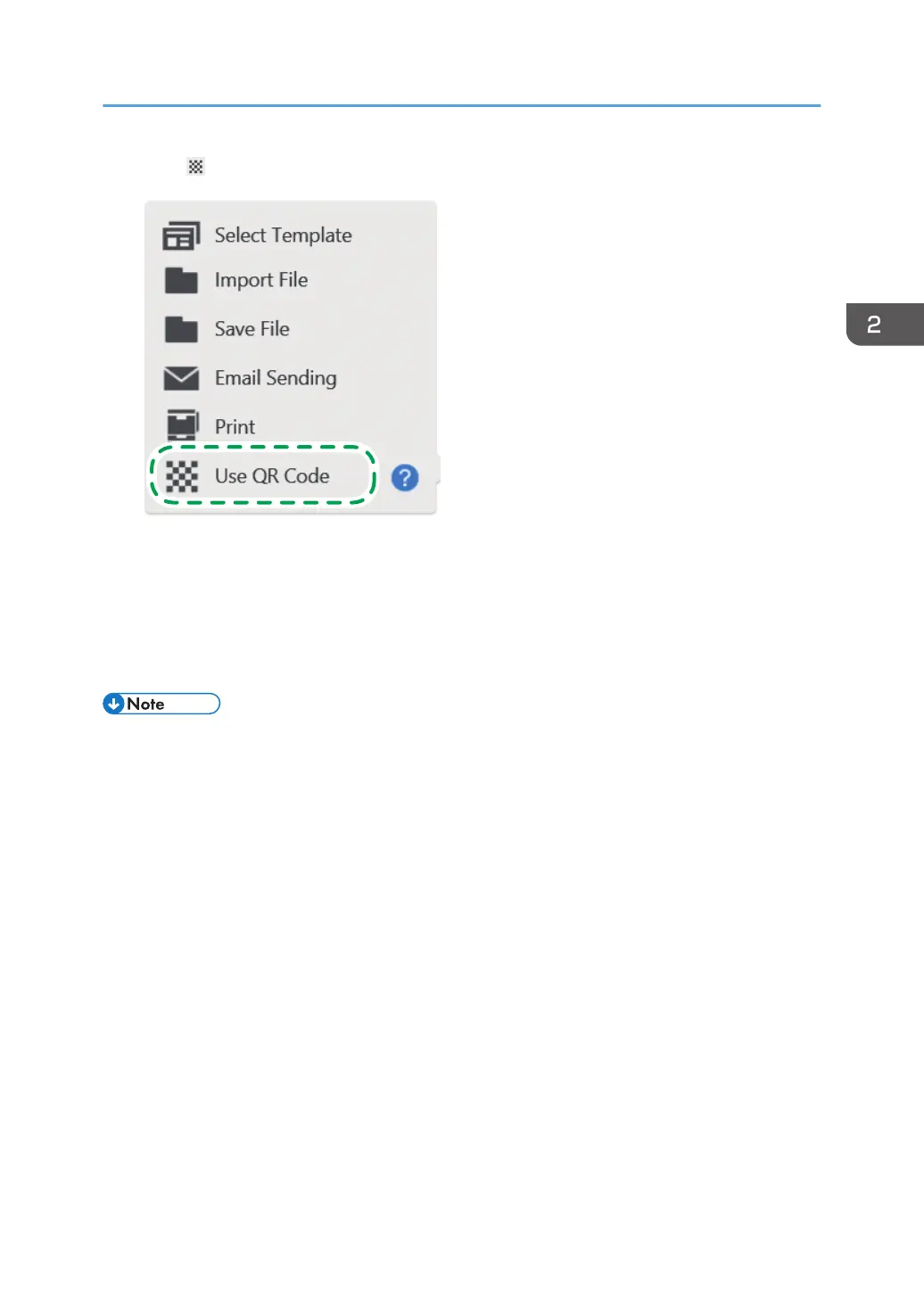
2. Touch [Use QR Code].
3. Scan the QR code on a smart device.
When the page is finished saving, a message appears on the screen.
4. Touch [Close] on QR Code screen.
If you touch [Close] before the file is imported, a message is displayed to indicate that a file is
being received. Touch [Close] again to cancel the importation of the file.
• The effective period of QR Code is 10 minutes from the time the code is displayed. The code
cannot be used after the effective period expires. If this happens, scan the connecting code again.
• For details about how to scan QR Code, see the operating instructions of the external application.
• When multiple files are sent from the external application, the files are displayed in the order in
which they are imported.
• The maximum number of pages that can be imported to the machine is 100. If the total number of
captured pages and pages in the files to be imported from the smart device exceeds 100, only the
first 100 pages are imported.
Operating a File
73



 To Next Page