2.8.8 Checking the ID and toner density sensors
ID sensor
1. Turn off the main switch, and open the front door. Remove two screws to allow it to open
further.
2. Remove the inner cover at the lower right of the operation panel (2 screws).
3. Set the Beckman multimeter between TP4 and TP1 (ground) on the interface board to
measure the voltage.
4. Activate the front door safety switch, and turn on the main switch. Wait for the machine
stand-by.
5. While pressing the SW1 on the board, turn VR1 on the board. If the multimeter shows 0 to 4
volts change by turning VR1, the ID sensor is normal.
Toner density sensor
1. Set the Beckman multimeter between TP5 and TP1 (ground) on the interface board to
measure the voltage.
2. Activate the front door safety switch, and turn on the main switch. Wait for the machine
stand-by.
3. Make copies. If the multimeter shows about 8 volts during the copying run, the toner density
sensor and the toner density control board are normal.
2.8.9 Checking the development DC power supply
1. Turn off the main switch, and remove the rear left
and right covers (2 screws each).
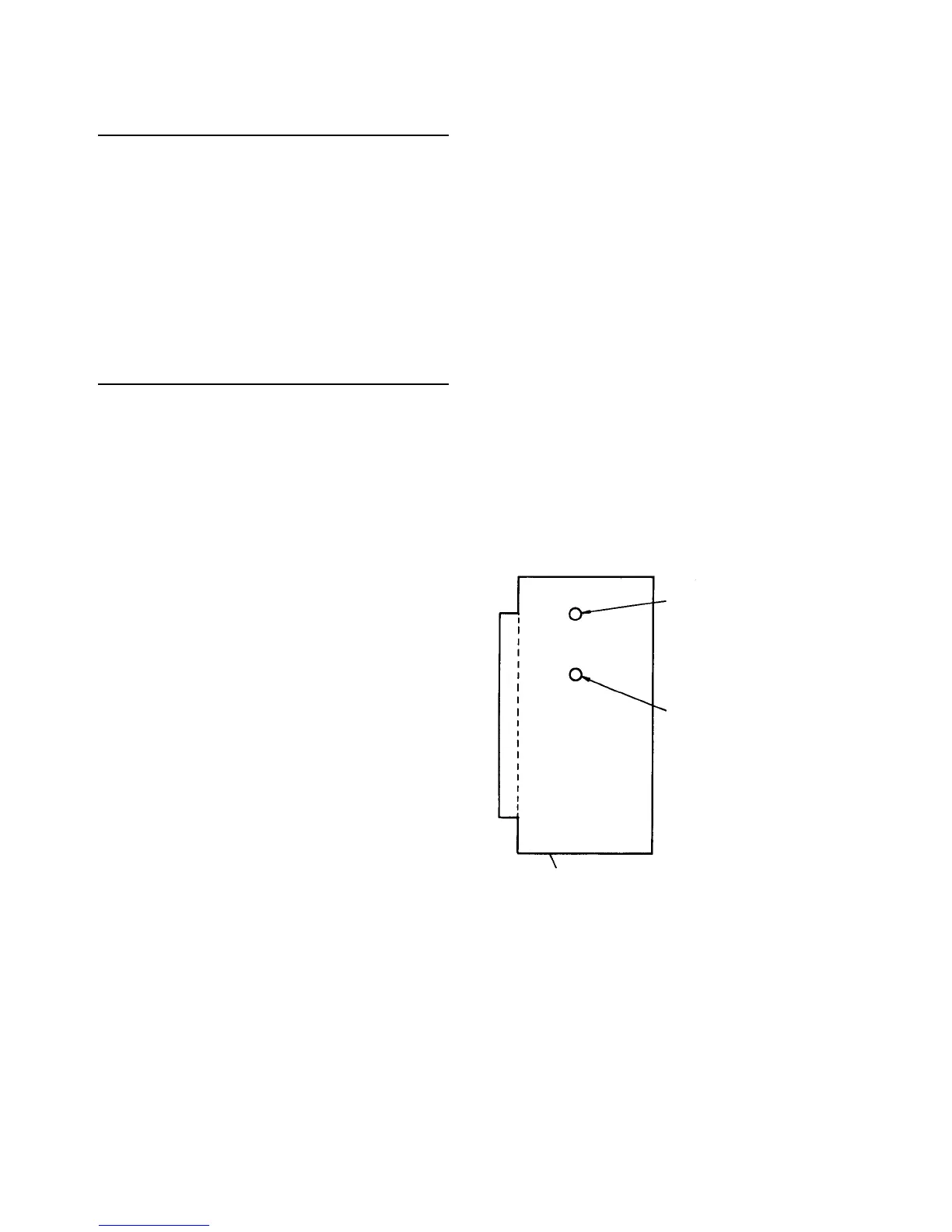
2. Set DGS (red dial) of the development DC power
supply at 7.
3. Disconnect the small 3-pin connector of the
encoder (pulse generator sensor) on the top of the
development motor.
4. Turn on the main switch, and access the service
tool.
5. Select [5-04] and turn on the OPC motor and
development motor.
6. Measure input voltage to the development motor
using the Beckman multimeter. Use the large 2-pin
connector of the dc power supply harness (black
and red wires) from the motor.
7. Adjust VR (blue dial) of the DC power supply so
that input voltage come to 34.3 ± 0.5 volts.
8. Check that input voltage is below 4 volts (± 1 volt)
when the encoder 3P connector is connected.
CAUTION
If the position of DGS is changed from the
original position, check the copy image. If the
image is not normal, adjust the development
motor speed. (See Adjusting the development
motor speed in Replacing the development
sleeve section.)
DGS (red dial)
VR (blue dial)
Development DC power supply













 To Next Page