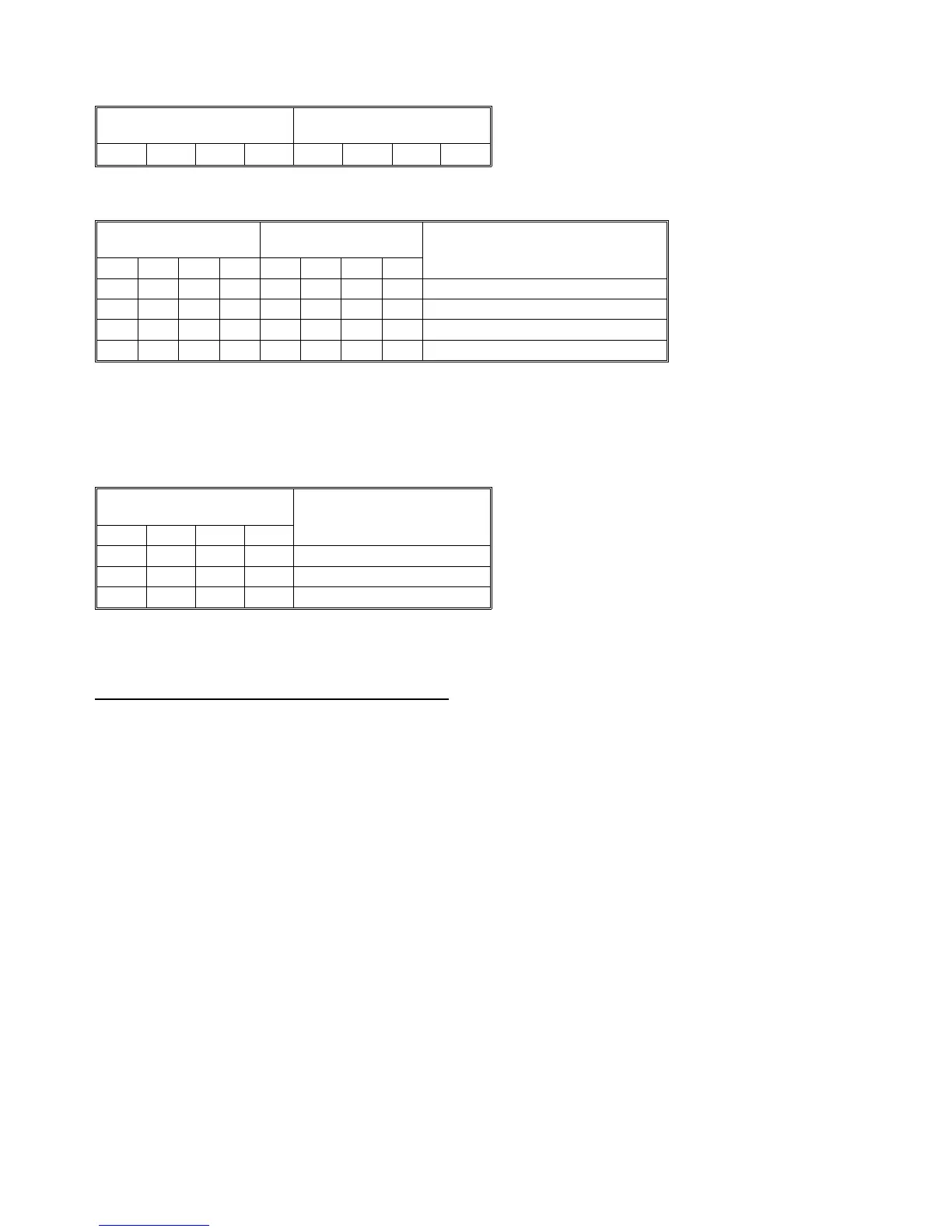
3.8.3 Finisher control PCB DIP switch table
Factory setting
DIP101 DIP102
0 0 0 0 0 0 0 0
0: OFF
Motor test mode
DIP101 DIP102 Motor
1 2 3 4 1 2 3 4
1 0 0 0 1 1 0 1 Finisher Transport Motor
0 1 0 0 1 1 0 1 Exit Drive Motor
0 0 1 0 1 1 0 1 Stack Feed-out Motor
0 0 0 1 1 1 0 1 Shift Tray Lift Motor
0: OFF 1: ON
After setting the DIP SW102, turn on one of the DIP
SW101 switches to start the appropriate motor, turn it off
to stop the motor.
Free run test mode
DIP102 Function
1 2 3 4
1 1 0 0 Motor Free Run
1 1 1 0 Staple Free Run
1 1 1 1 Shift Free Run
0: OFF 1: ON
Free run test mode starts when SW100 on the main
board is pressed, and stops when SW101 is pressed.
Operation
1. Motor Free Run
The motors of the finisher are energized in the
following order:
Finisher transport motor → Exit motor → Stack
feed out motor → Shift motor → Shift tray lift motor
→ Exit unit lift motor
The PCB checks the speed of the transport drive,
exit and stack feed motors, and mechanical lock of
the other motors.
2. Staple Free Run
The finisher works as if 5 sets of 5 11" x 81/2" size
paper are being stapled and delivered. The
machine is then initialized and repeats the same
operation.
3. Shift Free Run
The finisher works as if 10 sets of 5 LT papers are
being sorted. The shift tray is lowered for each of
the 10 sets and then returns to its home position to
repeat the same operation.
1 July 1994 Finisher Electrical Components
3-11













 To Next Page