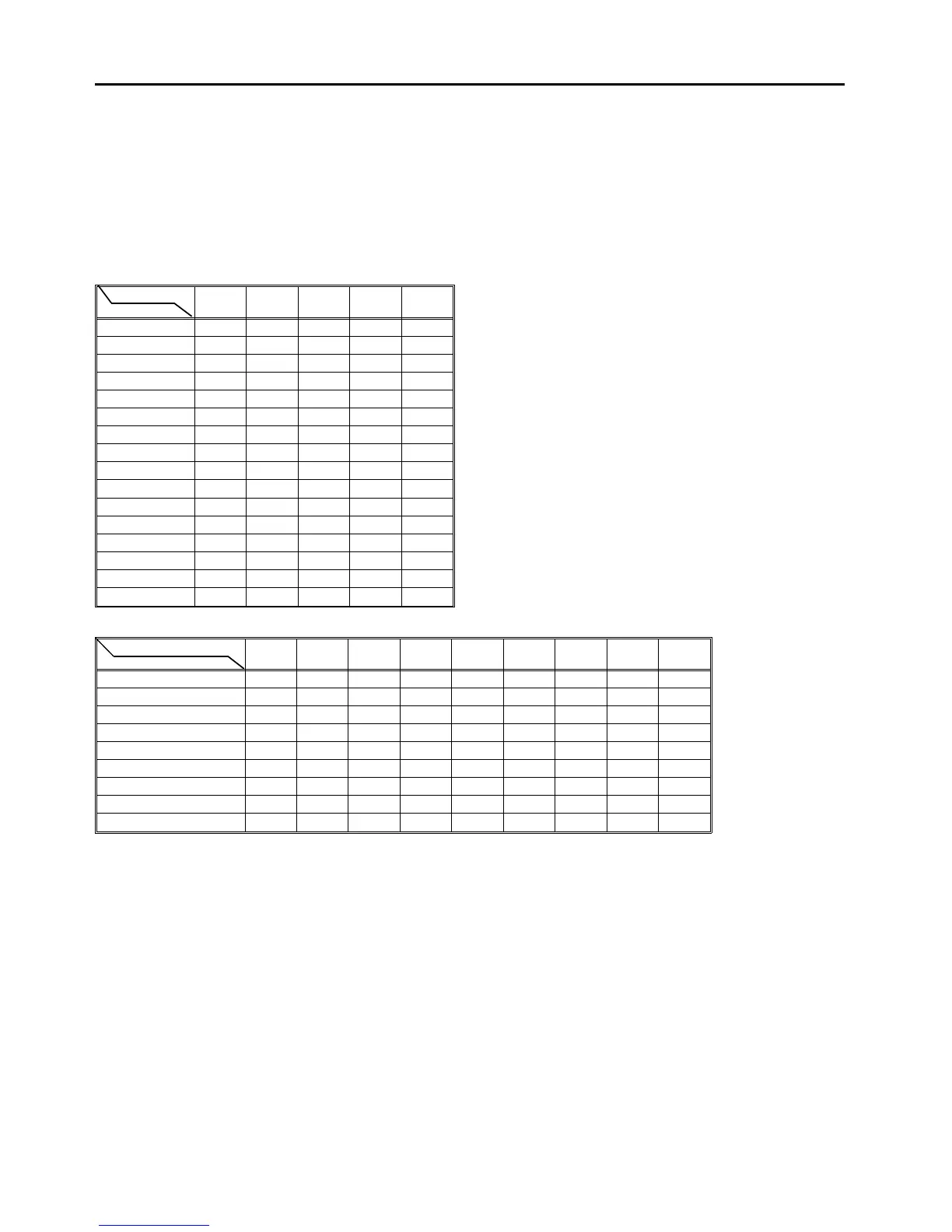
7.8 Utility Modes
Using service tool [4-05], extra functions can be set. The following table shows condition of keys on
the screen for each function.
CAUTION
• Since the utility mode functions are not
standard to the machine, the customer’s
approval is required when they are set.
• Do not set any modes not mentioned in the
table below. The machine might not work
properly.
Mode No.
Set No.
1 2 3 4 5
0 5-0
1 4-1 5-1
2 5-2
3 5-3
4
5
6
7
8 3-8
9
10 1-10 2-10
11
12 1-12
13
14
15
Mode No.
Set No. of Mode No. 5
6 7 8 9 10 11 12 13 14
0 to 7 6-5-0 7-5-0 13-5-0
8 6-5-8 7-5-8 10-5-8 11-5-8 12-5-8 14-5-8
9 6-5-9 8-5-9 9-5-9 10-5-9 12-5-9 13-5-9
10 6-5-10 7-5-10 8-5-10 9-5-10 11-5-10 13-5-10
11
12
13
14
15
NOTE
• The numbers in the table show the condition of each mode number. For example, "6-5-10" means
that mode number 6 (which can be turned ON or OFF) is ON when mode number 5 (which can be
set between 0 and 15) is set at 10. Refer to the following pages for details of each function.
• Modes 1 to 5 each have sixteen settings (numbered 0 to 15) that can be changed by pressing the
▲\▼ keys. The desired function according to the set number can be set. Modes 6 to 14 do not have
set numbers, but they can be turned ON or OFF by pressing the number key. When the setting of
mode 5 is between 8 and 15, the functions for modes 6 to 14 are different. Refer to the lower table
for modes 6 to 14.
Utility Modes 1 July 1994
7-22













 To Next Page