1.6 Setting User and Service Tools
Explain all user tool items and some of the service tools to the customer. Then, listen to the cus-
tomer’s requests and set the copier accordingly.
Keep the set items using the following format. (If the main control board is replaced, you can set all
items again using the format.)
1.6.1 User tools
* Bold letters in "Set Data" shows the initial setting.
Menu
no.
Description Set Data
1 Total sheets copied ----
2 Auto image density level selection [Lighter] [Normal] [Darker]
3 Copy/Original size selection [A3] [11 x 17] [A4] [8
1/2 x 13]
4 Segment skip ----
5 Date/Time setting ----
6 Disable display Margin adjustment [ON] [OFF]
Duplex [ON] [OFF]
Magnification [ON] [OFF]
7 Disable units ----
8 Select special tray Cover [Tray 1]
Slip sheet [Tray 1] [Tray 2] [Tray 3]
9 User access code ----
10 User Utility Select the finisher mode [Sort] [Stack]
Staple in stack mode [Yes] [No]
Auto tray switching [Yes] [No]
3-side full image copy [Yes] [No]
Select count up or down mode [Up] [Down]
Display the number of originals [Yes] [No]
Exit originals to tray [Yes] [No]
Select face up/down in stack mode [Face up] [Face down]
Reverse back cover sheet [Yes] [No]
Copy onto slip sheets [Yes] [No]
11 Set staple position 1 staple upper 0 to 20 [ ] 10
1 staple lower 0 to 20 [ ] 10
2 staples 0 to 20 [ ] 10
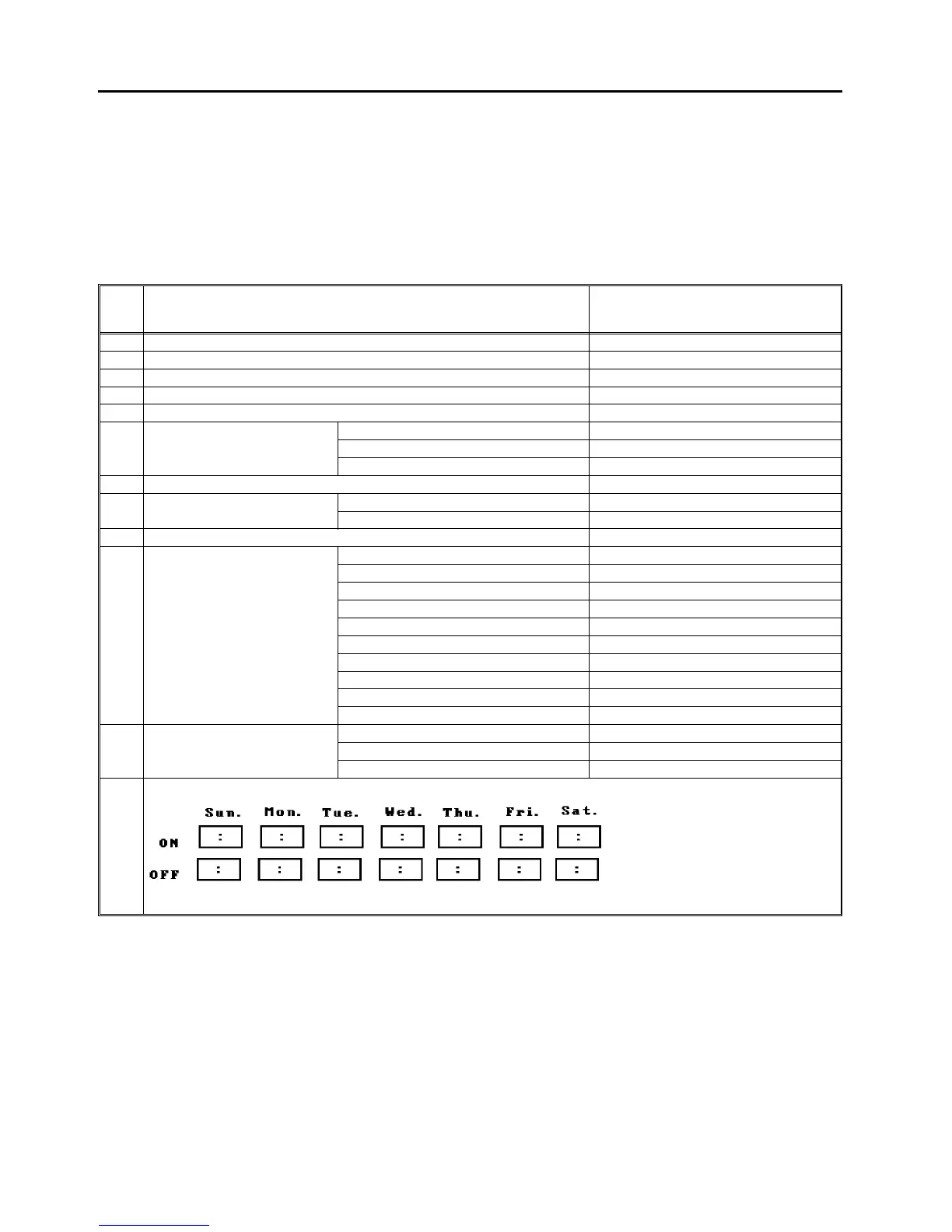
12 Weekly timer
ON: 00:00, OFF: 23:59
1 July 1994 Setting User and Service Tools
1-21













 To Next Page