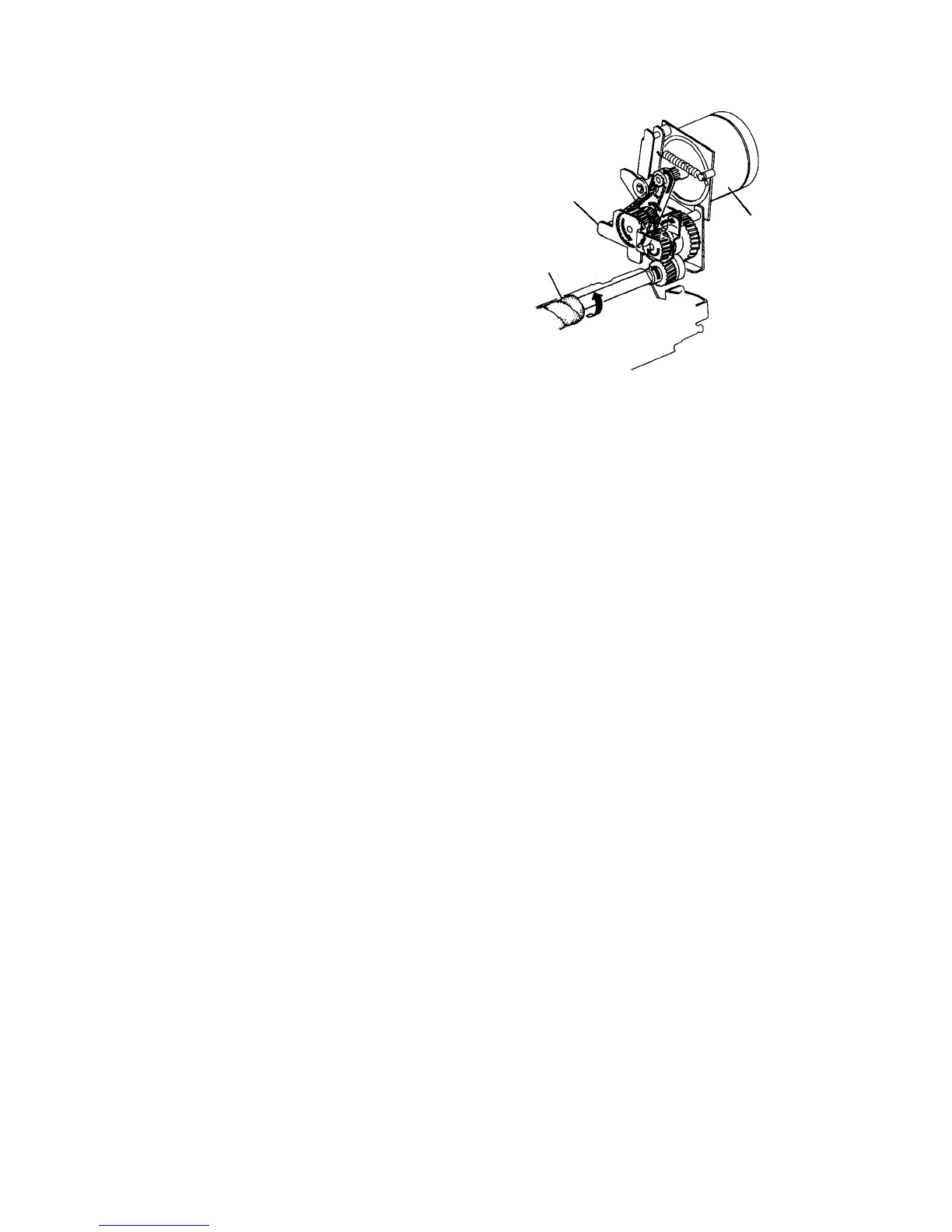
2.8.4 Drive mechanism
The OPC cleaning motor on the drive unit drives the
OPC cleaning brush.
The OPC cleaning mode is done with the OPC motor
speed approximately 1% that of normal copy time.
The OPC cleaning brush motor has an overload sensing
circuit on the DC drive board. If an overload condition is
detected, power to the motor is interrupted to stop the
motor.
2.8.5 Disabling the OPC cleaning mode
If you want to disable the OPC cleaning mode for maintenance, open the front cover, then turn ON
the main switch. The OPC cleaning brush will not come on even at the operation timing. The OPC
cleaning brush will come ON the next time the main switch is turned ON.
Gear unit
OPC cleaning motor
OPC cleaning brush













 To Next Page