2.2 Optics
2.2.1 Replacing the xenon lamp
PM cycle: Replace every 1,000K or when:
[(set value) + (shifted value)]
of the flash voltage step (Service tool [4-01]) exceeds 28.
CAUTION
If the cooling air flow to the xenon lamp and
flash power supply unit becomes low, the flash
voltage step will exceed 28 earlier than normal.
Be sure to do the following PM.
PM: Every 200K clean the filters for the
rear cooling fan, flash blower, exposure
cooling fan, flash power cooling fan
inside the left cover, and the flash power
inside blower on the rear left cover.
WARNING
After you turn off the power, wait at least 1 minute
for discharge before you start working.
1. Turn off the main switch.
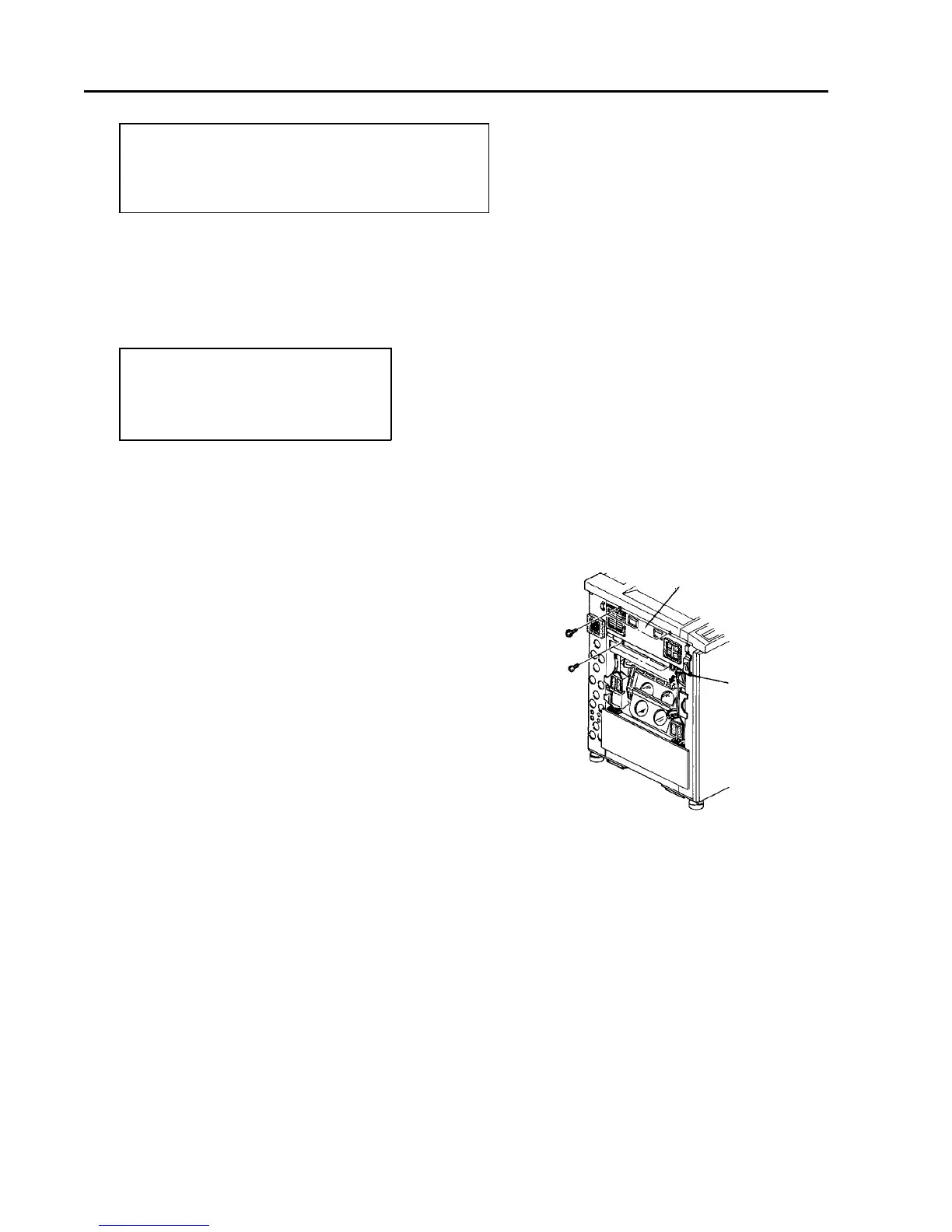
2. Remove the left cover (2 screws).
3. Disconnect the two connectors to the exposure
cooling unit.
4. Remove the exposure cooling unit (4 screws).
5. Remove the xenon lamp connector (2 screws).
6. Remove the xenon lamp unit (2 screws).
Exposure cooling unit
Connector













 To Next Page