Registering the Equipment
56
4
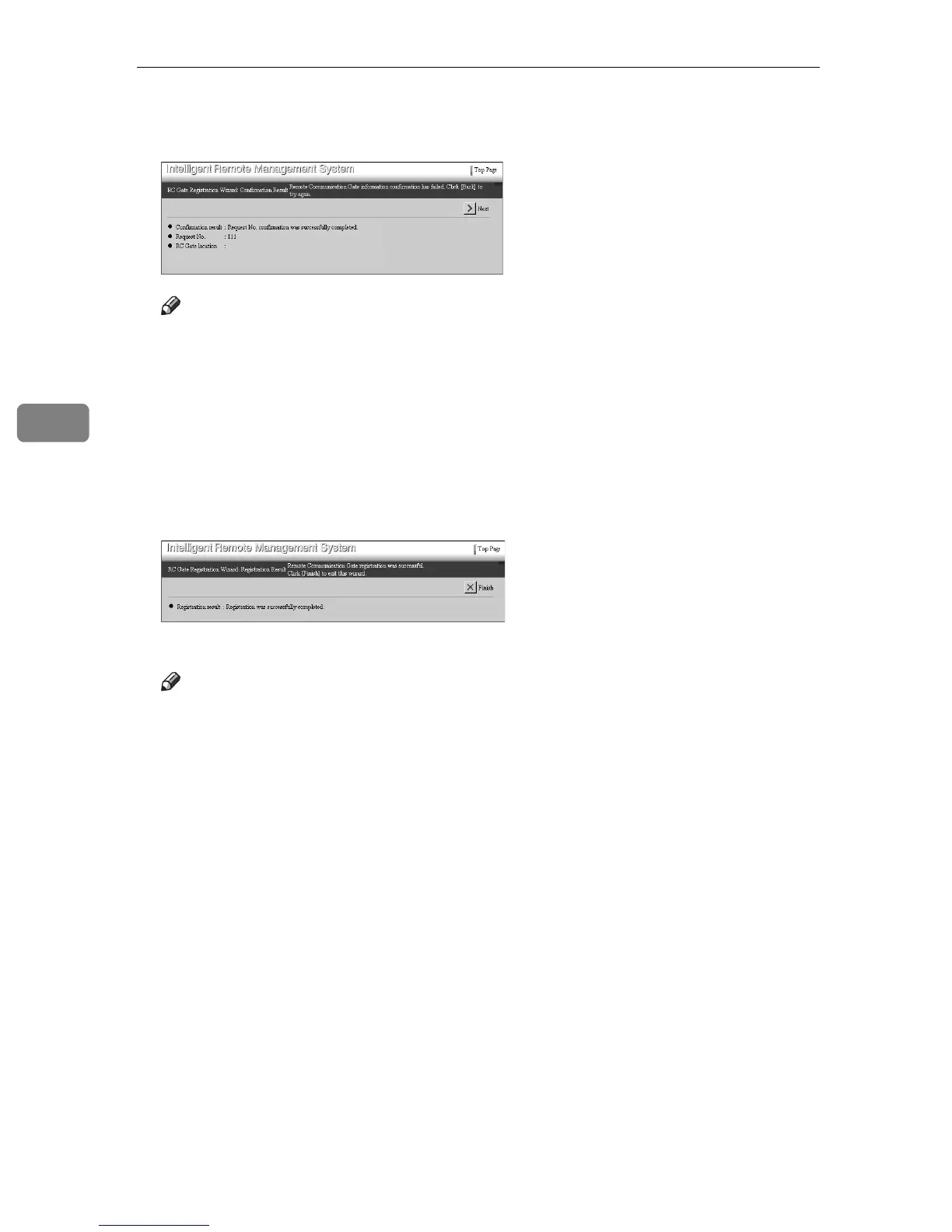
M Confirm that “Request No. confirmation was successfully completed.” is
shown in [Confirmation Result]. Click [Next].
Note
❒ [Back] will appear when the confirmation fails. Click [Back] and start the
wizard again from [RC Gate Registration Wizard: RC Gate Information] in
D
.
The [RC Gate Registration Wizard: Registration] screen will appear. Settings are
registered to the Communication Server.
The [RC Gate Registration Wizard: Registration Result] screen will appear when
the registration is finished.
N Confirm that “Registration was successfully completed.” is shown in [Reg-
istration result]. Click [Finish].
RC Gate Registration Wizard closes and returns to Top Page.
Note
❒ If the confirmation fails, for example, due to the communication error,
[Back] appears. Click [Back] and start again from [RC Gate Registration Wiz-
ard: RC Gate Information] in
D
.



 To Next Page