When Registering with the Internet encryption communication (HTTPS) Method
55
4
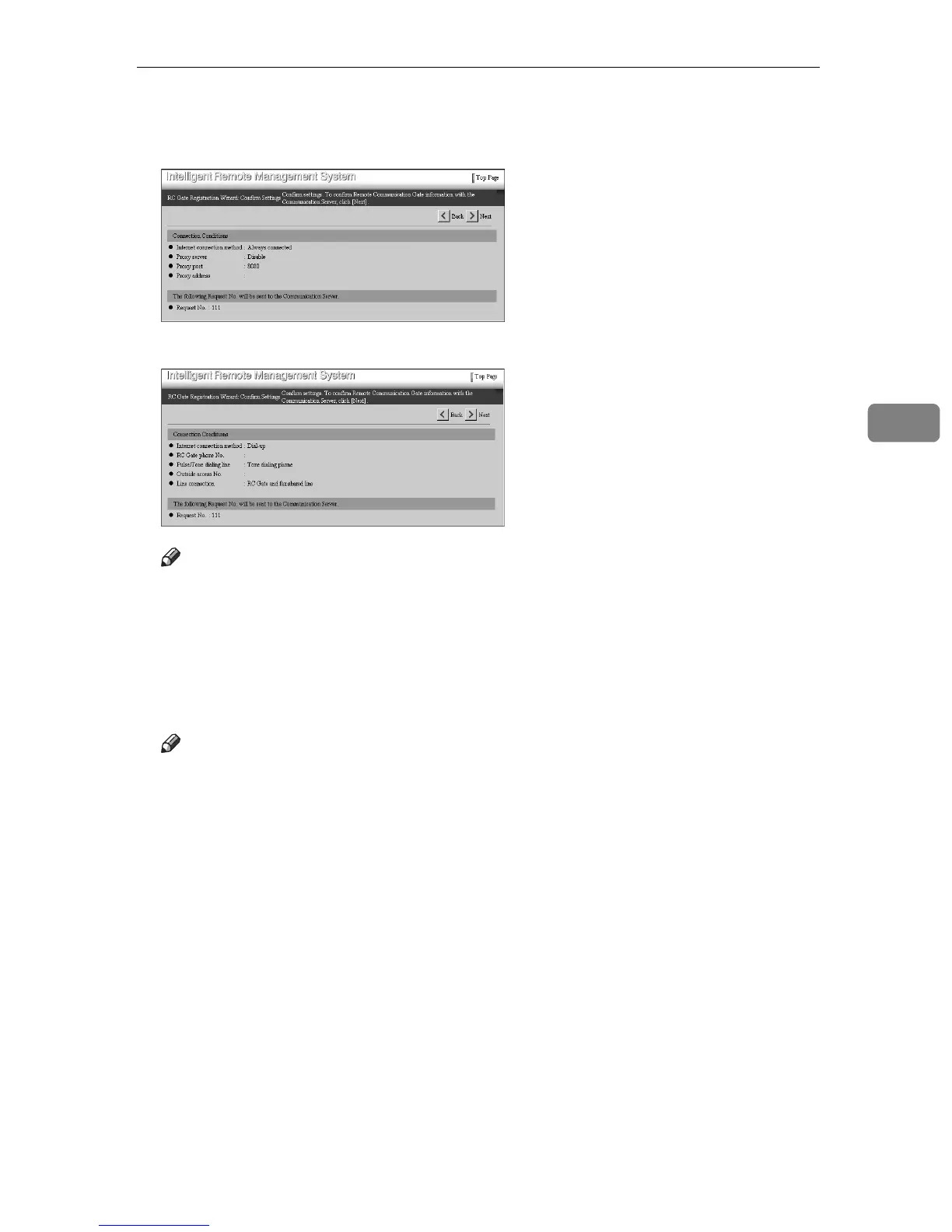
L Confirm the entered values. Click [Next].
• When using Always connected
• When using Dial-up
Note
❒ Click [Back] to make changes. Returns to the [RC Gate Registration Wizard: RC
Gate Information] screen in
D
.
The [RC Gate Registration Wizard: Confirmation] screen will appear. The equip-
ment will confirm the entered settings to the Communication Server.
The [RC Gate Registration Wizard: Confirmation Result] screen will appear when
the confirmation finished.
Note
❒ Confirmation of the Communication Server takes a few minutes. When us-
ing “Dial-up”, confirmation will take time because the equipment is test-
ing the communication (making and receiving the phone call). Wait until
the [RC Gate Registration Wizard: Confirmation Result] screen appears.



 To Next Page