Setting the Auto Discovery
62
5
H Click [Apply].
The selected line will be deleted.
Note
❒ If you have more lines to delete, repeat from G.
I Click [Back].
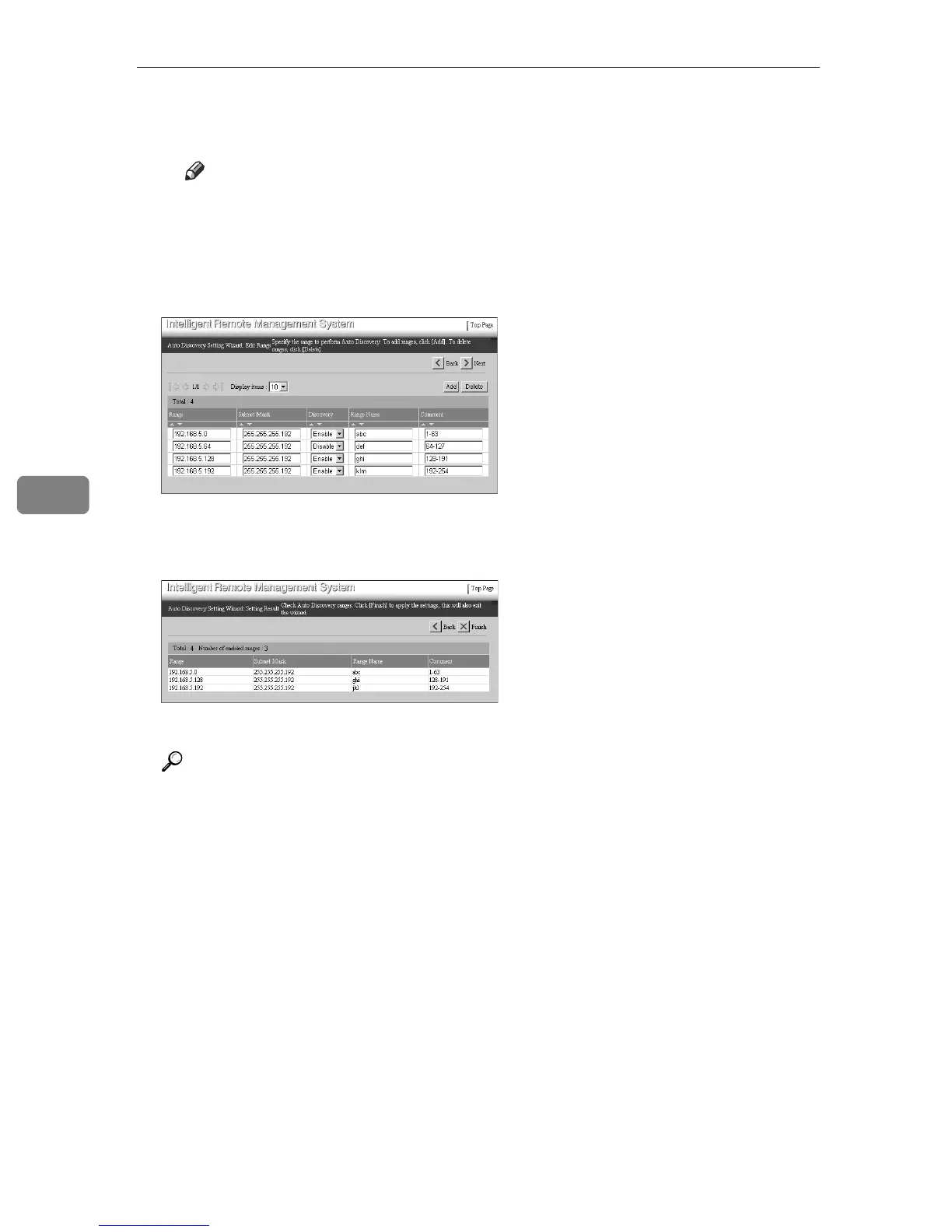
Returns to the [Auto Discovery Setting Wizard: Edit Range] screen.
E Click [Next].
The [Auto Discovery Setting Wizard: Setting Result] screen will appear.
F Click [Finish].
Returns to the Top Page of the RC Gate registrant.
Reference
To close the RC Gate Monitor, see p.35 “To Discontinue RC Gate Monitor”
for details.



 To Next Page