Operating the Auto Discovery Setting Wizard
61
5
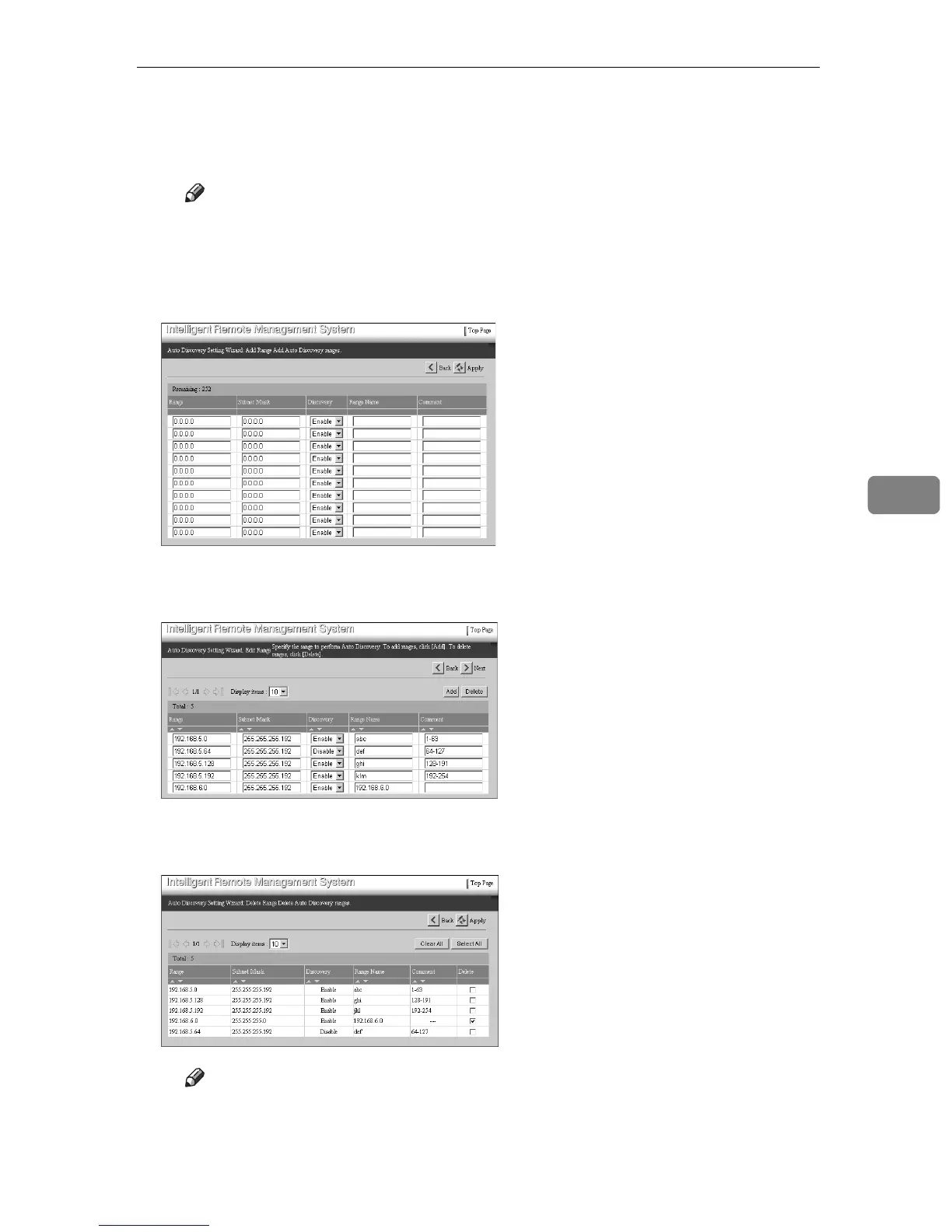
D Click [Apply].
Records will be added. The new [Auto Discovery Setting Wizard: Add Range]
screen will appear.
Note
❒ To add more the 10 records, repeat from C.
❒ You cannot enter the ranges which are already registered or the ranges
more than shown in [Remaining].
E Click [Back].
Returns to the [Auto Discovery Setting Wizard: Edit Range] screen.
F To delete “192.168.6.0” from the range of Auto Discovery, click [Delete].
The [Auto Discovery Setting Wizard: Delete Range] screen will appear.
G Select the [Delete] row for the line which you want to delete.
Note
❒ Click [Clear All] to clear the all selected lines of the [Delete] row.
❒ Click [Select All] to select [Delete] row for all of the lines.



 To Next Page