28 SteelFusion Edge Hardware and Maintenance Guide
Rack Mounting the SteelFusion Edge Appliances Powering on the system
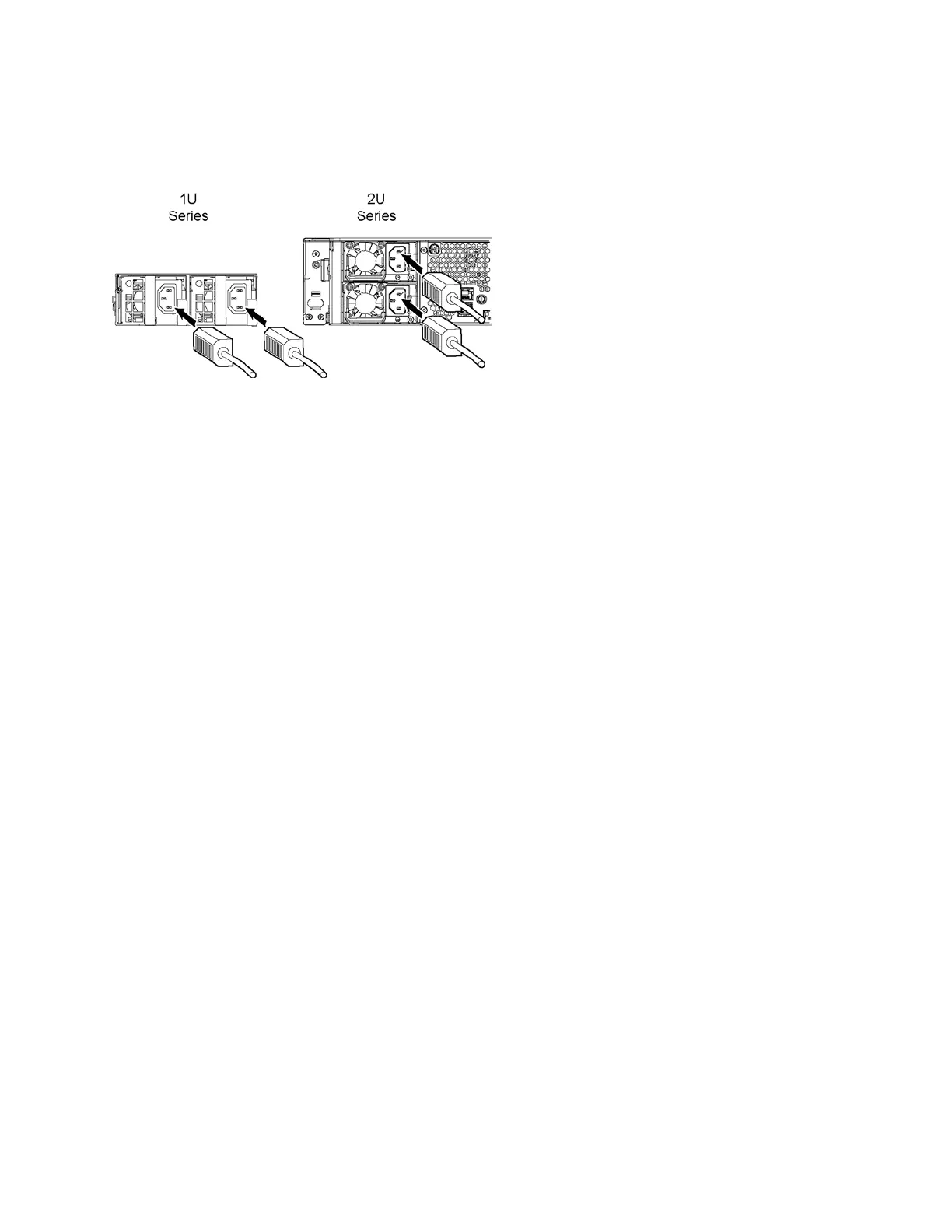
2. Plug the AC power cord into the SteelFusion Edge appliance.
Note: If your appliance has multiple power supplies, you must plug in all the power cords.
Figure 2-8. Connecting the AC power
3. Plug the AC power cord into an uninterrupted AC power source.
4. Check the status lights on the SteelFusion Edge appliance. See Chapter 1, “SteelFusion Edge
Overview” for LED descriptions.



 To Next Page