SteelFusion Edge Hardware and Maintenance Guide
93
Using the BMC Dashboard Monitoring and Managing the Appliances with BMC
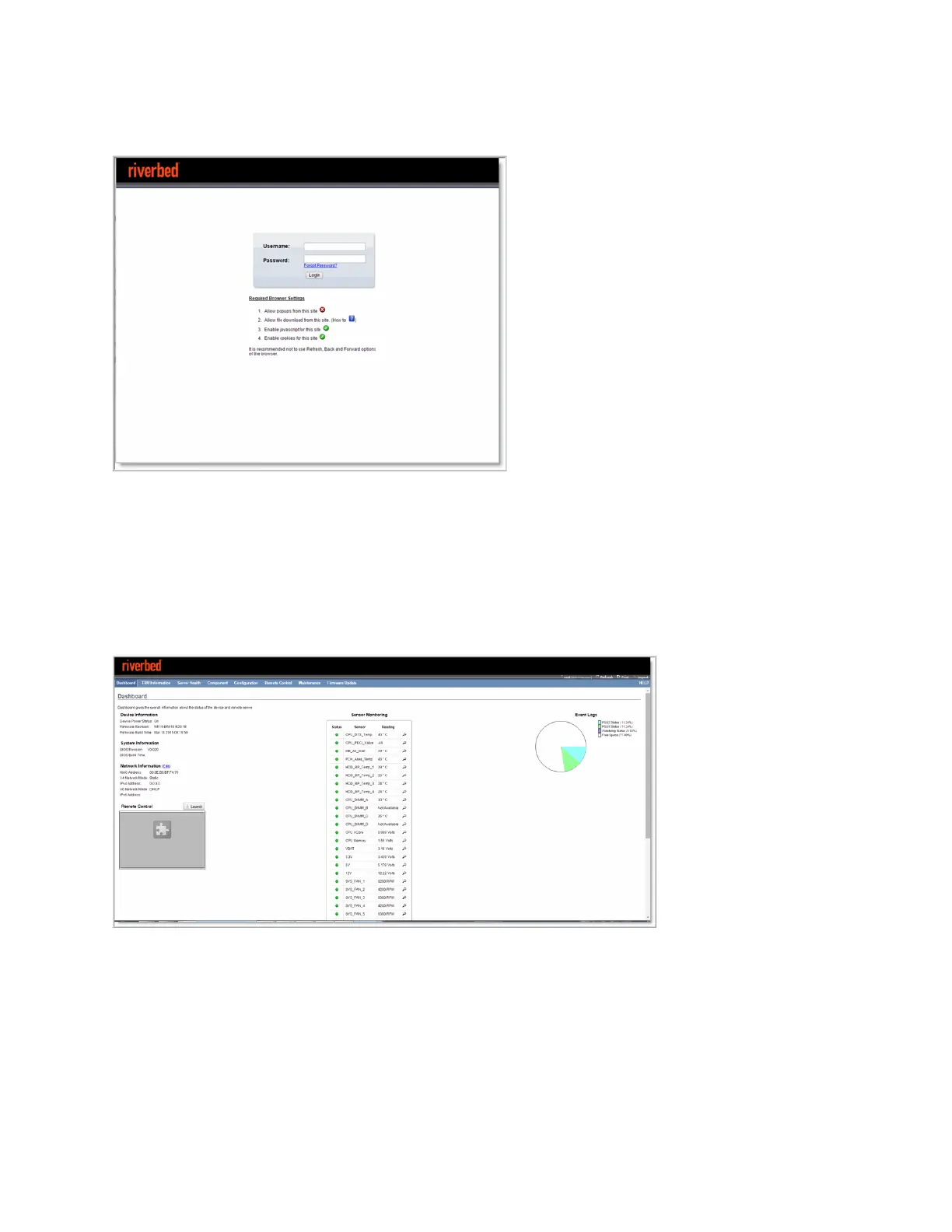
The default user name is root; the default password is superuser.
Figure D-1. BMC log in page
Allow pop-ups in your browser in order to log in.
Using the BMC Dashboard
When you log in, the BMC Dashboard appears and displays appliance information. (See Figure D-2.) The
dashboard gives overall information about the status of the appliance and remote server.
Figure D-2. BMC Dashboard page
The dashboard displays an overview of the appliance status. The dashboard provides the following
information:
Device Information - Displays the firmware revision and date and time of the build for the BMC
firmware.
System Information - Displays the BIOS revision and date and time of the build for the
BMC firmware.



 To Next Page