48 SteelFusion Edge Hardware and Maintenance Guide
Replacing SteelFusion Edge Components Replacing disk drives
Replacing disk drives in 1U SteelFusion Edge appliances
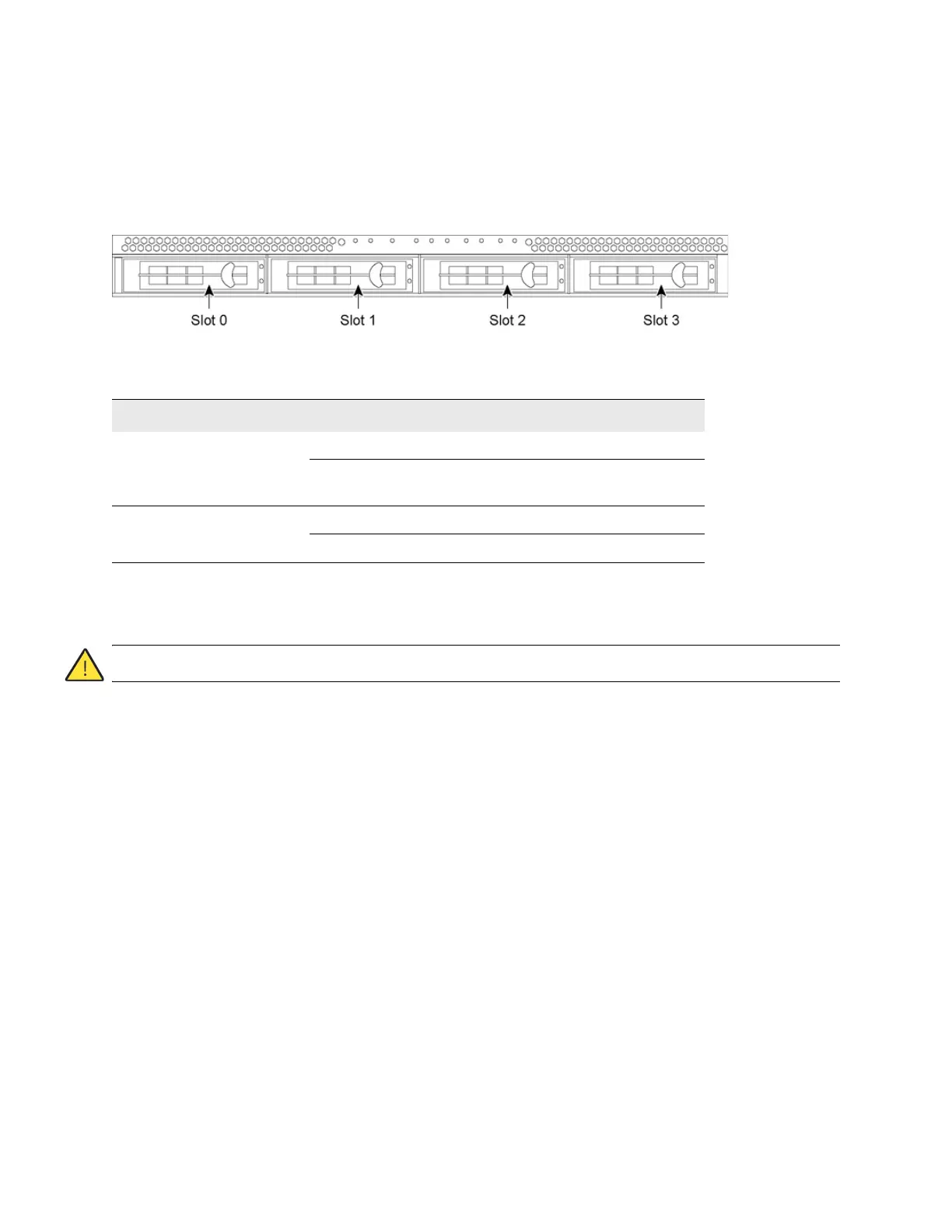
1U SteelFusion Edge appliances are equipped with replaceable, hot-swappable hard disk drives (HDD)
and solid-state drives (SSD). The disk slot numbers for the drives are numbered in ascending order from
left to right.
Figure 4-7. 1U SteelFusion Edge disk slot numbers
You must use approved disk drives. Slots 0 and 1 support HDD and slots 2 and 3 support SSD. The
following table lists the disk drive configuration available for the 1U SteelFusion Edge appliances.
Note: When you replace disk drives, you must wear a grounded ESD antistatic strap to protect the hardware against
electrostatic discharge. Make sure that the strap makes skin contact prior to handling equipment.
Caution: Use caution when you remove or replace components; they can become hot to the touch.
To replace the disk drive in 1U appliances
1. Open the bezel. See “Opening the bezel” on page 44.
2. Identify the faulty disk drive.
3. Press the orange release button and pull the drive handle toward you.
Appliance Quantity Slots supported
SteelFusion Edge 2100 2 x 3.5-inch 1-TB HDD 0 and 1
2 x 2.5-inch 100 GB– 120 GB
SDD
2 and 3
SteelFusion Edge 2200 2 x 3.5-inch 2-TB HDD 0 and 1
2 x 2.5-inch 100 GB–120 GB SSD 2 and 3



 To Next Page