Introduction
8
Remote control battery replacement
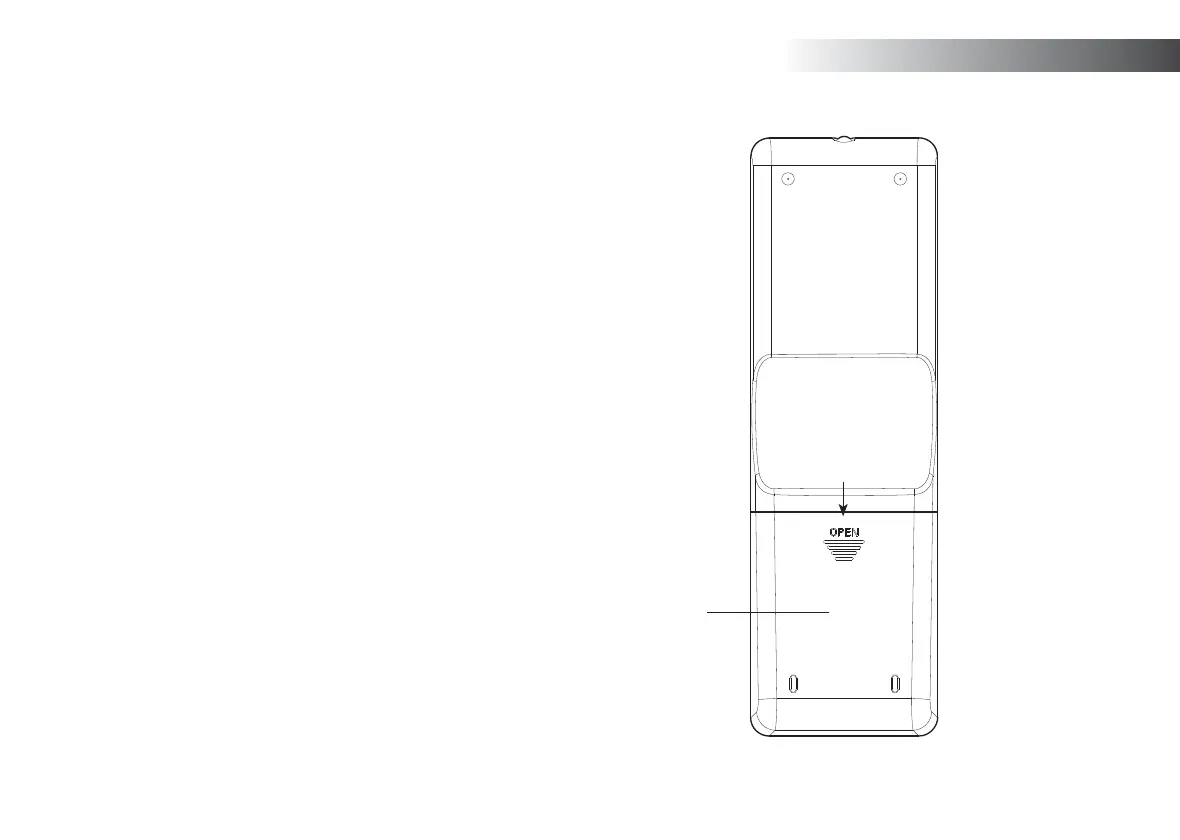
1. Remove the battery cover on the rear of your remote control by pushing
the battery door in the direction shown by the arrow in the diagram,
and then lifting the cover.
2. Insert 2 x AAA size batteries into the compartment. Make sure the (+)
and the (-) ends of the batteries are positioned as shown inside the
compartment.
3. Replace the battery cover
4. If the remote is not to be used for an extended period of time it is
recommended that the batteries are removed.
IMPORTANT: The batteries should not be exposed to excessive heat
such as sunshine, fi re or the like. After use, disposable batteries should
if possible be taken to a suitable recycling centre. On no account should
batteries be disposed of by incineration.
Do not leave batteries within reach of young children. They can be a
choking hazard.
1
Remote control functions
Most of the functions of the Stream 65i sound system can be controlled
using either the product or the remote control. However, there are a few
functions which are more easily accessible using the remote control.
These are:
Radio station presets DAB / FM auto-tune
CD track access by numbers Random function
Audio mute Repeat function
CD, SD, USB track programming



 To Next Page