Music Player
58
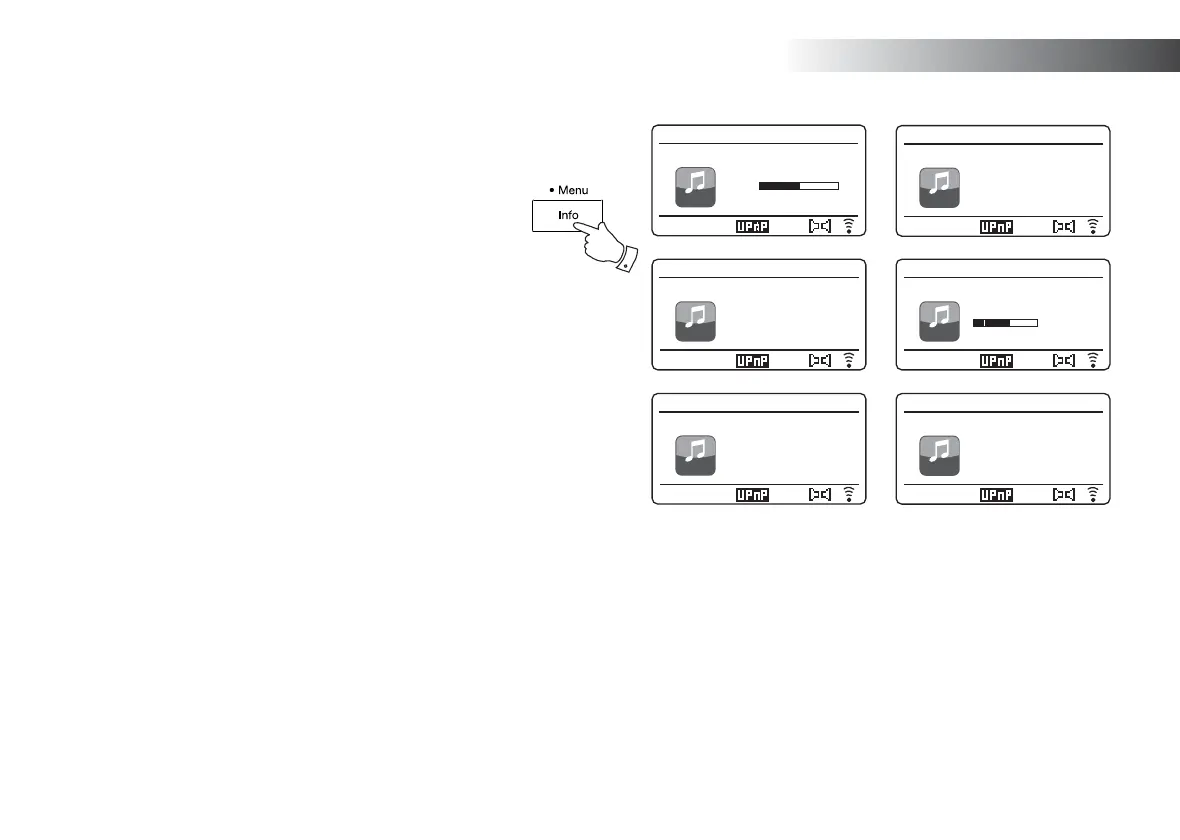
Display modes
Your sound system has a range of display options when in Music
Player mode. Note that the availability of information depends on the
specifi c media fi les, their format and upon the server capability. (Not
all UPnP servers make information from the media fi les available in
the same way.)
1. Press and release the Info button to cycle through the different
options.
a. Progress bar Displays the playback progress for the
track currently playing.
b. Artist Displays the artist information for the
track currently playing.
c. Album Displays the album information for the
track currently playing.
d. Format Displays the bit rate and format of the
track currently playing.
e. Buffer Displays the radios internal buffer status
during media playback.
f. Date Displays the current date.
Whenever the Music Player is displaying an information screen (as
opposed to a menu screen), the time is displayed in the top-right corner
of the display, and a WiFi strength or Ethernet connection indicator is
shown in the bottom-right corner together with an indicator showing the
method by which the radio is obtaining the media - from a UPnP server.
a
e
d
c
b
1.06
Music player
12:34
Love Me Do
2.21
My Music
Music player
12:34
Love Me Do
My Music
Artist:
The Beatles
Music player
12:34
Love Me Do
My Music
Album:
1 - The Beatles
Music player
12:34
Love Me Do
My Music
Bit rate: 192 kbps
Codec: WMA
Sampling Rate:
44.1 kHz
Music player
12:34
Love Me Do
My Music
Playback buffer
f
Music player
12:34
Love Me Do
My Music
Today’s Date:
11/07/2015
The Stream 65i is able to display the album art for the track being played.
The ability of the sound system to display art depends on the presence
of the art in the fi le being played, the art being not too large (or being re-
sized by the server), and the ability of the UPnP server to send the art to
the radio. Art sent to the radio needs to be in a JPEG format and no larger
than 640 x 480 pixels. If the radio does not receive any art then a default
icon is displayed. Some UPnP server applications will also send a default
icon if no art is found within the fi le being played. Some UPnP server
applications will be able to re-size the art, if needed, before sending it to
the sound system. If the radio expects to receive art but none is provided
then no art or icon will be displayed. Due to the wide variations in album
art formats and UPnP/DLNA standards, the failure of the radio to display
album art is not considered to be a fault.
1



 To Next Page