51
Please note that when using a UPnP/
DLNA server, the search and selection
criteria that are available to the user
are determined by the server software,
and not by the device playing the content. Typical searches include Artist,
Album and Genre. Many server applications also allow you to access your
fi les according to the folders within which they are stored as well as other
criteria. Windows Media Player is less fl exible than some other UPnP
servers in this regard, but is generally easier to set up.
Many UPnP server applications are also capable of sharing pictures and
video fi les to other network connected devices. If this is the case (as it is
with Windows Media Player) you may see the option of choosing between
'Music', 'Video' and 'Pictures' on the Music Player's menu. Clearly you
should only select the 'Music' option. Content offered via the alternative
options will not be playable on your sound system.
Some third party server applications allow customisation of the search
criteria and indexing methods. This can be useful if you have a very large
collection of stored music fi les.
It is not possible in this book to describe server applications for all available
environments, and neither is it practical to describe how to get the best
out of each. Windows Media Player is used as an example in this case,
although many of the principles are applicable to other servers as well.
The access to the media, the choice of media for playing, and the use of
the media playback controls from the product or from its controlling app
are similar regardless of the UPnP / DLNA server being used.
When using your sound system as part of a group of multi-room products,
audio fi les in ALAC and FLAC formats will only play on the group master
(see page 124).
Music Player
Use with Windows, Apple Mac, Linux
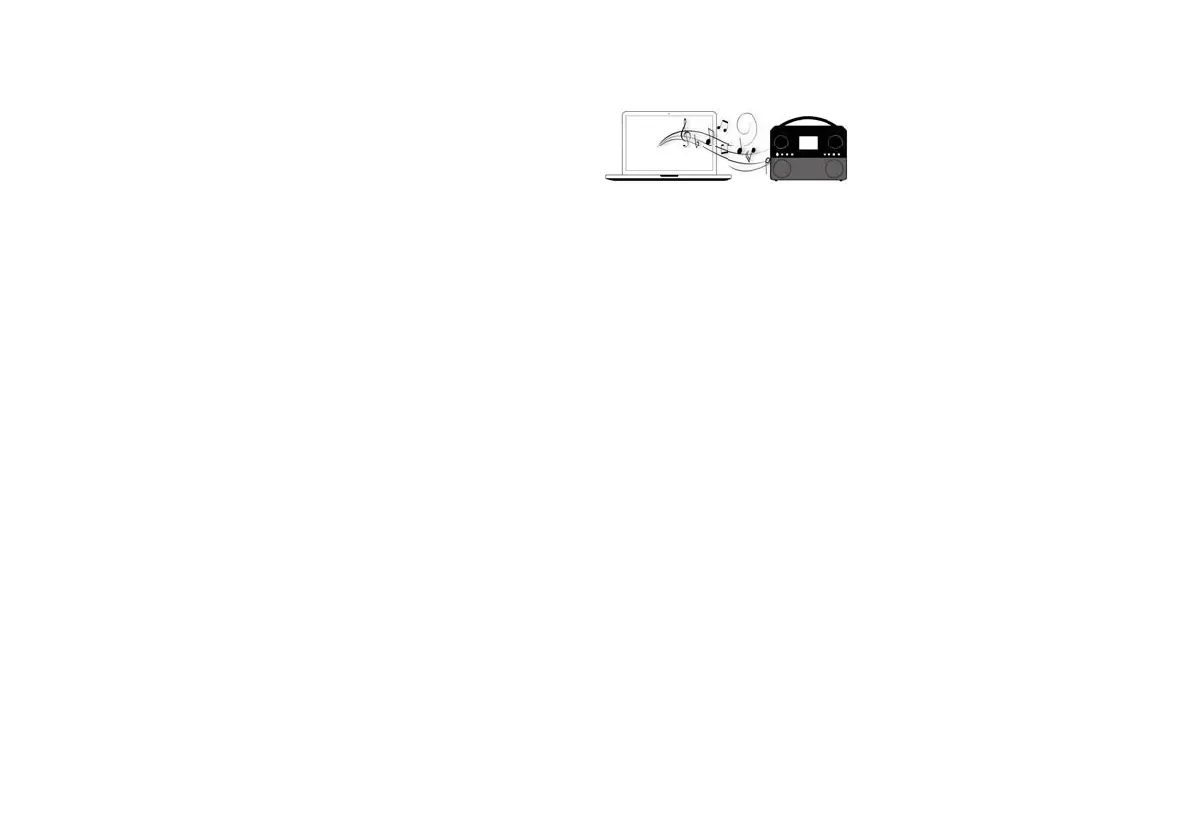
The Music Player allows you to play audio fi les which are stored on a
another device connected to your network.
Networked devices that could hold audio fi les can include computers,
smart phones, tablets, Network Attached Storage (NAS) units, and network
routers which have UPnP / DLNA fi le sharing capability. In order to play
fi les from a device on your network, your sound system must connect to
a fi le server program on that device which uses the Universal Plug and
Play (UPnP) protocol (often known as DLNA).
If the device is a computer or tablet using Windows, then it probably
already has a UPnP server program available in the form of Windows
Media Player (WMP). This allows you to share your fi les to devices on
your network, and you may then select fi les by Album, Artist, and so on
using your sound system's controls. WMP can serve MP3, WMA, AAC
and WAV fi les to your sound system (and FLAC fi les from Windows 10).
If you are an Apple MacOS, Linux, iOS or Android user, or if you have
your audio fi les stored in other formats, such as ALAC, there are many
other UPnP server programs available. Note that Apple computers do not
support UPnP streaming natively and third party software is required for
this task. If you wish to use a DLNA server built into your NAS or network
router, you should consult your manufacturer's documentation on how this
should be confi gured.
The Music Player on the sound system can play audio fi les in MP3, WMA,
AAC, ALAC, FLAC and WAV formats. WMA Lossless fi les can also be
played when using Windows Media Player as the UPnP server. Note that
the playback of fi les encoded using WMA Voice, WMA 10 Professional, and
of fi les which have DRM protection is not supported by the sound system.



 To Next Page