76
CD / MP3 / WMA
Repeat a single track
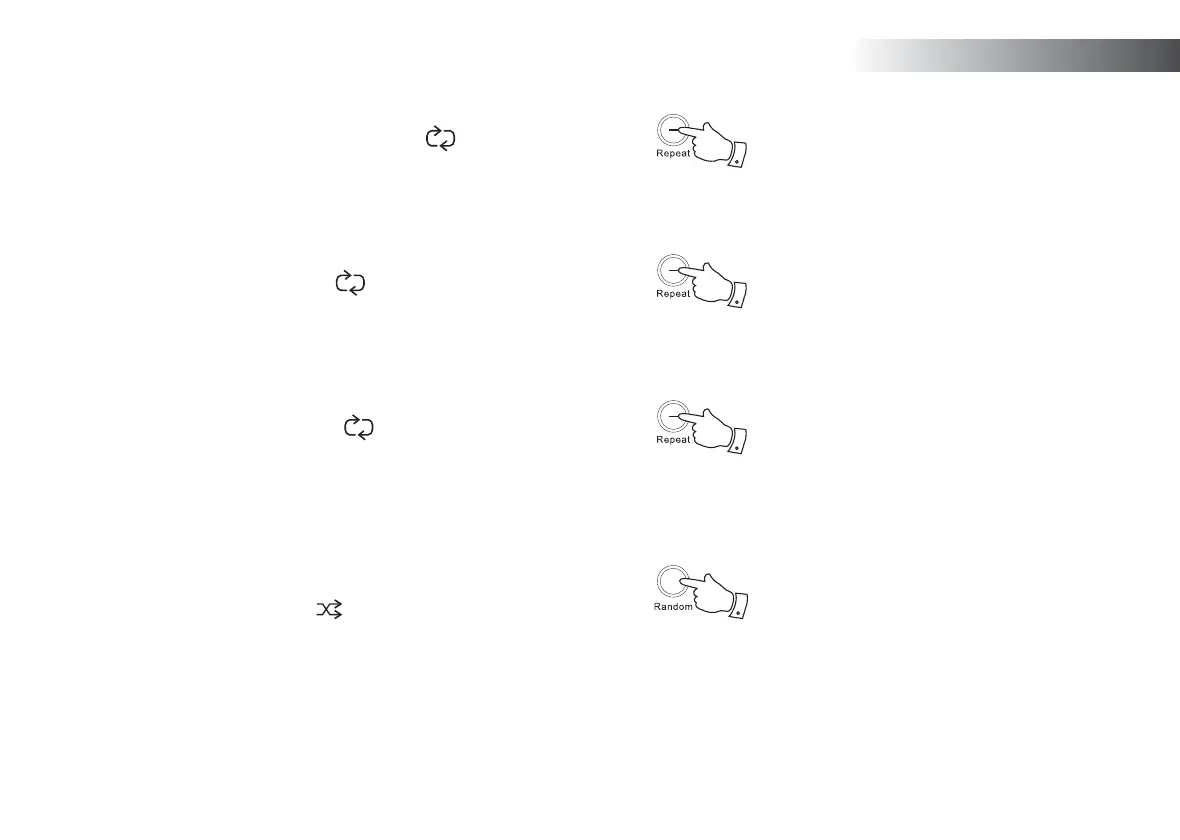
1. While the CD is playing, press the Repeat button (on the remote
control) until the repeat single track symbol (
1
) appears in the
display. The current track will be repeated.
Repeat all tracks
2. While the CD is playing, press the Repeat button (on the remote control)
until the repeat all tracks symbol (
All
) appears in the display. All of
the tracks on the CD will be played repeatedly.
Play tracks introduction
3. While the CD is playing, press the Repeat button (on the remote control)
until the track introduction symbol (
INTRO
) appears in the display. The
fi rst 10 seconds of each track will be played. When the desired track
is reached, press the Repeat button once more to revert to normal
play mode.
Shuffl e tracks
4. While the CD is playing, press the Random button (on the remote
control) until the shuffl e symbol ( ) appears in the display. The tracks
will be shuffl ed. To cancel the shuffl e function, press the Random
button a second time.
1
1
1
1



 To Next Page