95
Setting the alarm clock - cont.
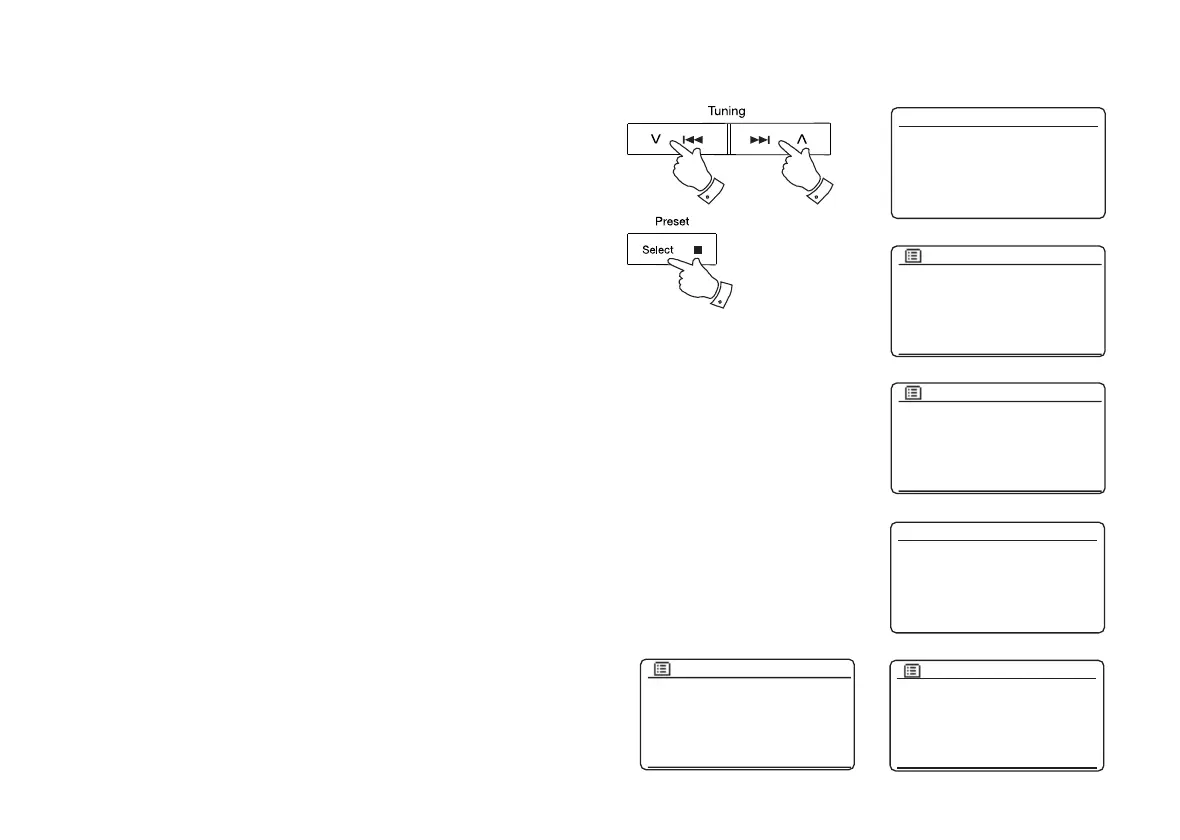
8. Press the Menu Up or Down buttons to choose the alarm minute.
Press and release the Select button to confi rm the setting. The display
will then return to the alarm setting menu.
If the sound system has been set to use a 12 hour clock format, there
will also be an option here for setting AM or PM for the alarm time.
9. Press the Menu Up or Down buttons to highlight 'Enable' and press
and release the Select button. The display will show the Frequency
options for the alarm. The alarm frequency options are as follows:
'Off' - the alarm will be disabled
'Daily' - the alarm will sound everyday
'Once' - the alarm will sound once
'Weekends' - the alarm will sound only at weekends
'Weekdays' - the alarm will sound on weekdays only
Press the Menu Up or Down buttons to choose the required alarm
frequency option. Choosing Off will disable the alarm. Press and
release the Select button to confi rm the selection.
If you choose to set the alarm to Once you will also need to set the
date using the Menu Up or Down and Select buttons.
10. The alarm can be set to buzzer, Internet radio, DAB or FM radio, CD,
USB and SD card. For whichever radio mode is selected, the radio
alarm may be set to any of the stations which have been stored as
presets or to the station most recently listened to.
Press the Menu Up or Down buttons to highlight the current 'Mode'
option for the alarm, then press and release the Select button if you
wish to change it.
Press the Menu Up or Down buttons to highlight either 'Buzzer' or
the required mode. Press and release the Select button to confi rm
the selection.
8-10 8-10
8-10
Buzzer
Internet radio
DAB
FM
CD
USB
Alarm 1 mode
07 : 30
Alarm 1 time
Enable: Off
Time: 07:30
Mode: Buzzer
Volume: 20
Save
Alarm 1
Off
Daily
Once
Weekends
Weekdays
Alarm 1 frequency
Enable: Off
Time: 07:30
Mode: Buzzer
Volume: 20
Save
Alarm 1
06 - 04 - 2016
13 : 53
Alarm 1 date/time



 To Next Page