6.4. TURNING THE MACHINE ON AND OFF (ECOWRAP PLUS)
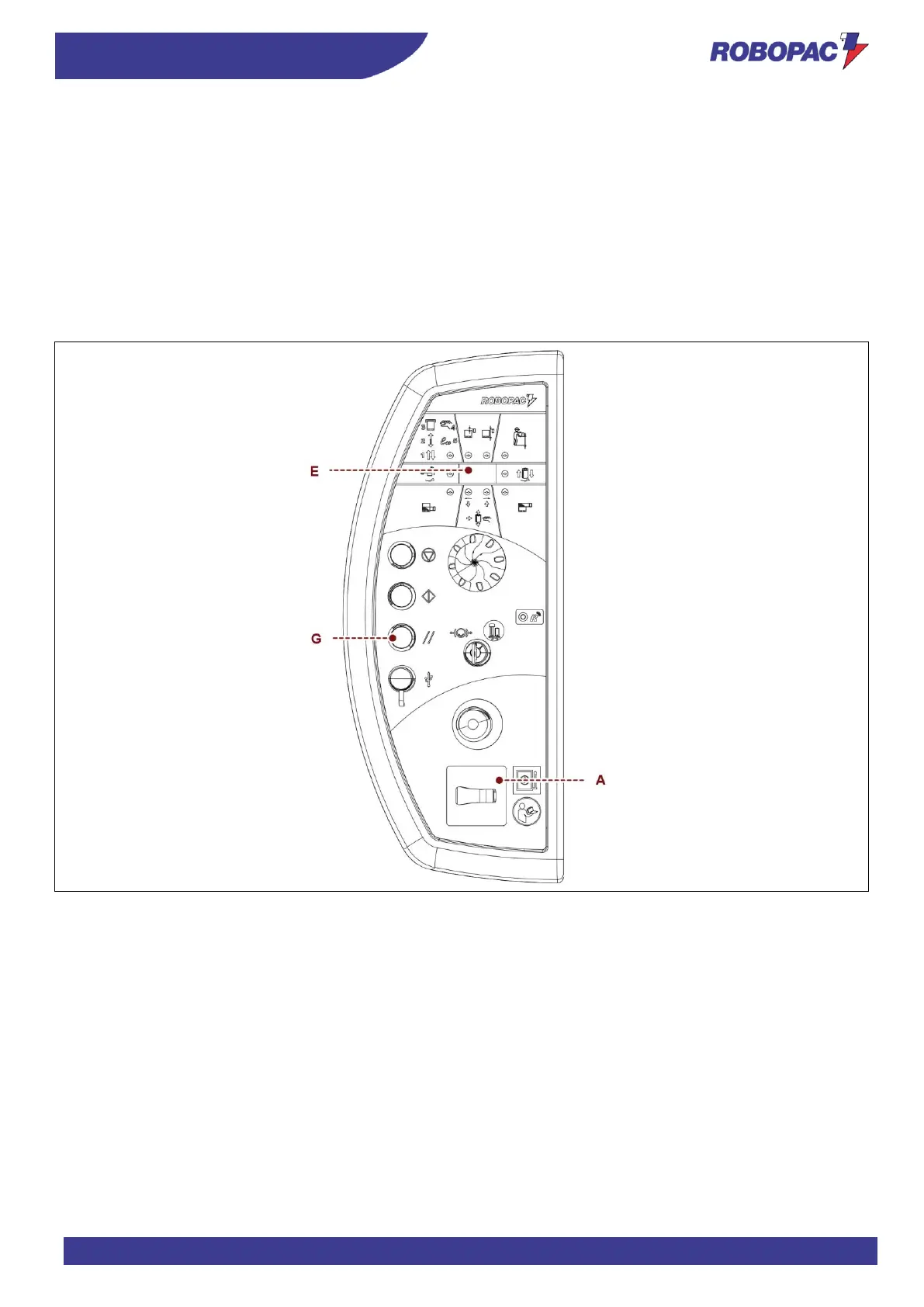
1. Turn the main switch (A) to “I” (ON) to activate the power supply.
The LEDs turn on to indicate that the system is running machine check-up routine and the display (E) shows
the installed software version for a few seconds.
After the check-up routine, the display shows the message "rES".
2. Press the “Reset” button (G).
The machine gets ready to start the cycle.
Display (E) shows the identification number of the programmed wrapping cycle.
3. Perform the cycle starting operations (see “Cycle start and stop”).
Turn the main switch (A) to 0 (OFF) to switch the machine off.







 To Next Page