8. FAULT INFORMATION
8.1. ALARM MESSAGES
In the event of a breakdown during operation the machine stops automatically and alarm messages appear on the
display.
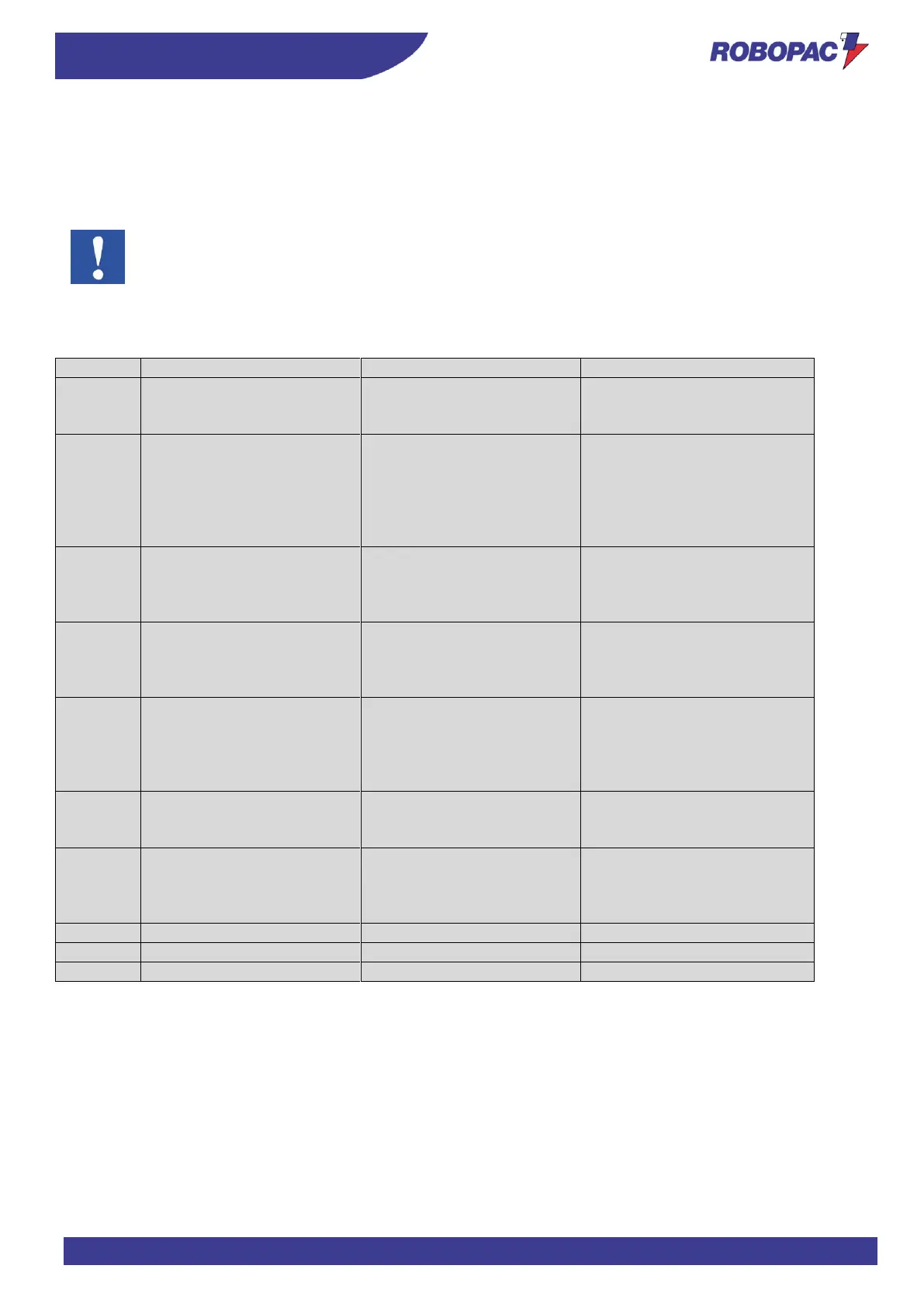
The table lists the displayed messages, the type of problem, the causes and possible solutions.
Important
For these operations a precise technical expertise or ability is required; therefore, these operations must
be exclusively performed by qualified personnel with certified experience acquired in the specific field of
intervention.
8.1.1. ALARM LIST (ECOWRAP PLUS)
Emergency push-button
pressed
Reset by turning the button in
the direction of the arrow and
press “Reset”
Alarm due to the activation of
emergency plate at the film
carriage or emergency
bumper base
Emergency plate or contact
of the rotary arm with an
obstacle
Rotate the key-operated
selector (G) to “II” and press
the multi-function selector to
release the film carriage.
Remove the obstacle hindering
arm rotation
Film breakage during
wrapping cycle
Connect the film to the product
and press the “Cycle Start"
button (B) to complete the
wrapping
A fault or an obstacle is
preventing the arm from
rotating
Check that the trajectory of the
arm is free from obstacles and
the timing sensor works
correctly
A fault or an obstacle is
preventing the film carriage
from shifting
Check that the guides of the
carriage are not hindering its
movement. Check also the
correct operation of the high
and low limit switches
No pallet after the “Start
cycle” button (B) has been
pressed
Position the pallet and press
the “Cycle start" button (B) to
wrap it
Maximum number of
permitted actions in the ECO
cycle has been exceeded (30
maximum actions)
Record a wrapping cycle that
does not exceed 30 actions
Contact technical support
Carriage lifting motor alarm
Contact technical support
Contact technical support







 To Next Page