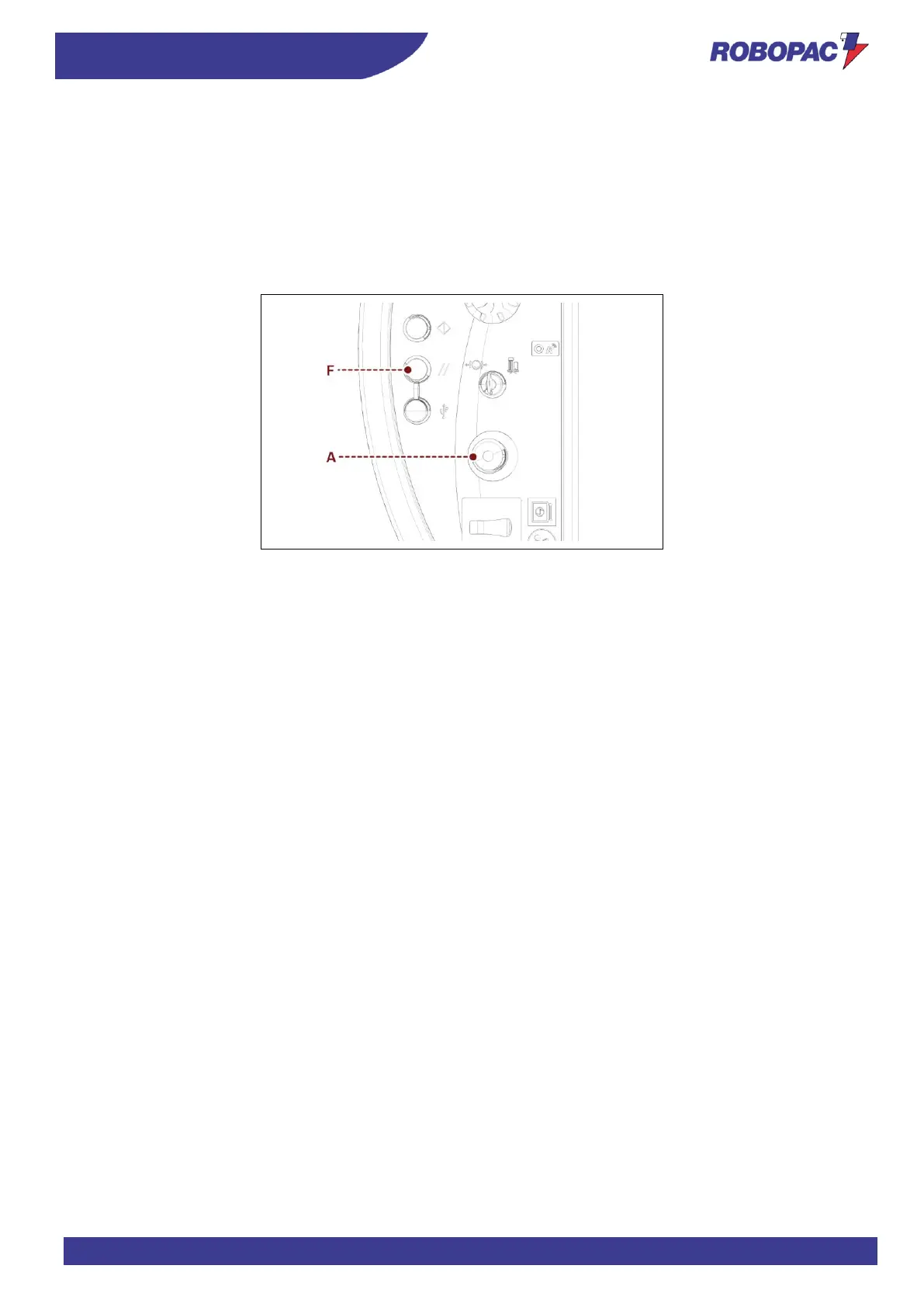
6.14. EMERGENCY STOP AND RESTART (MASTERWRAP PLUS)
Proceed as follows.
1. Press the emergency button (A) of the machine in situations of imminent risk.
Its functions stop immediately.
The cycle will reset.
2. After setting the working conditions back to normal, release the button to allow the machine to resume operation.
3. Press the “Reset” button (F).
4. Repeat all automatic cycle starting operations (see “Cycle start and stop”).







 To Next Page