INFORMATION ABOUT THE USE
Activation
mode
abbreviation
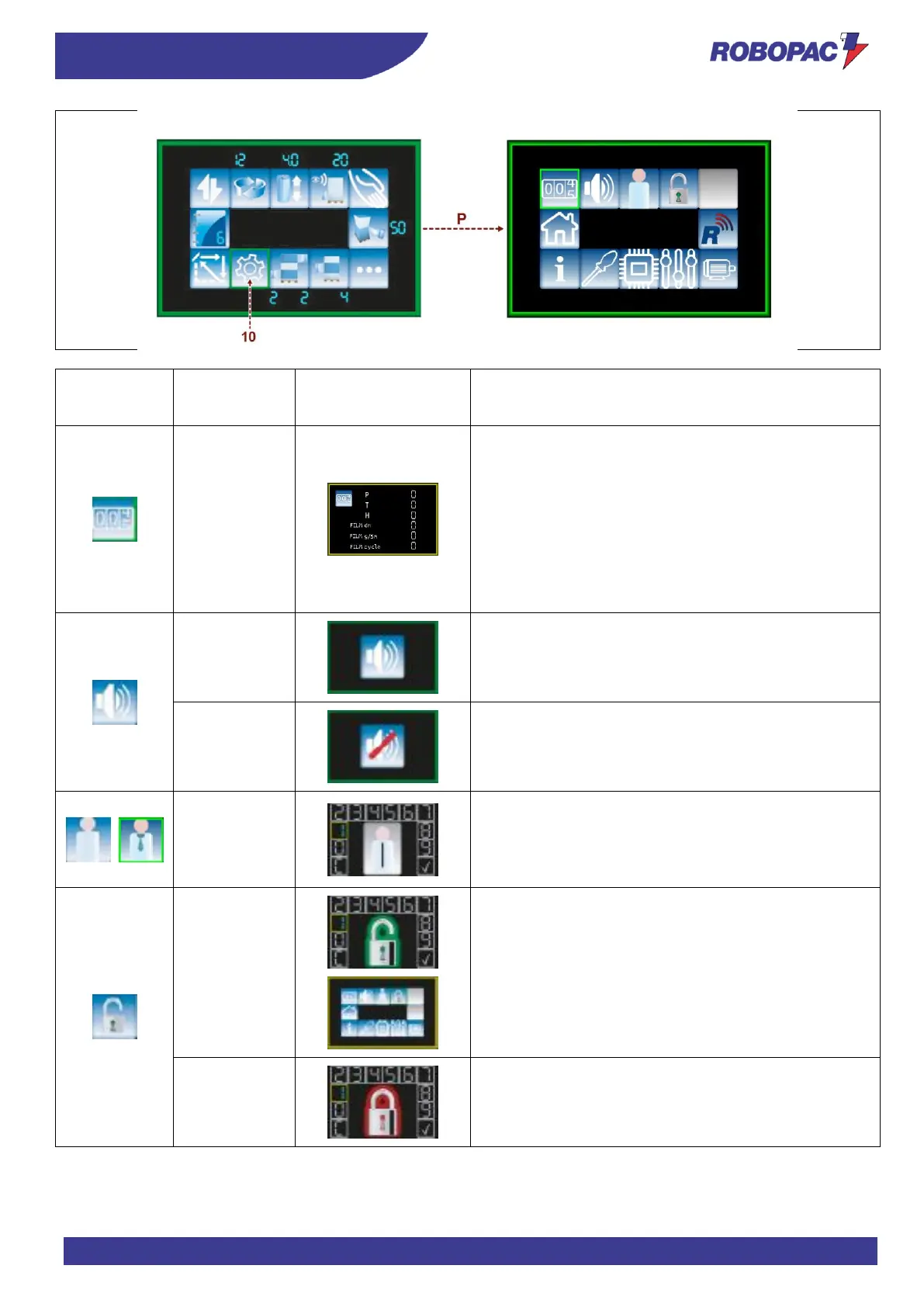
View counters
P = Partial
T = Total
H = hours
FILM dm = decimetres of film unwound by the machine
during the wrapping cycle
FILM g/5m = weight of the used film expressed in grams/5
metres
FILM cycle = decimetres of film unwound by the machine
during the last wrapping cycle
Page for entering the password to change the user; Turn
to select the digit and press to confirm.
Select “C” to delete the password.
Select the “Checkmark” to confirm the password.
Enter the password (default 9999) to lock the panel.
When the panel is locked, the edge of the screen is yellow.
Enter the password to unlock the panel.







 To Next Page