17
Video Operations
Changing the Functions of the [CUT] and
[AUTO] Buttons
You can change what happens when you press the [CUT] and [AUTO]
buttons.
* In PGM/PST mode (p. 15), the functions of the [CUT] and [AUTO]
buttons are xed.
1. [MENU] button
0
“SYSTEM”
0
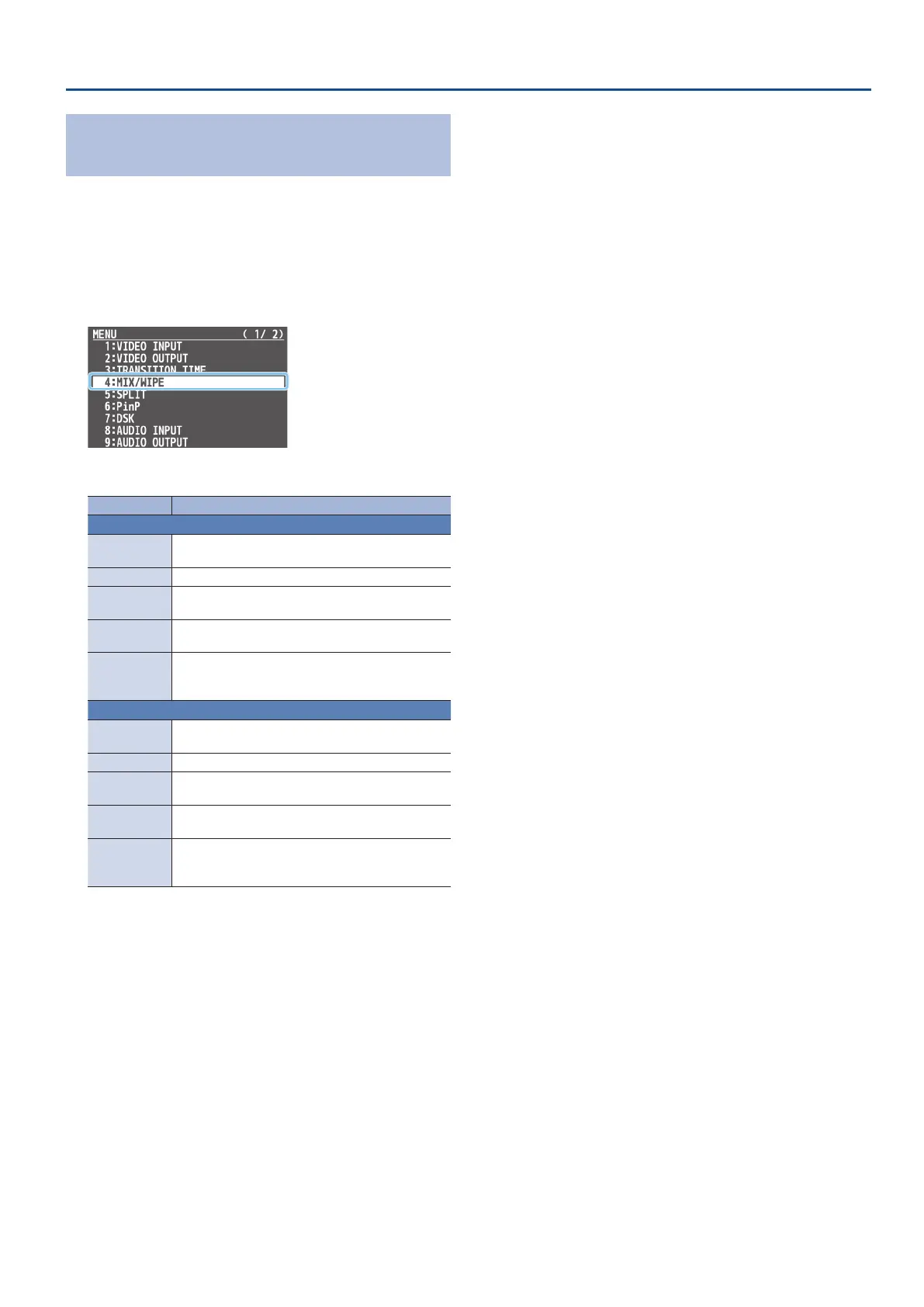
select “CUT SW ASSIGN” or
“AUTO SW ASSIGN,” and press the [VALUE] knob.
2. Use the [VALUE] knob to select a function of the button.
Value Explanation
CUT SW ASSIGN
H
AUTO TAKE
When the video of the B/PST bus is selected, switches
to the video of the A/PGM bus.
H
AUTO TAKE
I
Switches the video between A/PGM bus and B/PST bus.
H
CUT
When the video of the B/PST bus is selected, switches
to the video of the A/PGM bus as a cut.
H
CUT
I
Switches the video between A/PGM bus and B/PST
bus as a cut.
H
TRANSFORM
When the video of the B/PST bus is selected, switches
to the video of the A/PGM bus as a cut only while
you’re holding down the button.
AUTO SW ASSIGN
AUTO TAKE
I
When the video of the A/PGM bus is selected,
switches to the video of the B/PST bus.
H
AUTO TAKE
I
Switches the video between A/PGM bus and B/PST bus.
CUT
I
When the video of the A/PGM bus is selected,
switches to the video of the B/PST bus as a cut.
H
CUT
I
Switches the video between A/PGM bus and B/PST
bus as a cut.
TRANSFORM
I
When the video of the A/PGM bus is selected,
switches to the video of the B/PST bus as a cut only
while you’re holding down the button.
3. Press the [MENU] button several times to close the menu.



 To Next Page