43
Other Features
Returning to the Factory Settings
(Factory Reset)
Here’s how you can return the settings of this unit to their factory-set
state.
If following the procedures described in this manual does not cause
the result you expect, try executing a factory reset.
NOTE
5
When you execute factory reset, any previously specied
content, any settings saved in preset memory (p. 38), and the
still image (p. 20) saved in the unit will all be lost.
5
Do not turn o the power while the message “PLEASE WAIT”
is shown.
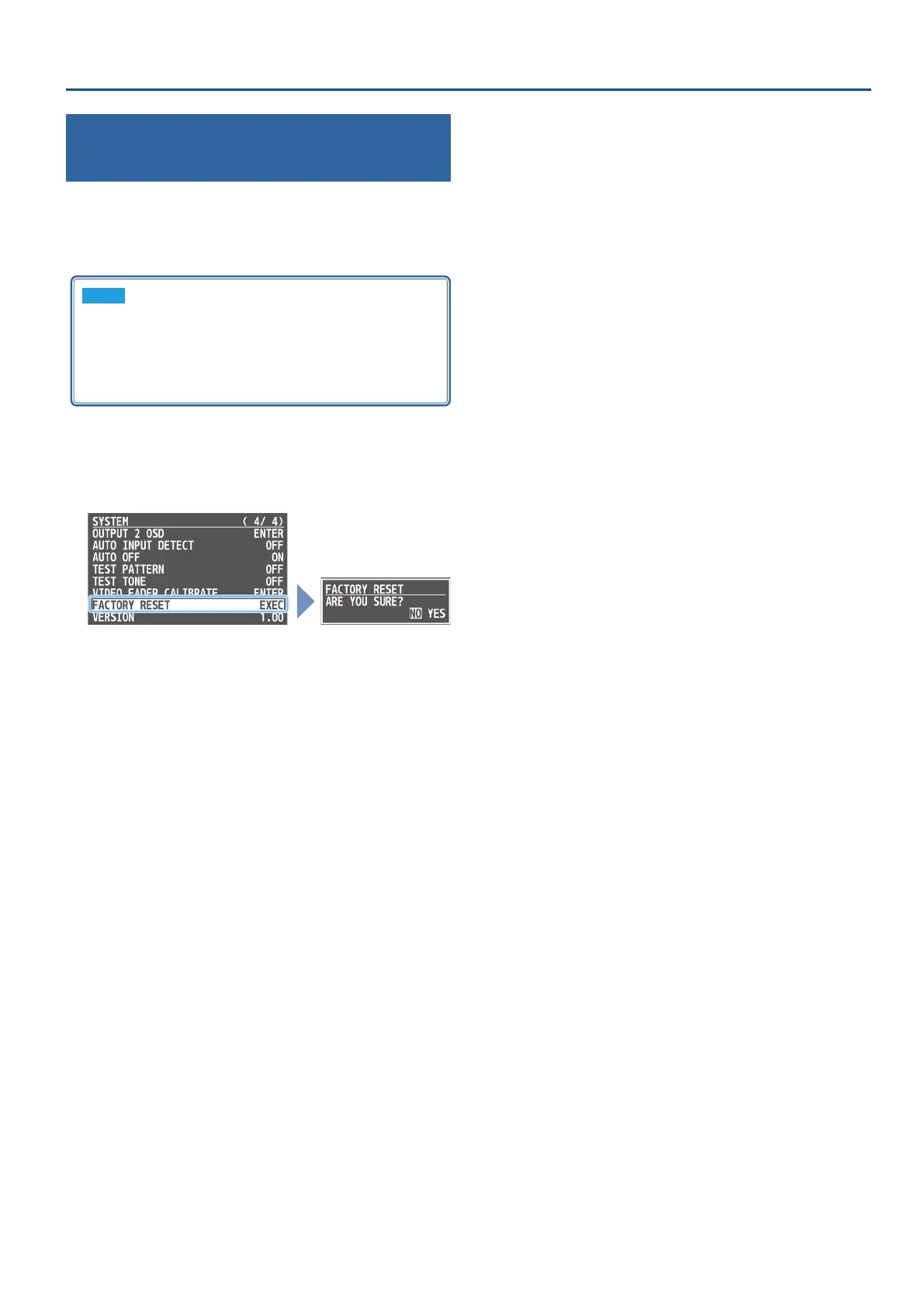
1. [MENU] button
0
“SYSTEM”
0
select “FACTORY RESET,”
and press the [VALUE] knob.
A conrmation message appears.
* If you want to cancel the operation, press the [MENU] button.
2. Use the [VALUE] knob to select “YES,” and press the
[VALUE] knob.
Factory reset is executed. When the operation is nished, the
message “COMPLETE” appears.
3. Press the [MENU] button several times to close the menu.



 To Next Page