31
Video Composition Operations
To specify a desired color as the key color
(sampling marker)
You can select a key color besides green or blue to use for chroma
key compositing.
Sample (detect) the color in the video that you wish to make
transparent, and set it as the key color (this is called the sampling
marker function).
1. [MENU] button
0
”DSK”
0
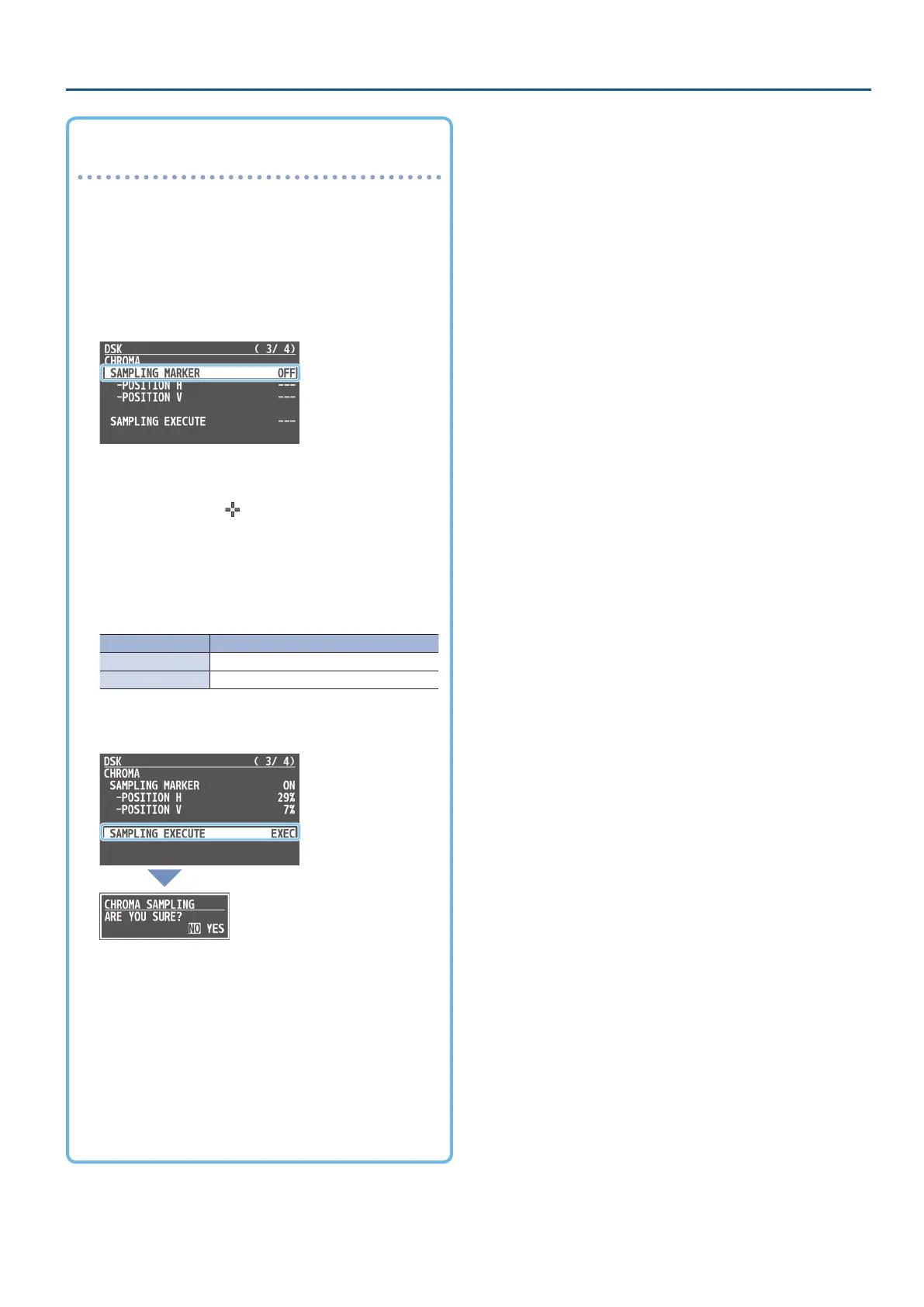
select “SAMPLING
MARKER,” and press the [VALUE] knob.
2. Use the [VALUE] knob to select “ON,” and press the
[VALUE] knob.
The sampling marker ( ) is shown on the preview output
video.
3. Use the [VALUE] knob to select “POSITION H” or
“POSITION V,” and press the [VALUE] knob.
4. Use the [VALUE] knob to adjust the position of the
sampling marker
Menu item Explanation
POSITION H Adjusts the horizontal position.
POSITION V Adjusts the vertical position.
5. Use the [VALUE] knob to select “SAMPLING EXECUTE,”
and press the [VALUE] knob.
A conrmation message appears.
* If you want to cancel the operation, press the [MENU] button.
6. Use the [VALUE] knob to select “YES,” and press the
[VALUE] knob.
The key color is sampled.
The “HUE WIDTH,” “HUE FINE,” “SATURATION WIDTH,” and
“SATURATION FINE” settings are adjusted automatically.
7. Press the [MENU] button several times to close the
menu.



 To Next Page