34
Reference Manual
00809-0100-4803, Rev GA
Configuration
September 2017
Configuration
Choosing a burst option
This parameter selects the information to be burst. Make a selection from the Burst Option drop-down
menu under the Burst Mode heading. The Dyn vars/current option is the most common, because it is used
to communicate with the Rosemount 333 HART Tri-Loop
™
.
Choosing burst variable slot definition
If the burst option Device vars w/ status or Device variables is selected, the user may select the four
variables that will be burst. These are defined in slots 1–4 under the Burst Variable Slot Definitions
heading. The variables defined in slots 1–4 can be different than the variables mapped to the primary,
2nd, 3rd, and 4th variable outputs.
Multidrop communication
Multidropping transmitters refers to the connection of several transmitters to a single communications
transmission line.
Note
Figure 2-24 on page 35 shows a typical multidrop network. This figure is not intended as an installation
diagram.
Communication between the host and the transmitters takes place digitally with the analog output of
the transmitters deactivated.
Note
A transmitter in multidrop mode with Loop Current Mode disabled has the analog output fixed at 4 mA.
Mass and energy flow Fast Keys
1, 4, 3, 3, 4
Direct process variable output Fast Keys
1, 4, 3, 3, 4
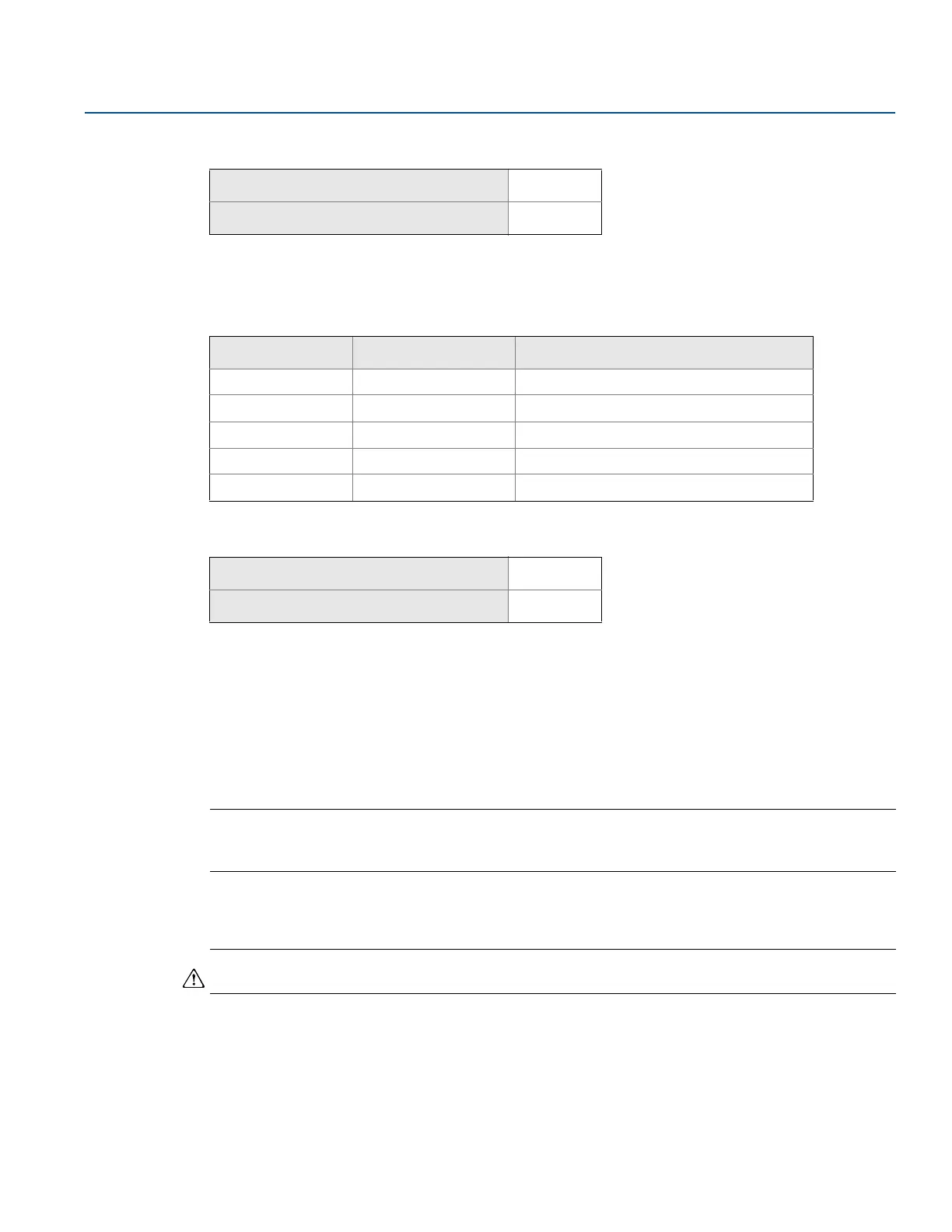
Table 2-8. Burst Options
HART command Burst option Description
1 PV Primary variable
2 % range/current Percent of range and milliamp output
3 Dyn vars/current All process variables and milliamp output
9 Device vars w/ status Burst variables and status information
33 Device variables Burst variables
Mass and energy flow Fast Keys
1, 4, 3, 3, 5
Direct process variable output Fast Keys
1, 4, 3, 3, 5











 To Next Page