5- Information / Configuration
F@ST 4310 Reference Manual Page 5-123
Sagemcom Broadband SAS document. Reproduction and disclosure prohibited
5.11.1.2 Update
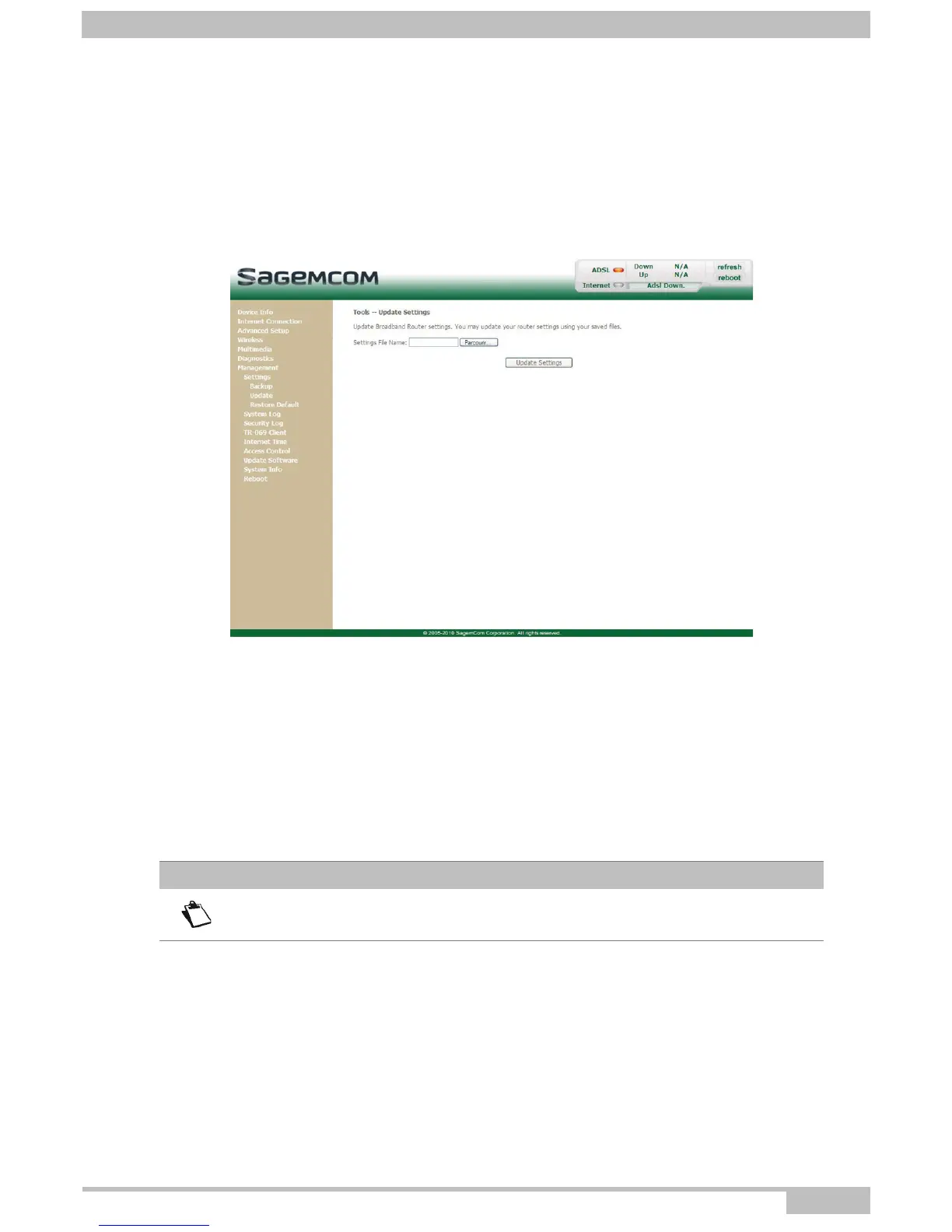
Object: This menu enables the router to recover a configuration which has already been saved to a file
with a .conf extension.
• In the Management menu, select Settings then Update.
The following screen opens:
Proceed as follows for your router configurer to display a configuration which has already been saved:
• Enter the path then the name of the configuration file.
or
• Click on the Browse button and select the path then the configuration file.
• Select the configuration file then click on the Update Settings button to recover a configuration which
has already been saved.
Note
The process takes around 2 minutes.



 To Next Page