5- Information / Configuration
F@ST 4310 Reference Manual Page 5-45
Sagemcom Broadband SAS document. Reproduction and disclosure prohibited
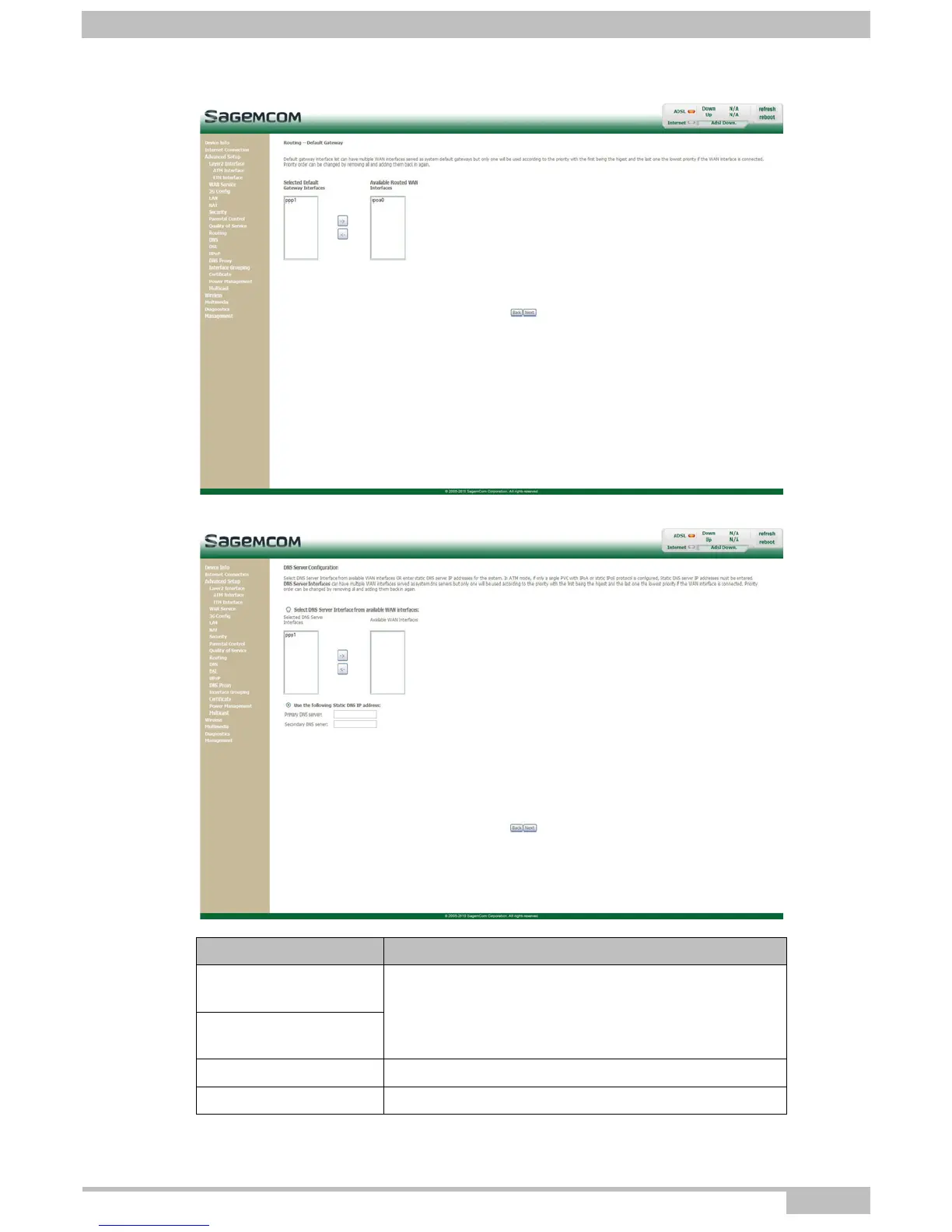
• Select a preferred WAN interface as the system default gateway.
• Click on the Next button to continue configuring the remote network (WAN) in IPoA mode.
Field Action
Selected DNS Server
Interfaces
For more details, a summary table is presented below
for each column.
Available WAN
Interfaces
Primary DNS server Enter the primary DNS server
Secondary DNS server Enter the primary DNS server



 To Next Page