4.13
Section 4
Device Pairing & Setup
with Internet Connection
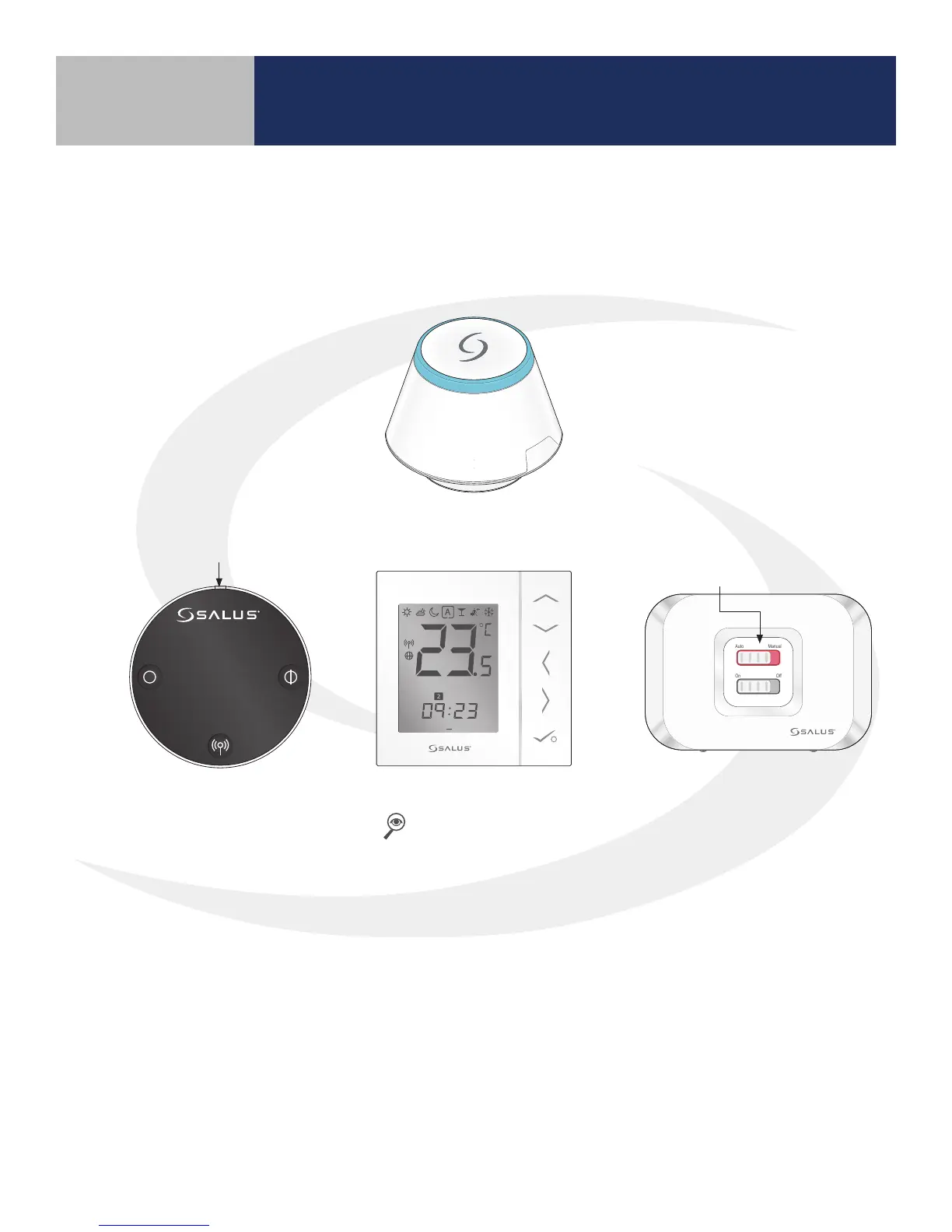
When the AS20WRF/BRF Thermostat is successfully paired, the screen will display the current time
and temperature, the LED indicator on the on the ARV10RFM Radiator Valve Actuator turn o and,
if applicable, the LED back light on the AX10RF Receiver’s Auto/Manual switch will appear solid red.
The LED on the SG888ZB Gateway will be solid blue.
Choosing the ARV10RFM device under the All Equipment menu on the SALUS Smart Home mobile
application and pressing the Identify icon will cause the green LED on the device to ash.
LED is solid red.
LED is o.
1 2 3 4 5 6 7
PM
Auto Manual
On Off



 To Next Page