144 • Service Mode Programming Sam4s SPS-300 OP Manual v1.35
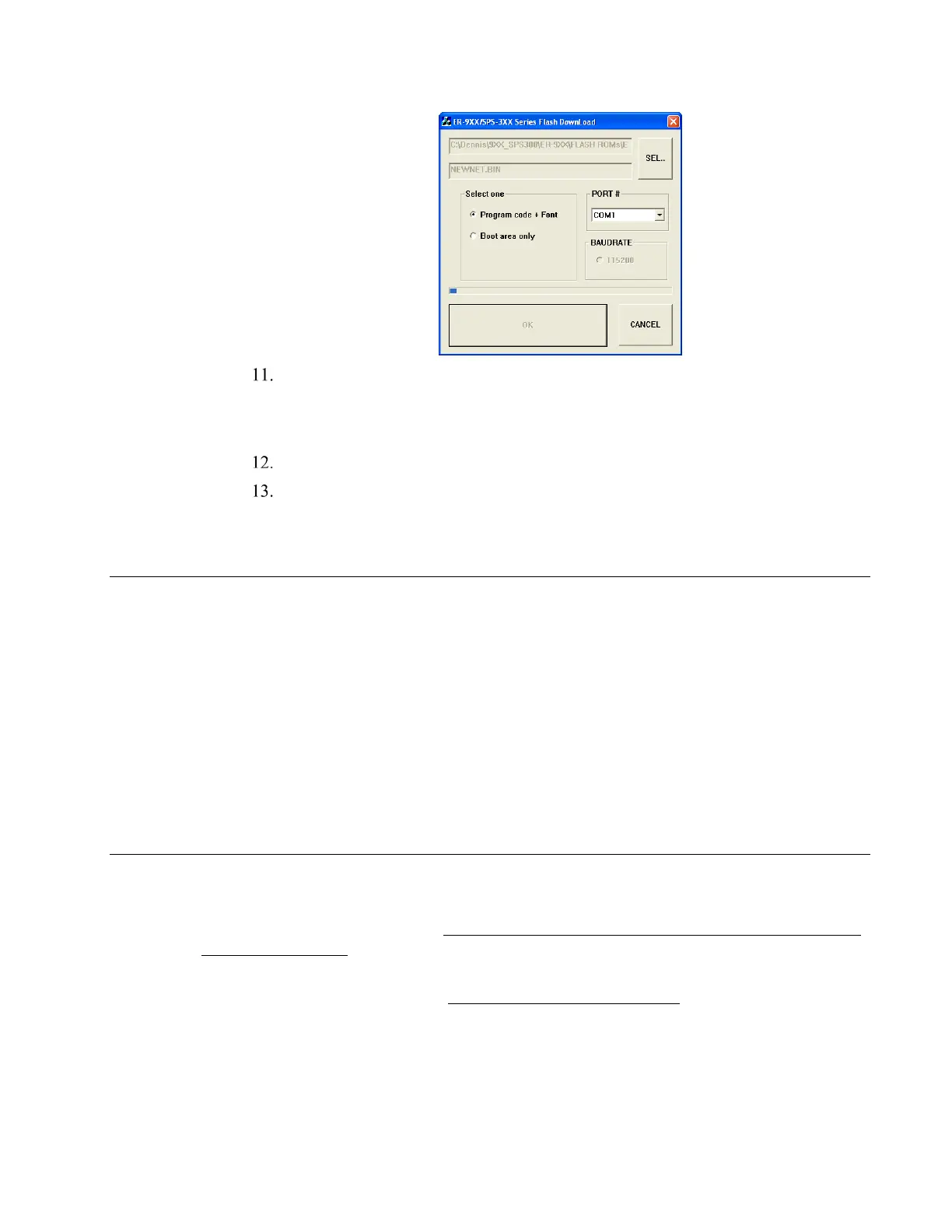
When complete, the message Completed displays at the PC. Click OK and the
Download program will close. At the ECR, when the load is complete, a rapid beep-
beep-beep will be heard, and the display will flash rapidly. Turn the power switch to
OFF, the program update is complete.
Disconnect the PC cable.
Perform a MEMORY ALL CLEAR on the ECR. The ECR is now ready to program
or to load a previously saved end-user program.
Entry Password
SAM4s SPS-300 ROM version 1.059 provides password control for access to the P-Mode Menu.
Refer to the “Password Access to P-Mode Appendix” on page 306 for programming and
operation details.
Elements of the feature include:
• A System Option flag to enable password control of P-Mode. You must first set this
option to Y (yes) to force password entry at P-Mode.
• A Service Mode option to set a four-digit numeric Entry Password.
• Password entry at the P-Mode Screen.
Clear Current Batch
The clear batch command erases all the current batch transactions from the DataTran memory
even if they have not been settled. A LOCAL TRANSACTION INQUIRY should be printed prior
to clearing the batch. This will ensure that the operator has the transaction detail to re-enter if
required.
This operation should only be done under the direction of DATACAP.



 To Next Page