48 • Operations Sam4s SPS-300 OP Manual v1.35
Preset Price Code Entry PLU
1. Enter the PLU number; press the PLU
key. For example, enter:
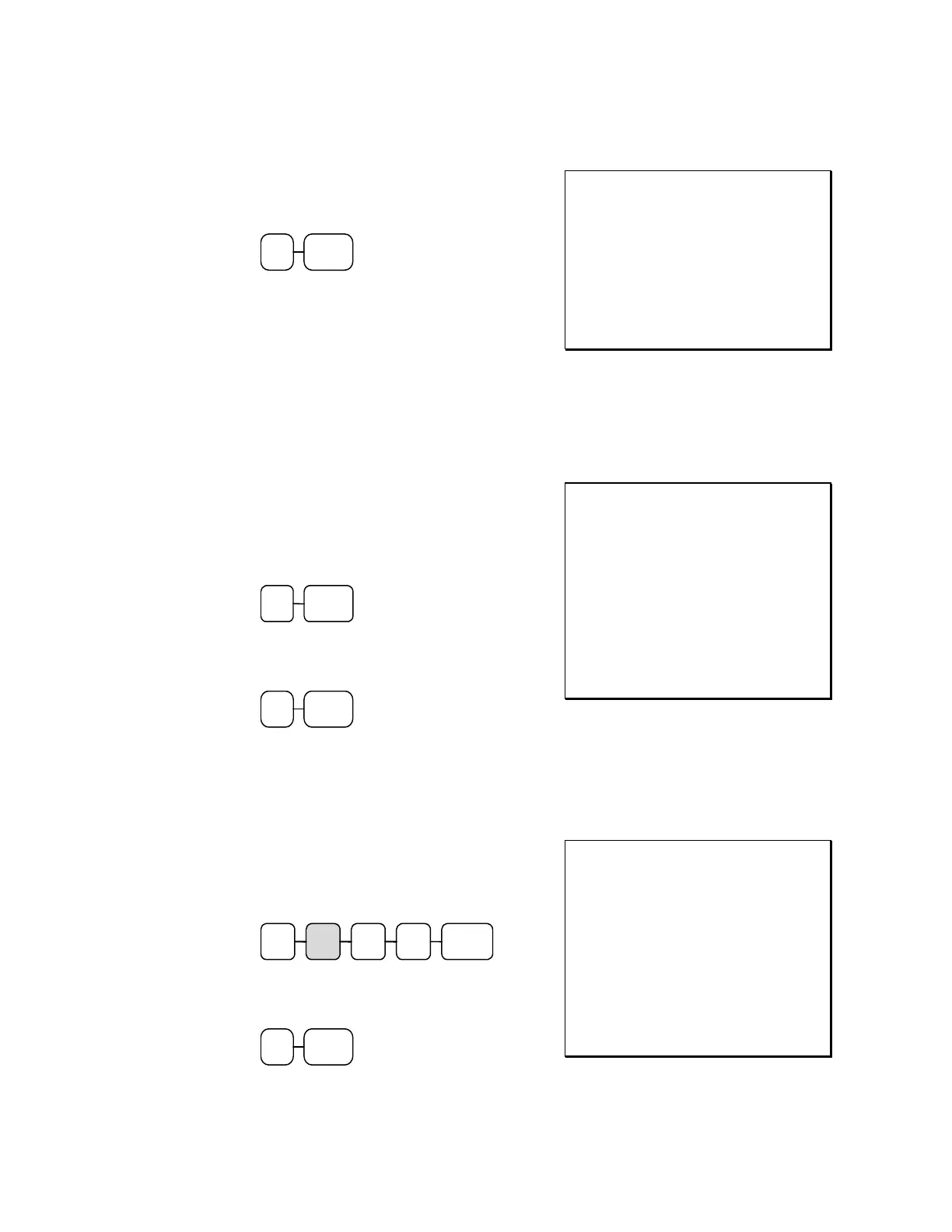
1 PLU
THANK-YOU
CALL AGAIN
DATE 06/05/2011 SUN TIME 08:33
PLU1 $1.29
TOTAL $1.29
CASH $1.29
CLERK 1 No.000011 00001
Code Entry PLU Multiplication
When several of the same items are to be registered for the same PLU, you can use
multiplication. You can enter a quantity (1 to 999.999) using the X/TIME key. You can
multiply open or preset PLU’s.
1. Enter the quantity of items being
purchased; press the X/TIME key. For
example, enter 4 on the numeric key pad
and press the X/TIME key:
4 X/TIME
2. Enter the PLU number; press the PLU
key. For example, enter:
1 PLU
THANK-YOU
CALL AGAIN
DATE 06/05/2011 SUN TIME 08:33
4X @1.99
PLU1 T1 $7.96
TAX1 $0.48
TOTAL $8.44
CASH $8.44
CLERK 1 No.000011 00001
Code Entry PLU Multiplication with Decimal Point
If you are selling items by weight, or if you are selling yard goods, you can multiply a fraction of
a unit.
1. Enter the quantity with the decimal point;
press the X/TIME key. For example, for
3.75 pounds of produce, enter:
5 X/TIME3 . 7
2. Enter the PLU number; press the PLU
key. For example, enter:
3 PLU
THANK-YOU
CALL AGAIN
DATE 06/05/2011 SUN TIME 08:33
3.75X @2.99
PLU3 T1 $11.21
TAX1 $0.67
TOTAL $11.88
CASH $11.88
CLERK 1 No.000011 00001



 To Next Page