Sam4s SPS-300 OP Manual v1.35 Operations • 63
Received On Account Operations
You can use one of the received on account functions (RA1-RA3) to accept cash or checks into
the cash drawer when you are not actually selling merchandise. For example, use received on
account to accept payments for previously sold merchandise or record loans to the cash drawer.
Note: When a function is located on a function look up menu key, you access the function
by pressing the appropriate function look up key, then pressing the numeric digit
corresponding to the function you wish to select. On the default keyboard, the RA1
function is function #3 on the function look up 1 menu, so to use the RA1 function, you
would first press FUNCTION LOOK#1, then press the numeric 3 key.
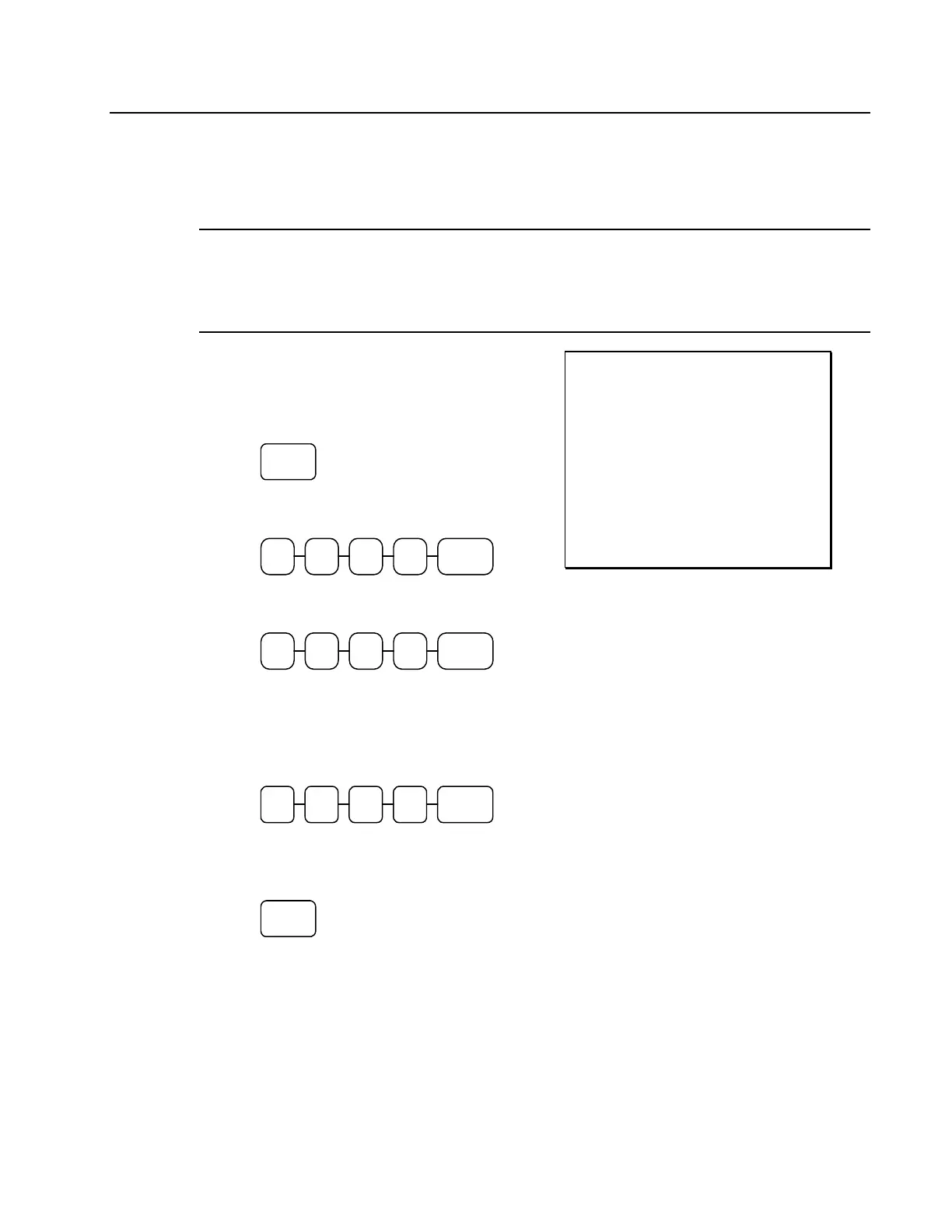
1. Press one of the received on account keys
(RA1-RA3) or select one of the received
on account functions from a function
look up menu:
RA
2. Enter the amount of cash received, press
CASH.
CASH0 001
3. Enter the check amount received, press
CHECK.
CHECK0 001
4. Enter the charge amount received, press
CHARGE1, (or press the FUNCTION
LOOKUP key and press the numeric
key representing the appropriate charge
function.)
CHAR GE
1
0 0 0 1
5. You can continue to itemize receipts, or
you can finalize by pressing or selecting
the same received on account key.
RA
THANK-YOU
CALL AGAIN
DATE 06/05/2011 SUN TIME 08:33
RA1
CASH $10.00
CHECK $10.00
CHARGE1 $10.00
RA1 $30.00
CLERK 1 No.000011 00001



 To Next Page