80 • Operations Sam4s SPS-300 OP Manual v1.35
Adding Checks
The Add Check key is used to combine one SOFT check with another SOFT check. This
operation does not work with a hard check.
1. Press the ADD CHECK key.
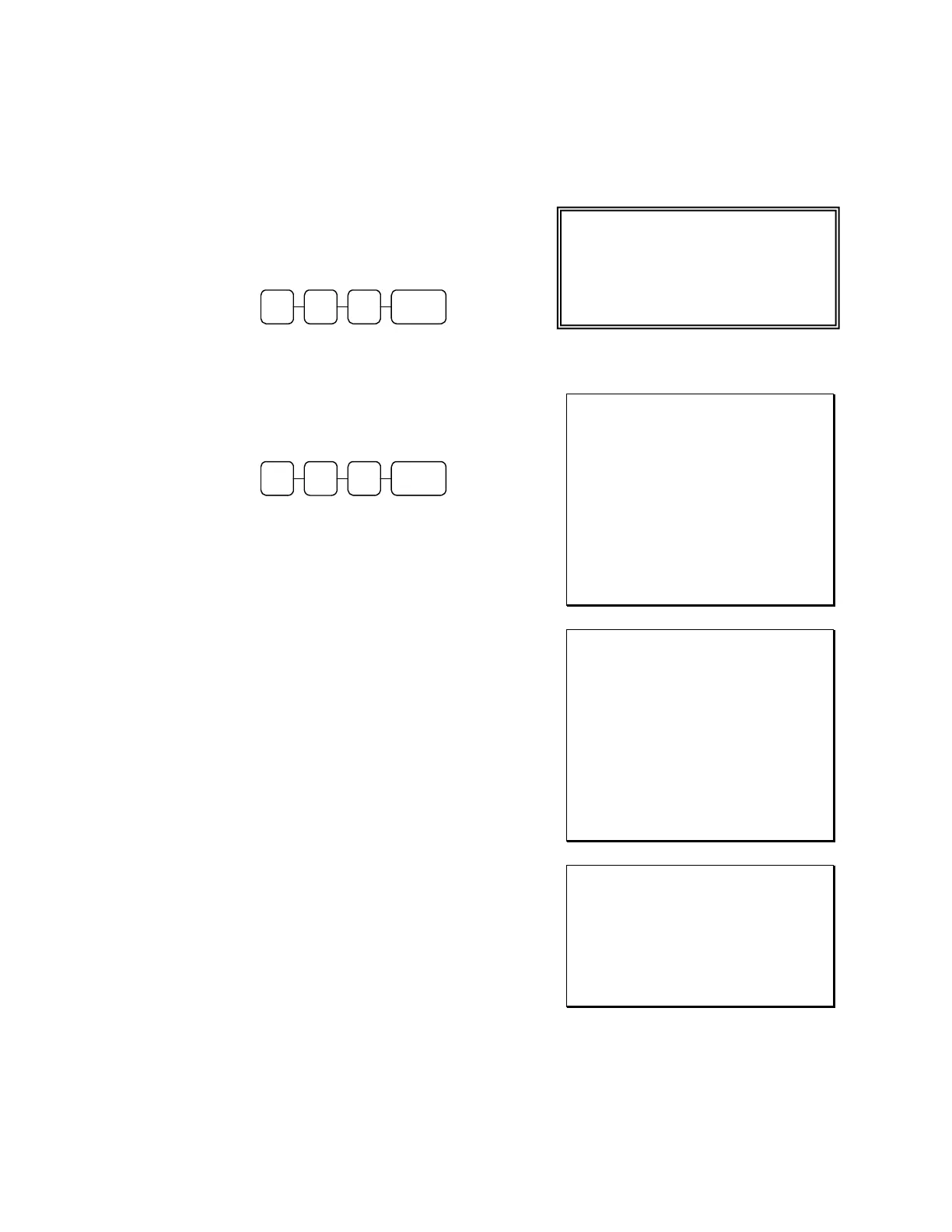
2. Enter the number of the check you wish
to combine with another check (FROM
CHECK#).
CASH 0 0 3
3. Press enter (CASH KEY).
4. Check #300 prints on the receipt.
5. Enter the number of the check to add the
items from the first check to (TO
CHECK#).
CASH 0 0 4
6. Press enter (CASH KEY).
7. Check #300 is added to Check #400
8. When check #400 is recalled it will
include the items from check#300.
The display shows:
Sample of soft check printed on the
receipt:
DATE 06/05/2011 SUN TIME 08:33
CHECK # #300
PBAL $0.00
Coffee $3.00
Entre’ $30.00
Desert $12.00
SERVICE $45.00
BFWD $45.00
CLERK 1 No.000013 00001
DATE 06/05/2011 SUN TIME 08:33
CHECK # #400
PBAL $0.00
Draft Beer $6.00
Entre’ $24.00
Desert $10.00
SERVICE $40.00
BFWD $40.00
CLERK 1 No.000014 00001
DATE 06/05/2011 SUN TIME 08:33
** ADD TABLE **
#300 -> #400
CLERK 1 No.000015 00001
CHECK# ADD
FROM CHECK# : 0
TO CHECK# : 0



 To Next Page