Sam4s SPS-300 OP Manual v1.35 Operations • 59
Return Merchandise Registrations
If you wish to return or refund an item, press MDSE RETURN, then re-enter any item. You can
return merchandise as part of a sale, or you can return merchandise as a separate transaction and
return cash to the customer.
Note: When a function is located on a function look up menu key, you access the function
by pressing the appropriate function look up key, then pressing the numeric digit
corresponding to the function you wish to select. On the default keyboard, the RETURN
function is function #2 on the FUNCTION LOOK UP 1 menu, so to use the RETURN
function you would first press FUNCTION LOOK#1, then press the numeric 2 key.
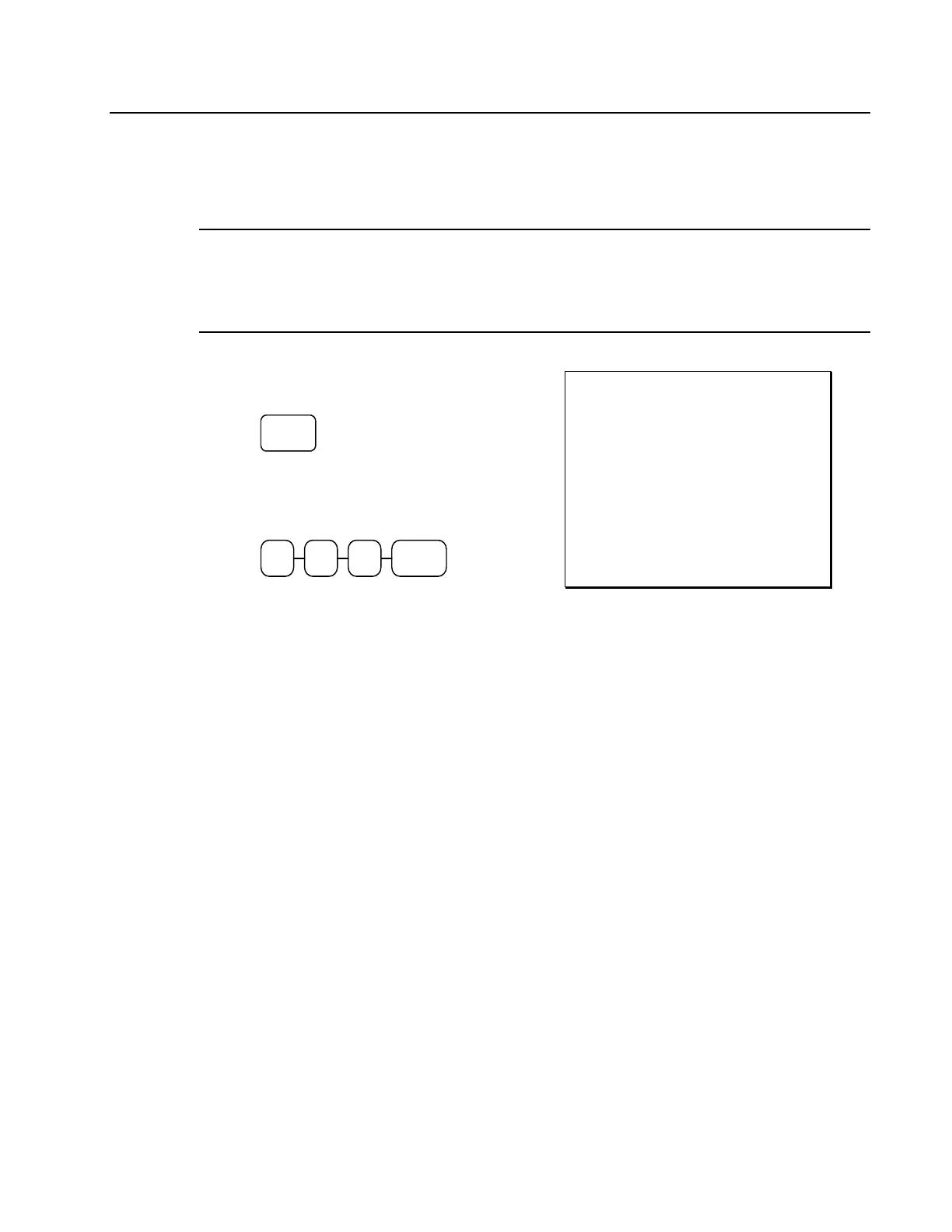
1. Press RETURN:
RETURN
2. Enter the price of the item you wish to
return, then press the PLU key where it
was registered originally.
9 92
3. Total the sale with CASH, CHECK, or a
CHARGE function.
THANK-YOU
CALL AGAIN
DATE 06/05/2011 SUN TIME 08:33
RETURN *************************
PLU2 T1 -2.99
TAX1 AMT -0.18
TOTAL -3.17
CASH -3.17
CLERK 1 No.000011 00001



 To Next Page