Sam4s SPS-300 OP Manual v1.35 Getting Started • 29
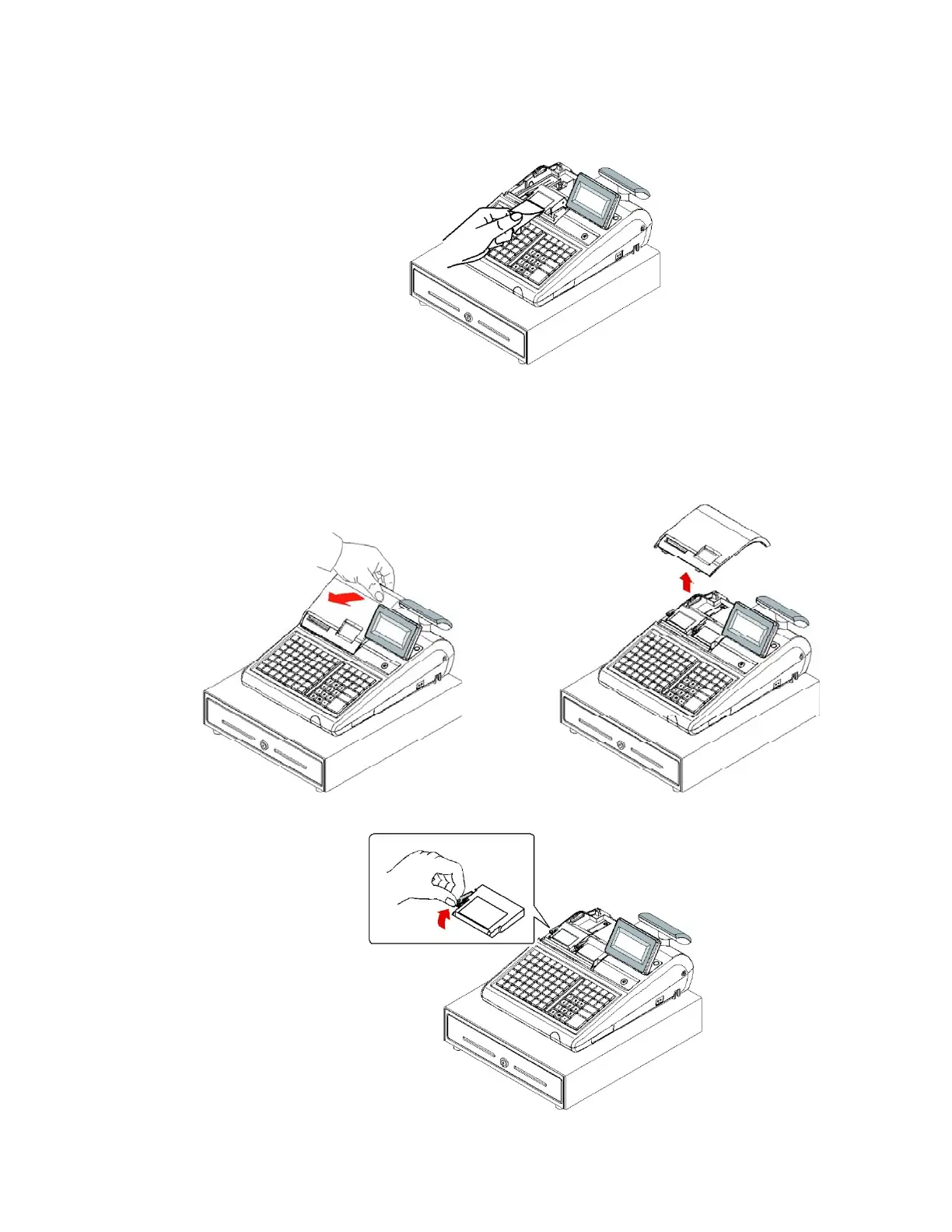
4. Pass the leading edge of the paper through the tear-bar slot. Tear off the excess paper.
Replace the printer cover.
Models with Two Printer Stations
The SPS-340 and PS-345 models are equipped with separate printers for receipt and journal.
Paper loading for these models is shown below:
1. Remove the printer cover.
2. Push the green cap lever and then lift up to open the paper cover.



 To Next Page